

Two-way QuickBooks sync. No double entry.
Werx connects to QuickBooks Online with two-way sync. Core records like invoices, payments, and expenses post to QuickBooks, while customers, vendors, and items flow back - no double entry.
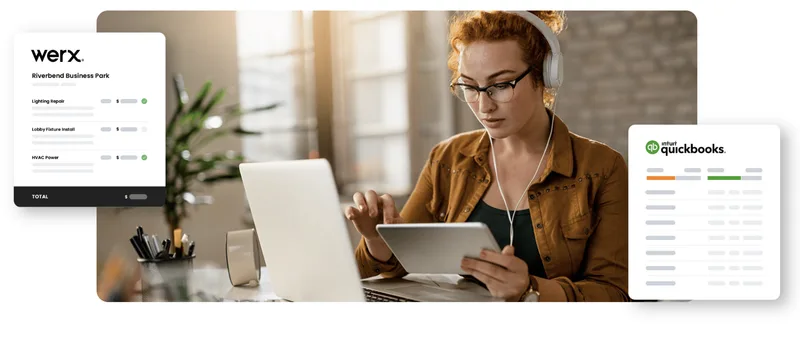
QuickBooks is great for accounting. It cannot do AIA-style billing, progress billing, or retainage. Werx fills that gap and syncs the financial data back to QuickBooks automatically. Enter data once. Both systems match.
Start 14-Day Free TrialConnected in 3 steps
1. Connect your QuickBooks account
Link QuickBooks Online inside Werx. Existing data imports automatically.
2. Work in Werx as usual
Create invoices, record payments, add vendors. Data flows to QuickBooks automatically.
3. Books stay in sync
Your financial records post to QuickBooks and reference data flows back. No exports. No reconciliation.
Real two-way sync
This is a true two-way connection. Customers, vendors, products, and tax rates pull in from QuickBooks. Invoices, payments, bills, and expenses you create in Werx post to QuickBooks. Most changes sync within minutes, and scheduled hourly and daily syncs keep both systems matched - no manual exports, no reconciliation, no double entry.
What syncs between Werx and QuickBooks Online
Every record below stays matched across both systems. The arrows show which way each one flows.
| Data | QuickBooks → Werx | Werx → QuickBooks |
|---|---|---|
| Clients | ||
| Vendors | ||
| 1099 Subs | ||
| Products & Services | ||
| Classes | Not synced | |
| Accounts | Not synced | |
| Tax Rates | Not synced | |
| Invoices | Not synced | |
| Invoice Payments | ||
| Bills | ||
| Bill Payments | ||
| Cash/Debit Expenses | ||
| Credit Card Expenses |
Coming from QuickBooks Desktop?
Intuit has not announced an end date for QuickBooks Desktop 2024. But Pro, Premier, and Mac have been renewal-only since 2024, and renewal prices rise again on October 1, 2026. A lot of contractors are making the move to QuickBooks Online. The catch is progress billing. Premier Contractor Edition handled progress invoicing, job costing, and change orders against the estimate. QuickBooks Online does not carry all of that across. Werx adds the AIA-style billing back on top and syncs to QuickBooks Online, so you can keep a lower QuickBooks plan.
Bring your books in on day one
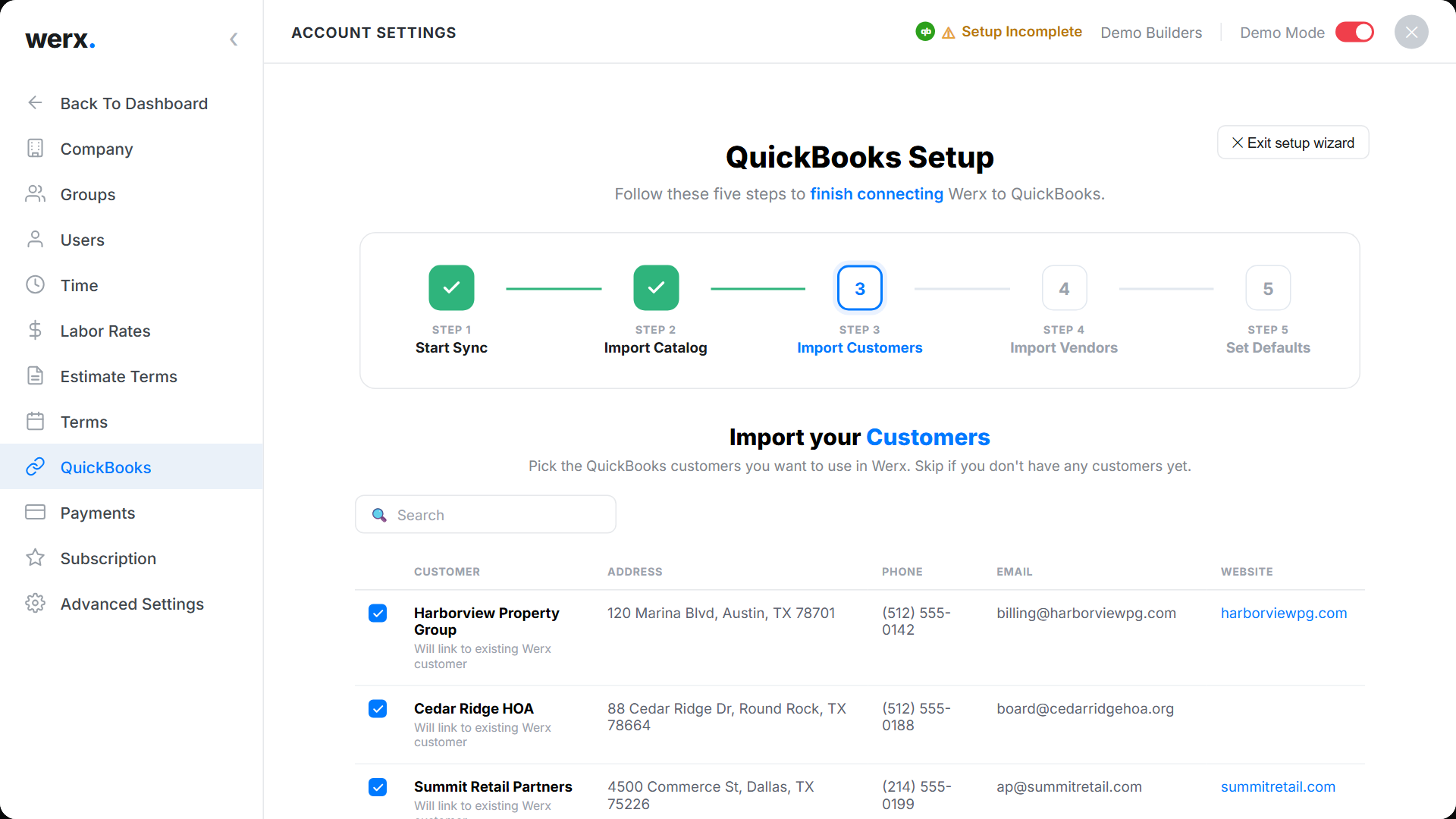
A guided 5-step wizard connects your account, then pulls in your QuickBooks customers, vendors, items, and accounts so you choose exactly what to import. QuickBooks sync is included on every Werx plan - no add-on, no extra setup.
Sync that just works
Two-way sync
Invoices, payments, and expenses flow to QuickBooks. Customers and items flow back.
Customers & vendors
Client and vendor records stay matched across systems.
Invoices & payments
AIA-style, progress, and T&M invoices sync as QBO invoices.
Products & services
Your item library syncs automatically.
No extra cost
QuickBooks sync is included on every Werx plan.
Payroll-ready time
Approve time in Werx, ready for your payroll run.
QuickBooks integration questions
Is QuickBooks sync included on all plans?
Yes. Two-way QuickBooks Online sync is included on every plan at no extra cost.
Does Werx support QuickBooks Desktop?
No. Werx integrates with QuickBooks Online only. If you are moving off Desktop, see what happens to your progress billing in QuickBooks Online.
Is QuickBooks Desktop being discontinued?
Desktop 2023 was discontinued on May 31, 2026. Intuit has not announced an end date for Desktop 2024, so there is no confirmed deadline for current users.
I am moving from Desktop to QuickBooks Online. What happens to my pay applications?
QuickBooks Online progress invoicing splits an accepted estimate. It has no schedule of values, retainage, or stored materials. Werx handles those and syncs the totals back to QuickBooks.
How does the sync work?
It is a two-way sync. Invoices, payments, bills, and expenses post from Werx to QuickBooks, while customers, vendors, items, and accounts pull in from QuickBooks. Many changes sync within minutes, and scheduled hourly and daily syncs keep both systems matched.
Can I sync existing data when I first connect?
Yes. Existing clients, vendors, products, and accounts import on the first connection.
What about payroll?
Track and approve time in Werx, so your approved hours are ready for payroll.
Contractors love Werx for QuickBooks sync

“Customer service is amazing and all the services you get for one low price just can't be beat. Highly recommend!”

“It's a reliable tool that has helped me stay organized, manage tasks more efficiently, and keep projects on track.”
“Werx gives us the biggest bang for the buck out of anything we have tried.”
Ready to connect Werx and QuickBooks?
Start your 14-day free trial. No credit card required.
No credit card required · Free migration assistance · Cancel anytime