

Werx Academy
What Is Mobile Time Tracking for Contractors?
Crews log hours from a phone or tablet, coded to the job. You get clean labor data with no paper timesheets.
Mobile time tracking lets field crews log hours from a phone or tablet. Each entry is tagged to the right job, phase, and cost code. You get accurate labor data for job costing, billing, and payroll. No paper timesheets and no reentry at the office.
How does mobile time tracking work on the jobsite?
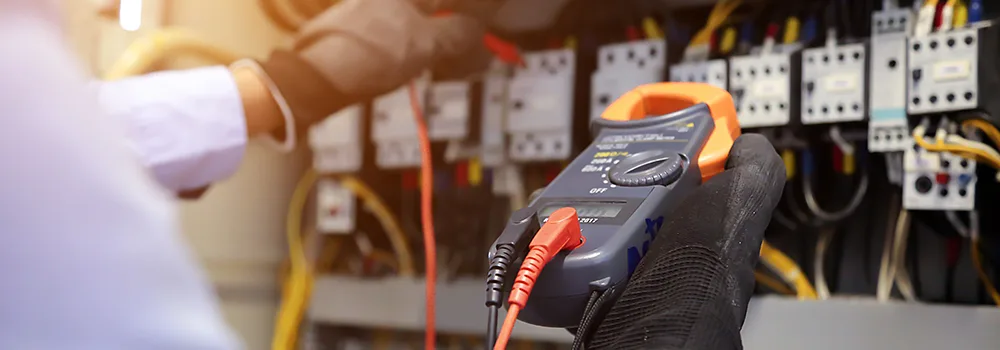
Crews enter time at the point of work. Supervisors review, and approved hours flow to billing and accounting. A simple daily rhythm keeps the data trustworthy.
- Workers pick job, then phase, then cost code, and enter hours
- Notes and photos get added for unusual or T&M work
- Supervisors approve weekly, and the office posts to jobs and payroll
- Approved time feeds job-cost and pay-app math
What features should contractors look for?
Choose tools that match how crews really work. Fast, consistent, and easy to audit beats feature-heavy every time.
- Job, phase, and cost-code pickers to stop miscoding
- Supervisor approvals with a clear audit trail
- Notes and photo attachments for T&M billing proof
- Role-based access for foremen, PMs, and admins
Why does mobile time tracking matter?
Mobile entry replaces Friday memory with daily facts. That improves cash flow and day-to-day decisions. It also cuts the office work that eats your evenings.
- Fewer timesheet errors and payroll corrections
- Live budget vs. actual by job and phase
- Cleaner AIA and progress billing and faster T&M invoices
- Less admin time, more time building
How do you roll it out to field teams?
Set expectations once, then keep the rhythm steady. Crews adopt what saves them time.
- Daily entry, with weekly supervisor sign-off before payroll
- Standard cost codes and naming across all jobs
- A short toolbox talk and a one-page cheat sheet
- Spot-check early and recognize crews that submit on time
When should you switch from paper to mobile?
Switch as soon as labor data drives your pay. If you bill T&M, run multiple crews, or owe certified payroll, paper costs you money. A single short job for one person can wait.
Most contractors with field crews are past that line. The math gets worse the longer you wait. For the full case, see the hidden costs of manual timekeeping.
- You run more than one crew or job at a time
- You bill T&M, AIA, or progress
- Payroll fixes and re-runs are common
- You need proof to defend invoices
How does Werx help with mobile time tracking?
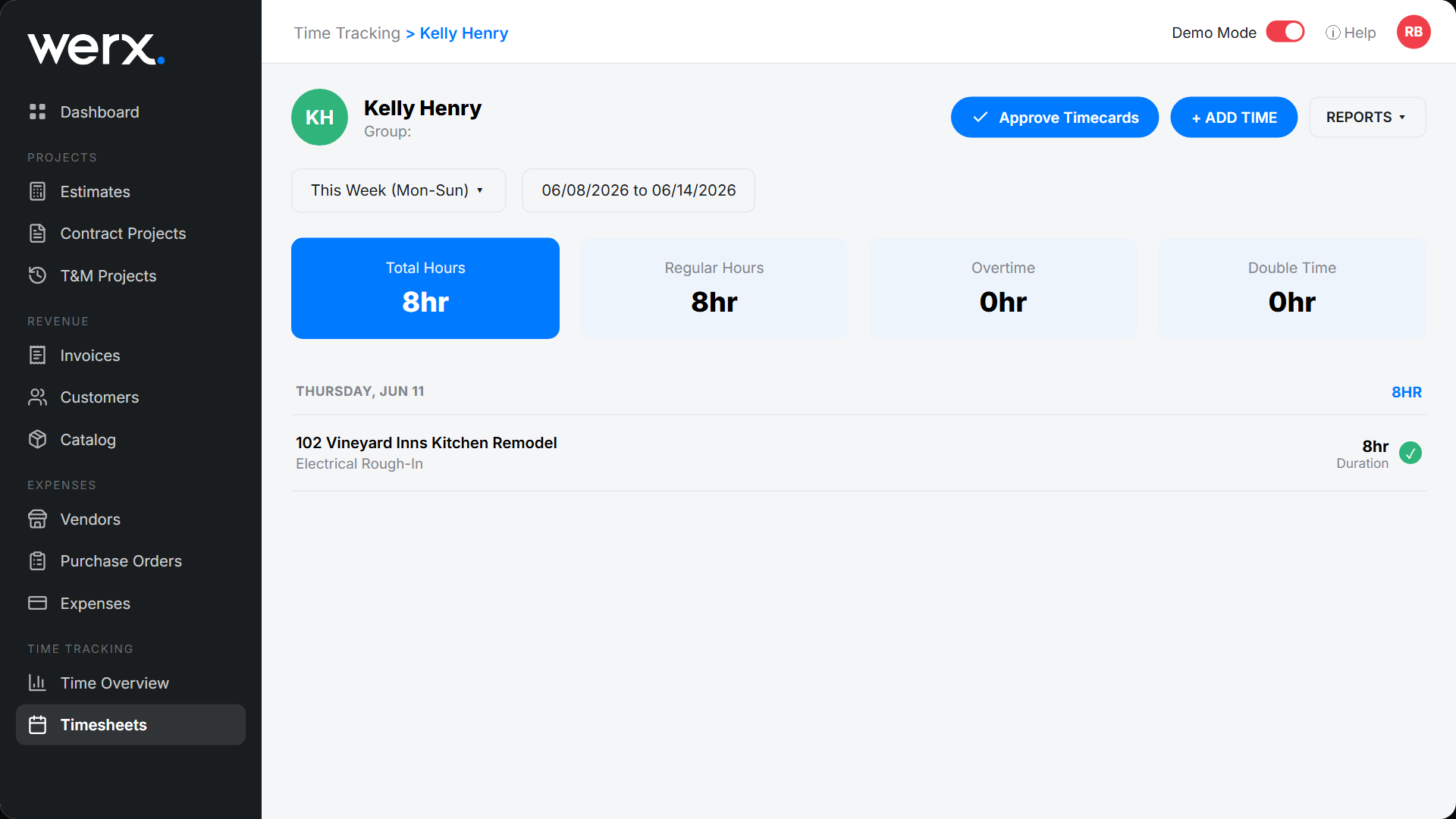
Contractor software like Werx ties field time to billing and accounting. The Werx Field App captures hours against projects and phases. It supports T&M billing and ties hours to pay applications. Then it syncs to QuickBooks Online for clean records.
- Fast entry with job, phase, and code pickers
- Supervisor approvals and a full audit trail
- Extra Work Authorizations with on-the-spot signatures
- Accurate job-cost reporting without double entry
Key takeaways
- Mobile time tracking captures accurate hours at the source
- Use pickers, approvals, and attachments for clean audits
- Daily entry means better job costs, faster billing, smoother payroll
- Werx ties labor to projects and syncs to QuickBooks
Frequently Asked Questions
Do crews need smartphones?
Any modern phone or shared tablet works. Keep the workflow simple: job, phase, cost code, hours, and a quick note if needed.
How do we handle multiple jobs in one day?
Split entries by job and phase. It is a few extra taps and gives you precise job-cost and billing data.
Can mobile time tracking support T&M billing?
Yes. Log notes, photos, and itemized materials with time, so invoices include clear backup and approvals.
Ready to grow your business?
Start your 14-day free trial today. No credit card required.
No credit card required · Free migration assistance · Cancel anytime