

Bill projects in phases. Get paid as you build.
Set up your schedule of values. Bill by percent complete. Track retainage. Collect payments online. Standard progress billing or AIA-style G702/G703 - both built in.
Contractors switch to Werx because progress billing and AIA-style billing are included from day one. No spreadsheets. No add-ons. No $249/mo upgrade. Schedule of values, retainage, and change orders in one place.
Start 14-Day Free TrialFrom SOV to payment in 3 steps
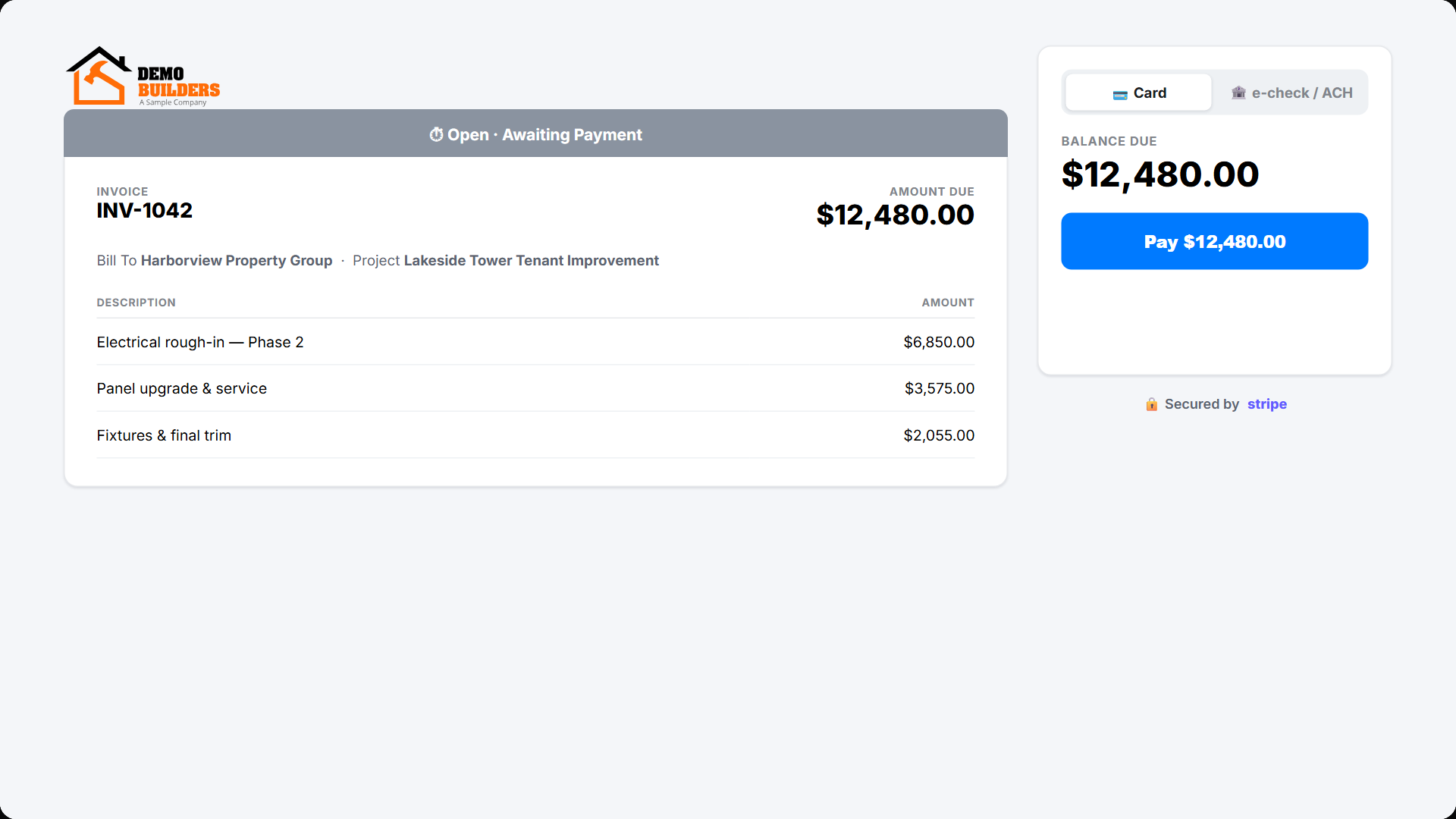
1. Set up your schedule of values
Enter line items manually or import from an approved estimate. Your SOV is the foundation for every draw.
2. Bill by percent complete
Enter progress per line. Werx calculates current billing, previous, retainage, and balance automatically.
3. Collect payment online
Email the invoice with a Stripe link. Clients pay by card or ACH. Funds arrive in two days.
Schedule of values in minutes
Enter line items manually or import them from an approved estimate. Descriptions, quantities, and values carry over automatically. Your SOV becomes the foundation for every progress invoice.
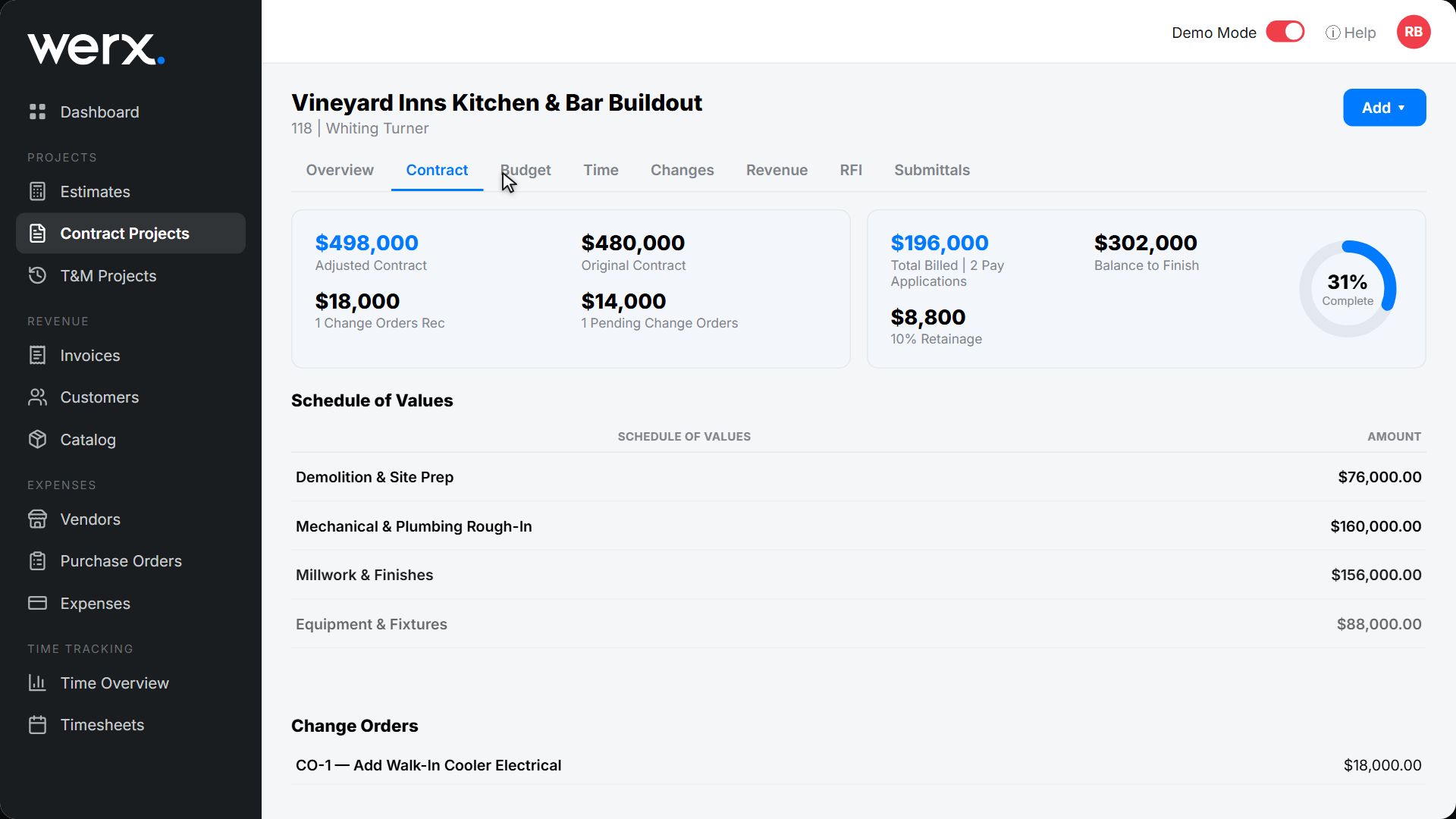
Bill by percent complete with retainage
Enter the percent complete or dollar amount per line. Werx calculates current billing, previous billings, and balance to finish. Retainage tracks automatically - even if rates change mid-project. Choose standard progress billing or AIA-style G702/G703 format.
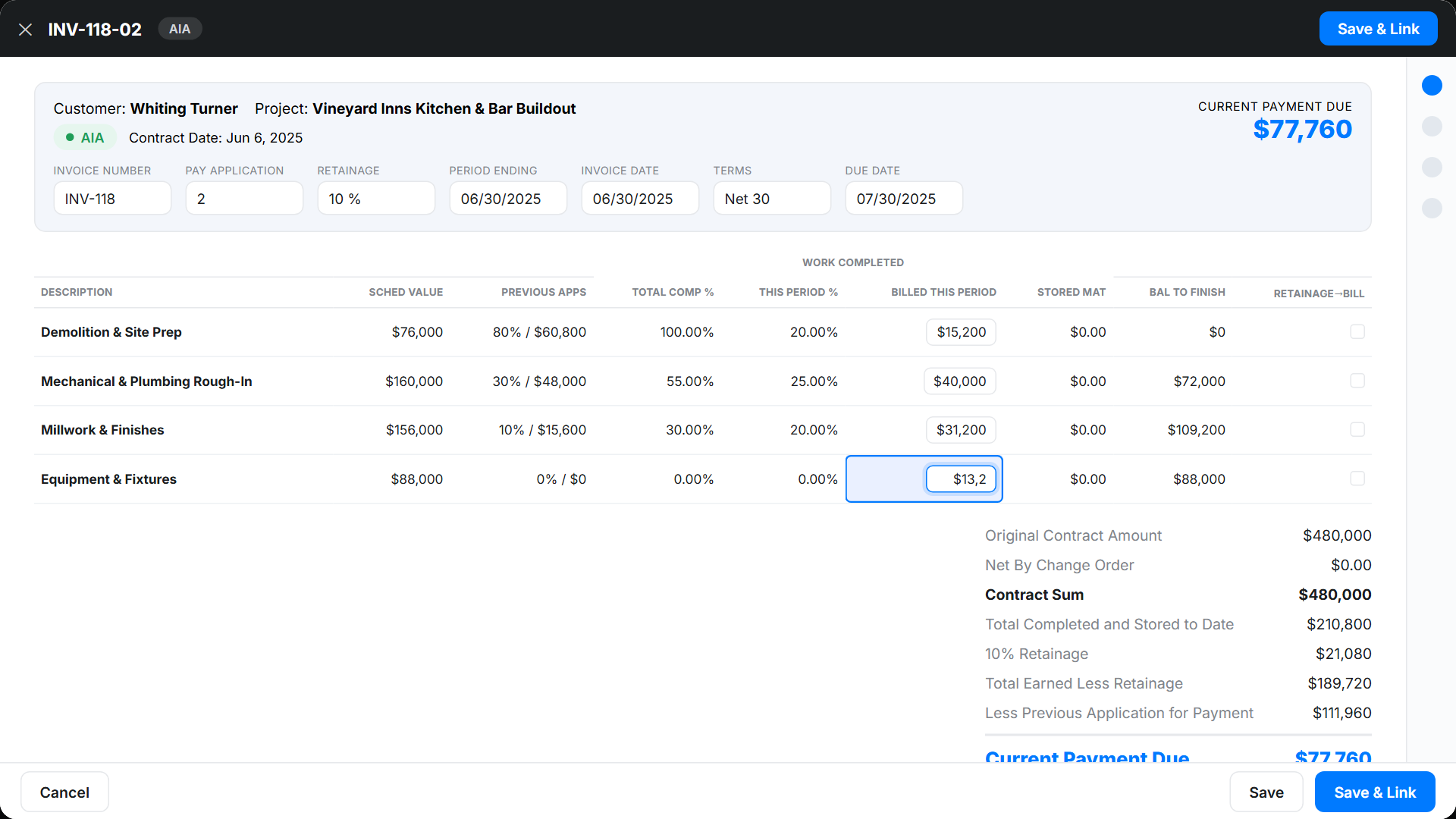
Get paid online with Stripe
Email the progress invoice to your client with a payment link. Clients pay by credit card or e-check/ACH in minutes. Typical payout in two business days. No printing. No mailing. No waiting.
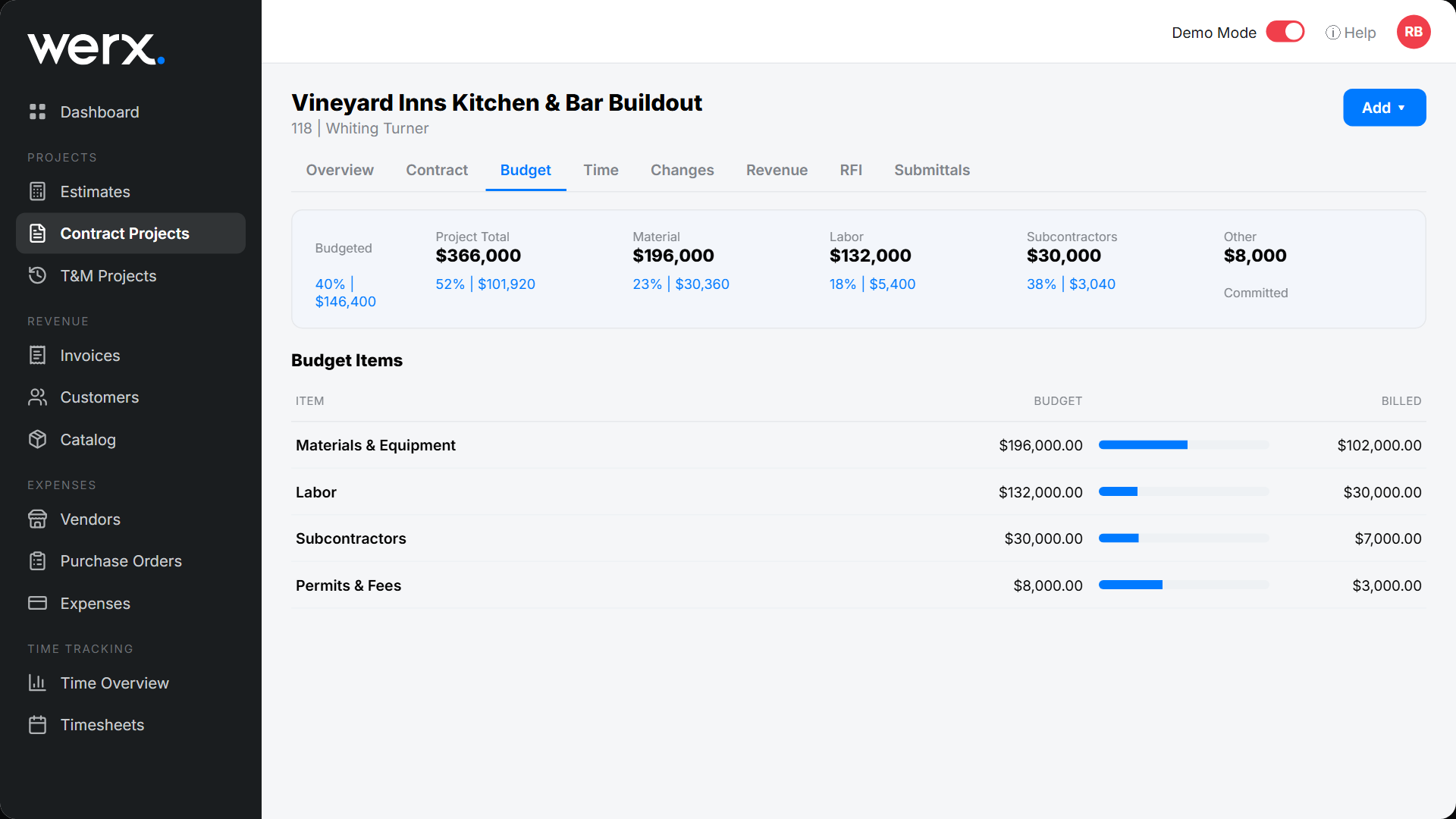
Real-time budget vs. actual
Create budgets for materials, labor, equipment, and subs. Apply costs as they happen. Compare against budget in real time. Labor costs from Werx Time Tracking flow in automatically - regular, overtime, and double time.
Everything you need for progress jobs
Schedule of Values
Build your SOV from scratch or import from an estimate.
Retainage tracking
Set rates globally or per line. Release retainage on any invoice.
Change order support
Add change orders that integrate into your SOV and billing.
AIA-style G702/G703 format
Switch to AIA-style format anytime - same data, different output.
Online payments
Include Stripe links on every progress invoice.
Real-time budget tracking
Compare billed vs. budget as the job progresses.
Contractors love Werx for progress billing

“Great for billing management, processing and applying payments to the project.”
“Werx gives us the biggest bang for the buck out of anything we have tried.”

“Customer service is amazing and all the services you get for one low price just can't be beat. Highly recommend!”
Progress billing questions
What is progress billing?
Progress billing means invoicing in phases as work is completed. Each invoice reflects the percentage done on each line of your schedule of values.
What is the difference between progress billing and AIA billing?
Progress billing is the method. AIA billing uses the standardized G702/G703 forms. Werx supports both formats.
How does retainage work in Werx?
Werx tracks retainage on every progress invoice. You can change the rate mid-project, and it applies going forward - adjusting the rate only affects future retainage, not amounts already billed. Bill retainage in any pay app or release it at closeout.
Can I import my estimate into a progress project?
Yes. Convert an approved estimate and all line items flow into your schedule of values automatically.
How does labor cost tracking work?
Time entries from the Werx Field App apply to the correct project and budget category. Labor costs update in real time.
Can clients pay progress invoices online?
Yes. Every progress invoice includes a Stripe payment link for credit card or e-check/ACH.
Ready to bill projects in phases?
Start your 14-day free trial. No credit card required.
No credit card required · Free migration assistance · Cancel anytime