

AIA progress billing without spreadsheets
Generate G702/G703 style pay applications, track retainage, and keep your owners and architects happy - in a fraction of the time.
Contractors using Werx for AIA-style billing cut their monthly billing cycle from a full day to under an hour. Schedule of Values, retainage, stored materials, and change orders - all in one place, all syncing to QuickBooks.
Start 14-Day Free TrialFrom contract to check in 3 steps
1. Build your Schedule of Values
Import line items from your estimate or create them from scratch. Werx auto-balances totals to your contract sum.
2. Draft draw requests in minutes
Enter % complete or dollars per line. Werx calculates retainage, this period, and balance to finish automatically.
3. Send G702/G703 style PDFs and get paid
Export AIA-style PDFs for the architect and owner. Sync the invoice straight to QuickBooks Online.
Fast, accurate pay applications
Enter percent complete or dollar amount by line item. Add stored materials. Werx calculates retainage, this period, and balance to finish automatically. Change orders reconcile on every pay app. Accurate applications the first time.
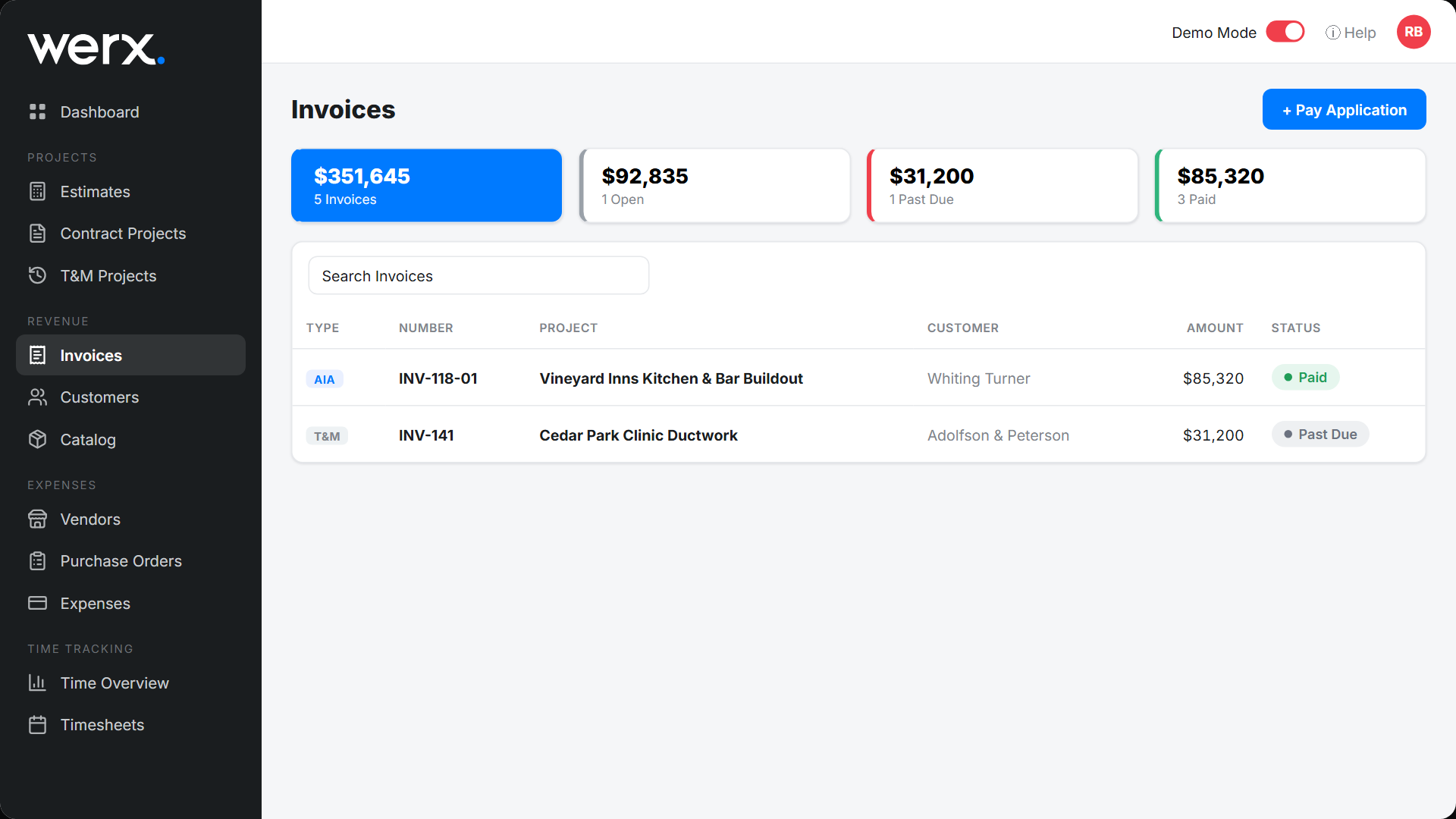
Send pay apps and get paid online
Email your pay app directly to the client. No printing. No scanning. No mailing. Clients pay online through Stripe. From pay app to payment, everything happens electronically. Typical payout in two business days.
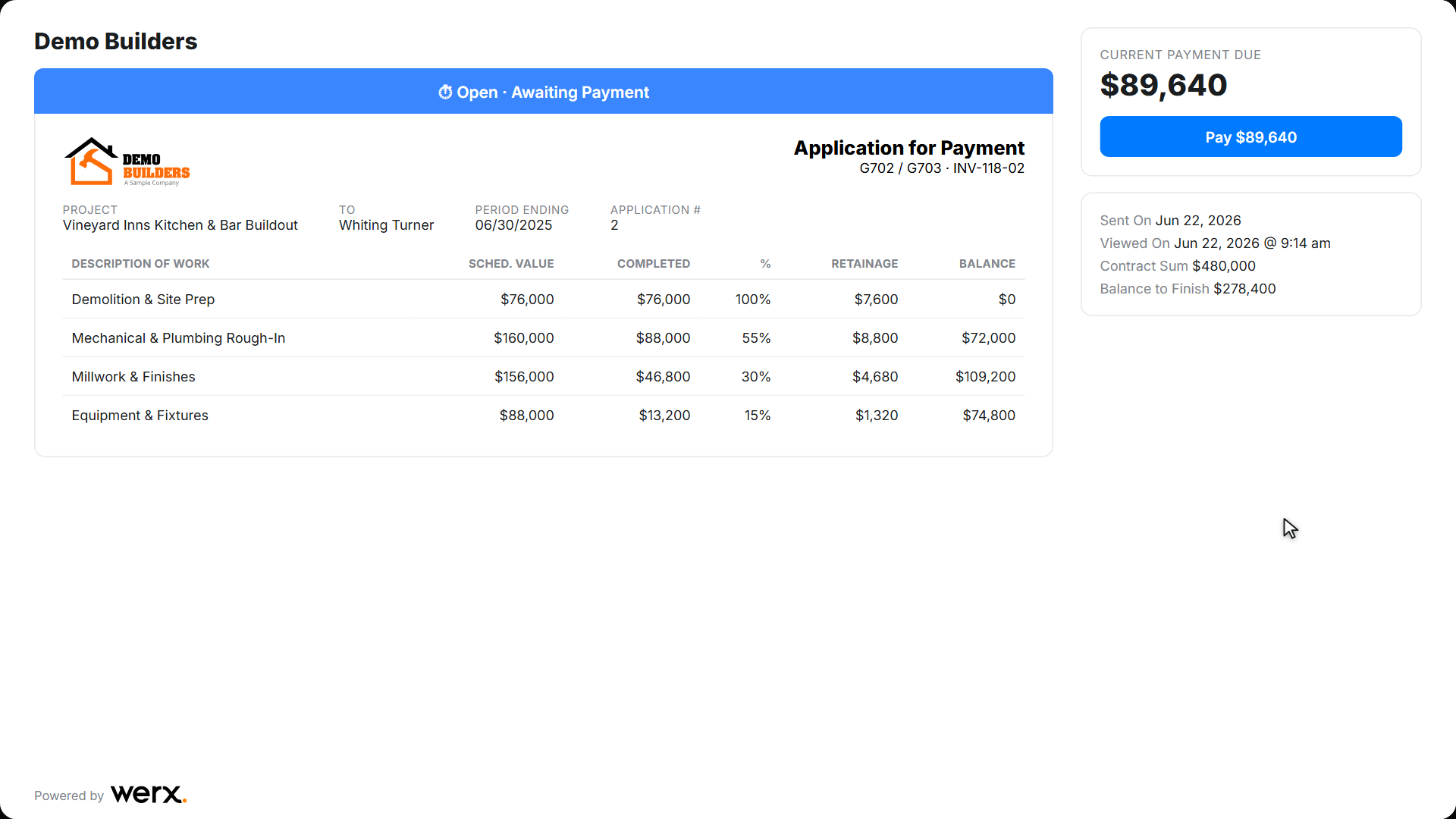
Bill retainage your way
Werx tracks retainage automatically - even if rates change mid-project. Set percentages globally or per line item. Bill retainage in any pay app, or release it at closeout with a single invoice.
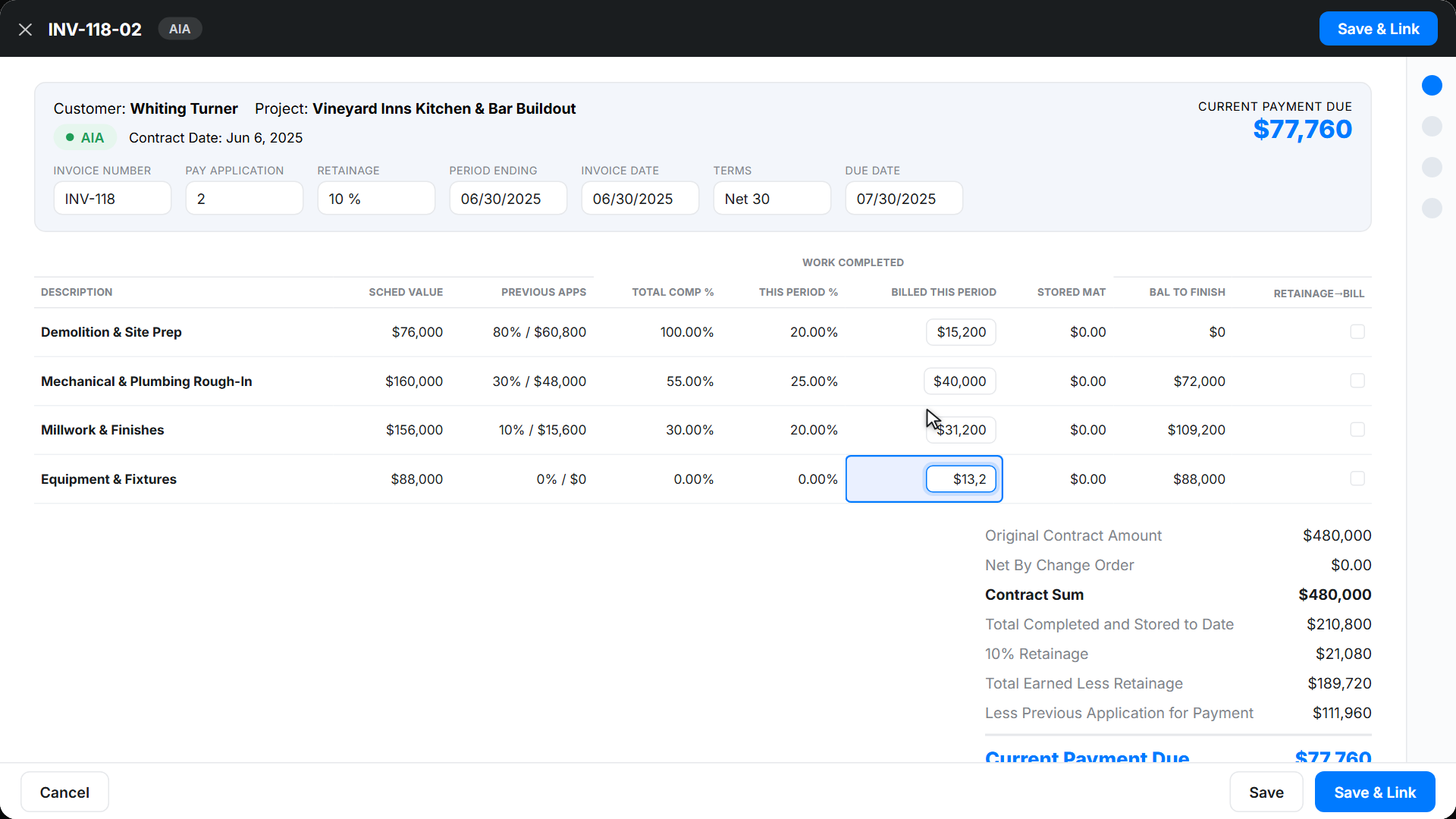
QuickBooks does not do AIA-style billing. Werx does.
QuickBooks has no G702/G703 style forms. No retainage tracking. No true progress billing. Werx handles the construction billing, then syncs invoices and payments back to QuickBooks automatically. Keep your books in QuickBooks. Do your billing in Werx.
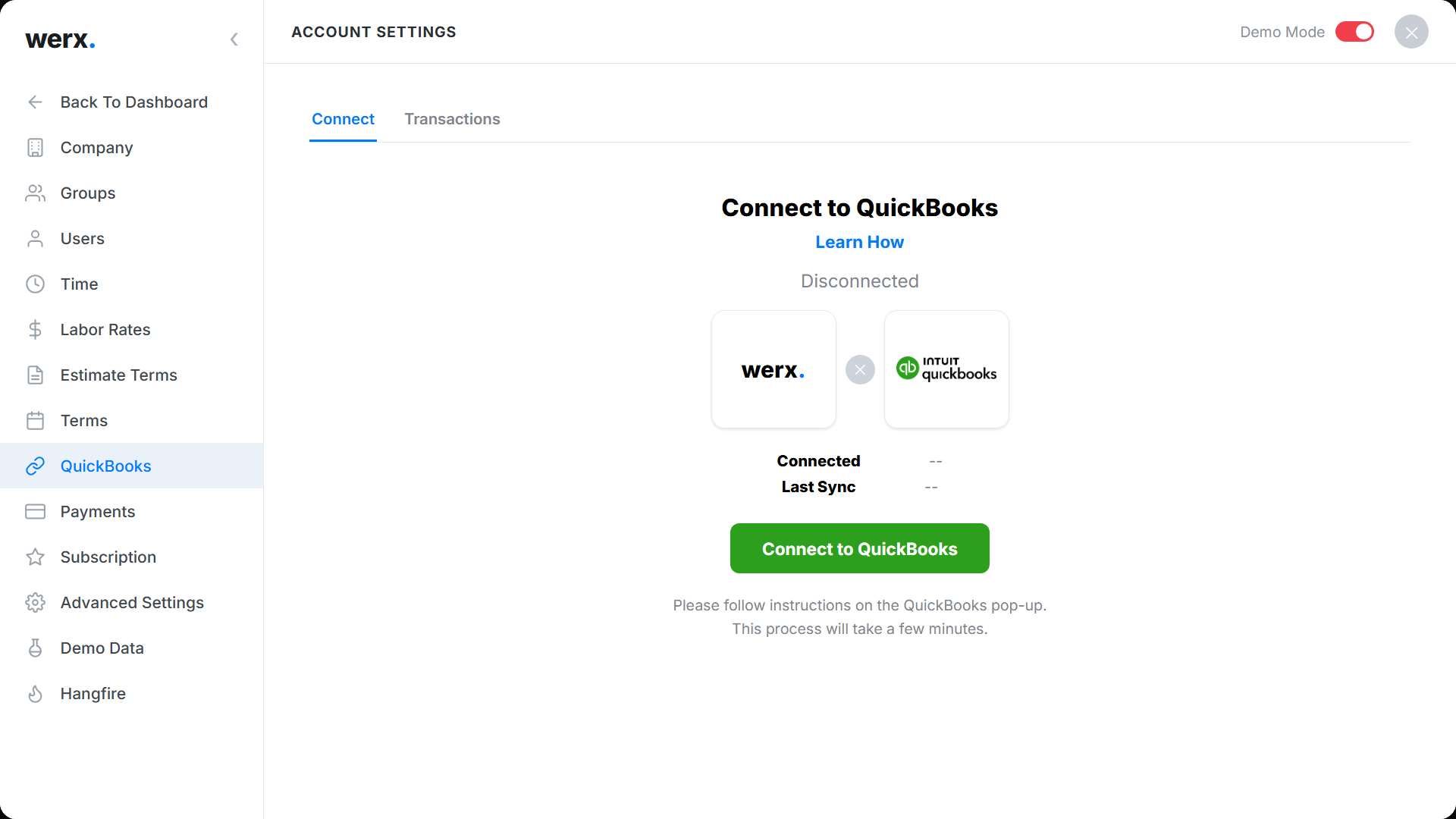
Built for real commercial billing
Retainage at the line level
Track 5%, 10%, or custom retainage per line and per application.
Stored materials
Bill for materials on or off site with full audit trail.
Auto-calculations
% complete, this period, previous, balance - calculated for you.
QuickBooks sync
Approved applications flow into QBO as invoices automatically.
Customer e-signature
Owners can approve applications online - no printing required.
Professional PDF export
G702 style cover and G703 style continuation sheets, ready for the architect.
Contractors love Werx for AIA-style billing

“Werx gives us the biggest bang for the buck out of anything we have tried.”

“Customer service is amazing and all the services you get for one low price just can't be beat. Highly recommend!”
“Great for billing management, processing and applying payments to the project.”
AIA billing questions
What are AIA forms G702 and G703?
The G702 is the Application for Payment cover sheet. The G703 is the Continuation Sheet (Schedule of Values). Together, they standardize billing between owners, GCs, and subs. Werx generates AIA-style versions of both automatically.
Can QuickBooks handle AIA billing?
No. QuickBooks does not support AIA-style billing, progress billing, or retainage natively. Werx fills that gap and syncs the financial data back to QuickBooks.
How does Werx handle retainage?
Werx tracks retainage automatically at the line item level. Rates can change mid-project. Bill retainage in any pay app or invoice it separately at closeout.
Why not use spreadsheets for AIA billing?
Spreadsheets break across multiple projects. They produce errors that get pay apps rejected. AIA-style billing in Werx is accurate, repeatable, and accepted first time.
Can I send pay apps electronically?
Yes. Email the pay app to your client and collect payment online through Stripe.
Is AIA billing included on every plan?
Yes. Full G702/G703 style billing is included on every Werx plan. No upgrade required.
Ready to simplify your AIA-style billing?
Start your 14-day free trial. No credit card required.
No credit card required · Free migration assistance · Cancel anytime