

Take invoice payments online with Stripe
Connect your own Stripe account, add a pay link to every Werx invoice, and get paid by card or e-check. You keep full control of your account, your payouts, and your bank.
Mailed checks and "I'll drop it by next week" wreck your cash flow. With Stripe connected to Werx, every invoice you send carries a pay link. Your customer clicks, pays by card or bank, and the money lands in your Stripe account on its way to your bank. No new software, no separate processor, no extra login.
Start 14-Day Free TrialFrom invoice to deposit in 3 steps
1. Connect your Stripe account
Link an existing Stripe account or create one during setup. It is your account, with full Stripe Dashboard access.
2. Send invoices with a pay link
Every invoice you send from Werx includes a secure online pay link in the customer portal.
3. Get paid and deposited
Customers pay by card or e-check. Stripe settles the funds and pays out to your bank on your schedule.
How a payment actually moves
You create an invoice in Werx and send it. Your customer opens it in the online portal and pays by card or e-check. Stripe processes the payment securely, settles it to your Stripe balance, then pays out to your bank account. Werx records the payment against the invoice automatically, so your books stay current without a single manual entry.
It is your Stripe account. You run it.
Werx uses a standard Stripe connection, so you own the account end to end. You log in to the Stripe Dashboard any time, set your own payout schedule, choose the bank account that gets paid, and handle refunds and disputes. Stripe verifies your business during a quick onboarding and takes care of the money movement. Werx simply connects to your account and sends the charge when a customer pays.
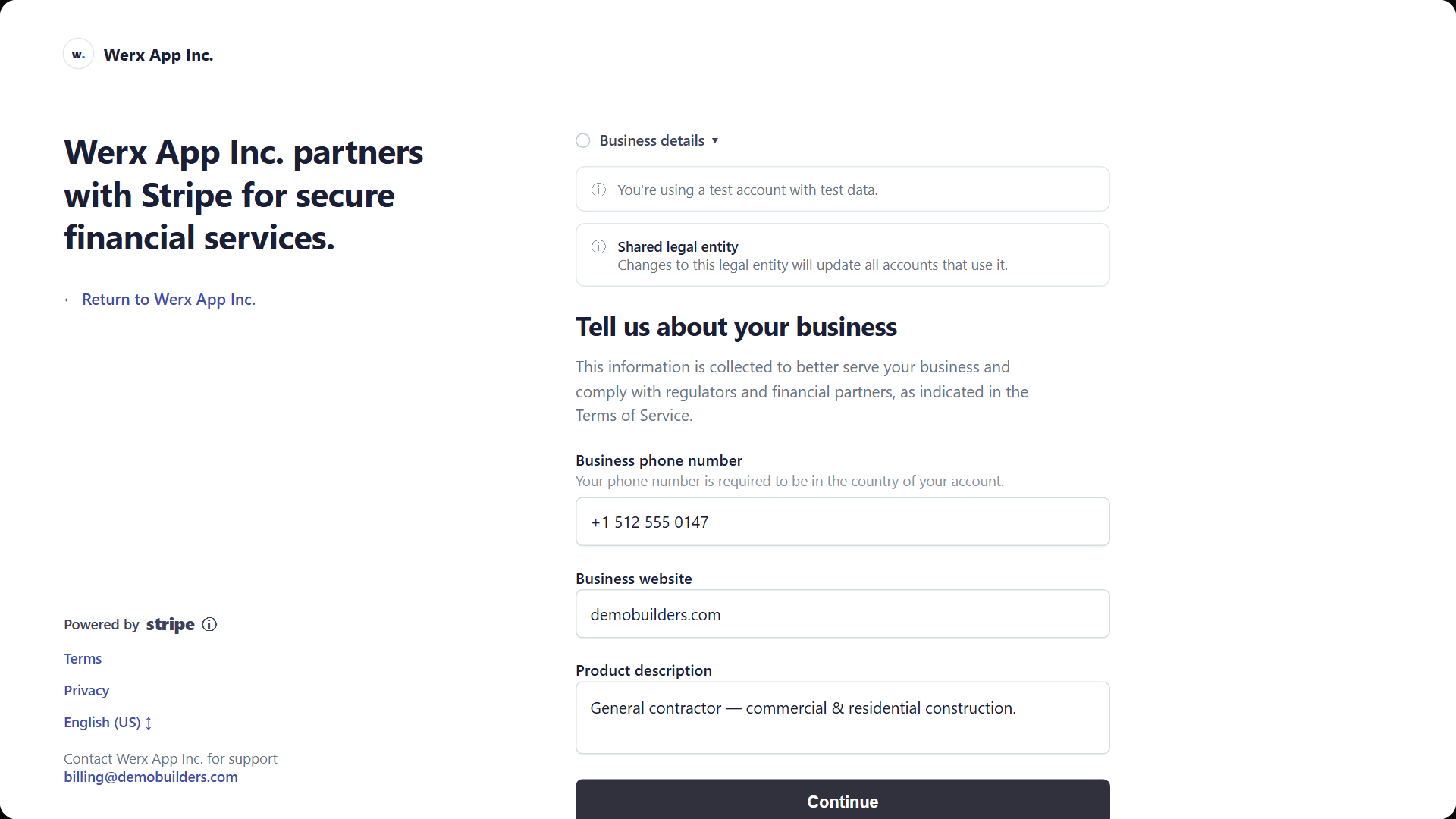
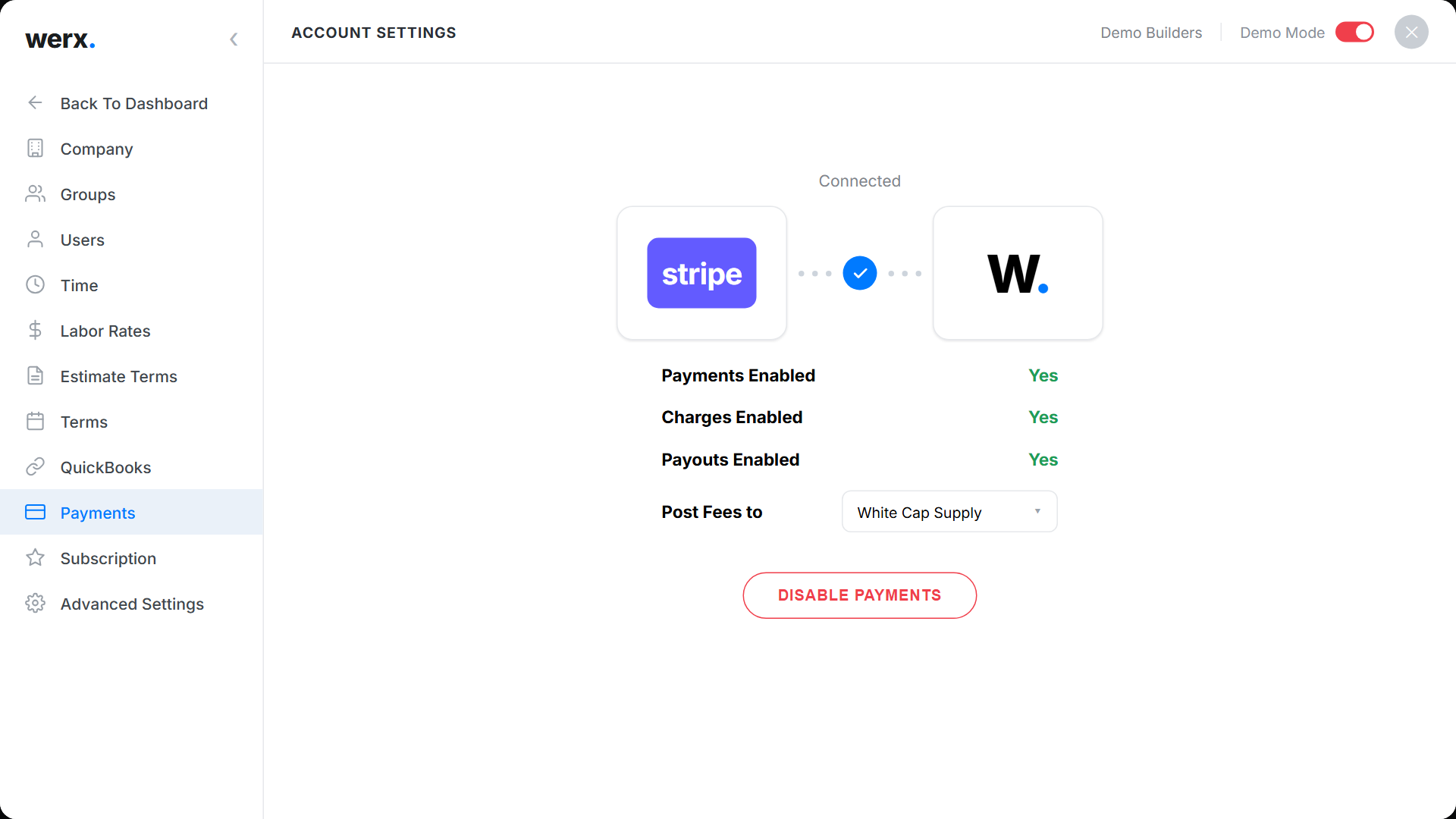
Connect once, then forget about it
Connecting takes a few minutes from Settings. Once Stripe approves your account, payments turn on and every new invoice can be paid online. Stripe sync is included on every Werx plan with no add-on fee, and you can point Stripe's processing fees at the expense account you choose so your books reconcile cleanly.
Built for getting paid
Card and e-check payments
Customers pay by credit card, debit card, or e-check/ACH from any invoice.
Your own Stripe account
Full Stripe Dashboard access, your payout schedule, your bank.
PCI-compliant security
Stripe handles card data and fraud screening. Werx never stores card numbers.
Automatic reconciliation
Payments post against the invoice in Werx the moment they clear.
Pay links in the portal
Every invoice you send carries a secure online pay button.
No markup from Werx
Stripe's standard processing fees apply. Werx adds nothing on top.
Stripe payment questions
Whose Stripe account is it?
Yours. You connect an existing Stripe account or create one during setup, and you keep full access to the Stripe Dashboard. Werx connects to your account to send charges and record payments.
What payment methods can my customers use?
Credit and debit cards plus e-check/ACH bank payments, right from the invoice portal.
How fast do I get the money?
Customers pay instantly. Stripe settles the funds to your Stripe balance, then pays out to your bank on the schedule you set in Stripe, typically within a couple of business days of the payment.
What does it cost?
Stripe's standard processing fees apply to each payment. Werx does not add a markup, and you can assign those fees to the expense account of your choice.
Is it secure?
Yes. Stripe is certified to the highest level of PCI compliance and screens payments for fraud. Card details go straight to Stripe, and Werx never stores card numbers.
Who handles refunds and disputes?
You do, from Werx or the Stripe Dashboard. Because it is your Stripe account, you stay in control of refunds, payouts, and chargebacks.
Does this work with the rest of Werx?
Yes. Pay links work on standard, AIA-style, progress, and T&M invoices, and payments flow through to your QuickBooks sync.
Contractors love Werx for online payments

“Great for billing management, processing and applying payments to the project.”
“It's a reliable tool that has helped me stay organized, manage tasks more efficiently, and keep projects on track.”
“Werx gives us the biggest bang for the buck out of anything we have tried.”
Ready to get paid online?
Start your 14-day free trial. No credit card required.
No credit card required · Free migration assistance · Cancel anytime