

Help Center
Import from Excel
Load customers, vendors and catalog items from a spreadsheet instead of typing them one at a time.
Updated October 15, 2026
If your customer list, vendor list or price book already lives in a spreadsheet, you can bring it into Werx in one go. Each list has its own upload page with a sample file that shows the columns Werx expects. If you use QuickBooks Online, import from QuickBooks instead so the two systems stay matched.
- In the left navigation, click Customers. Open the menu next to Add Customer and choose Import from Excel.
- Click Download Sample File and put your customers in it, one row each, in a single workbook. Customer Name is the only required column.
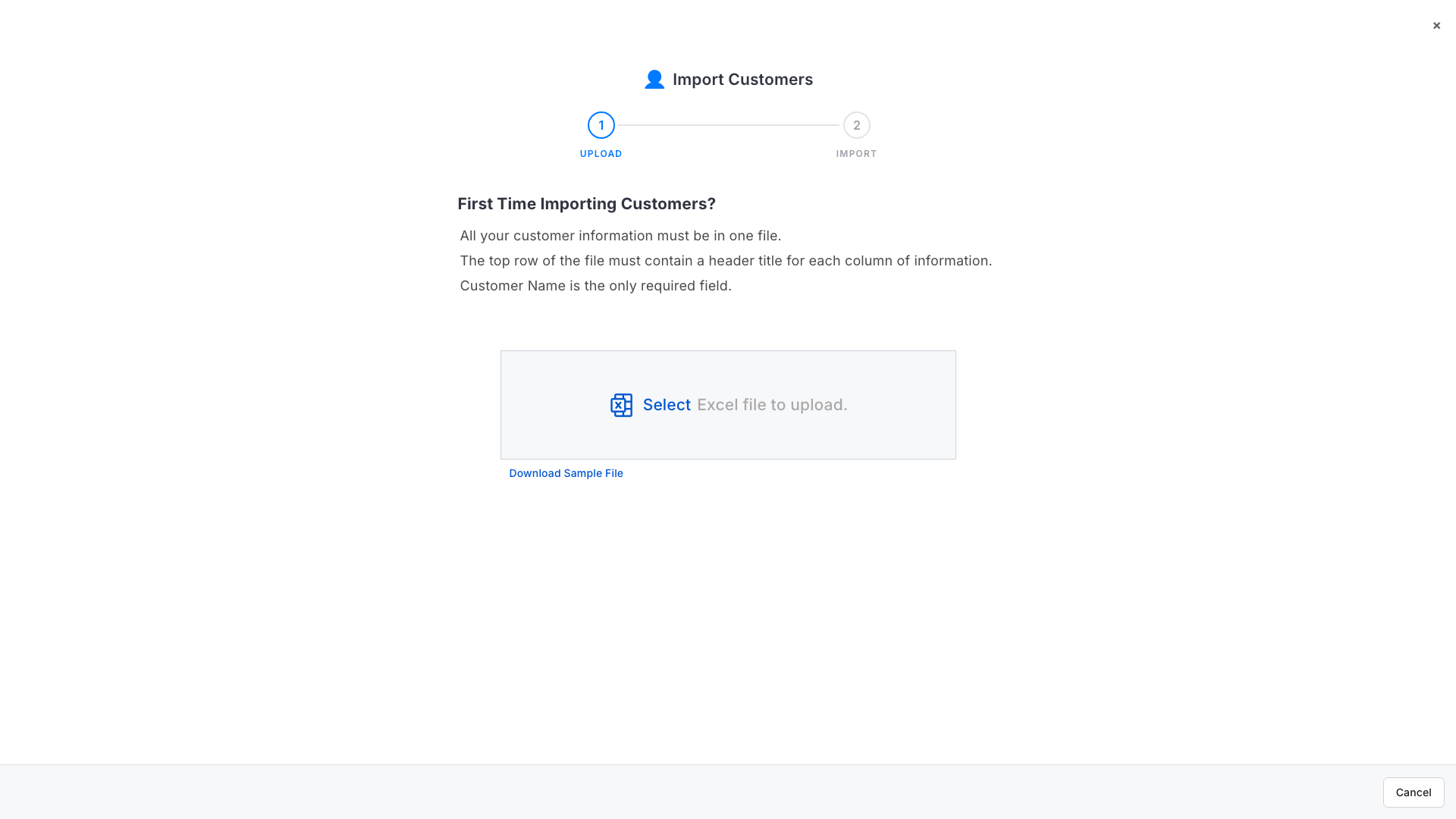
- Drop the saved file on the upload area, or click Select and choose it. Werx accepts .xls and .xlsx files up to 50 MB.
- Werx reads the file and lists the rows it found. Tick the ones to bring in and click Import. A row that cannot be imported says why, so you can fix the file and upload it again.
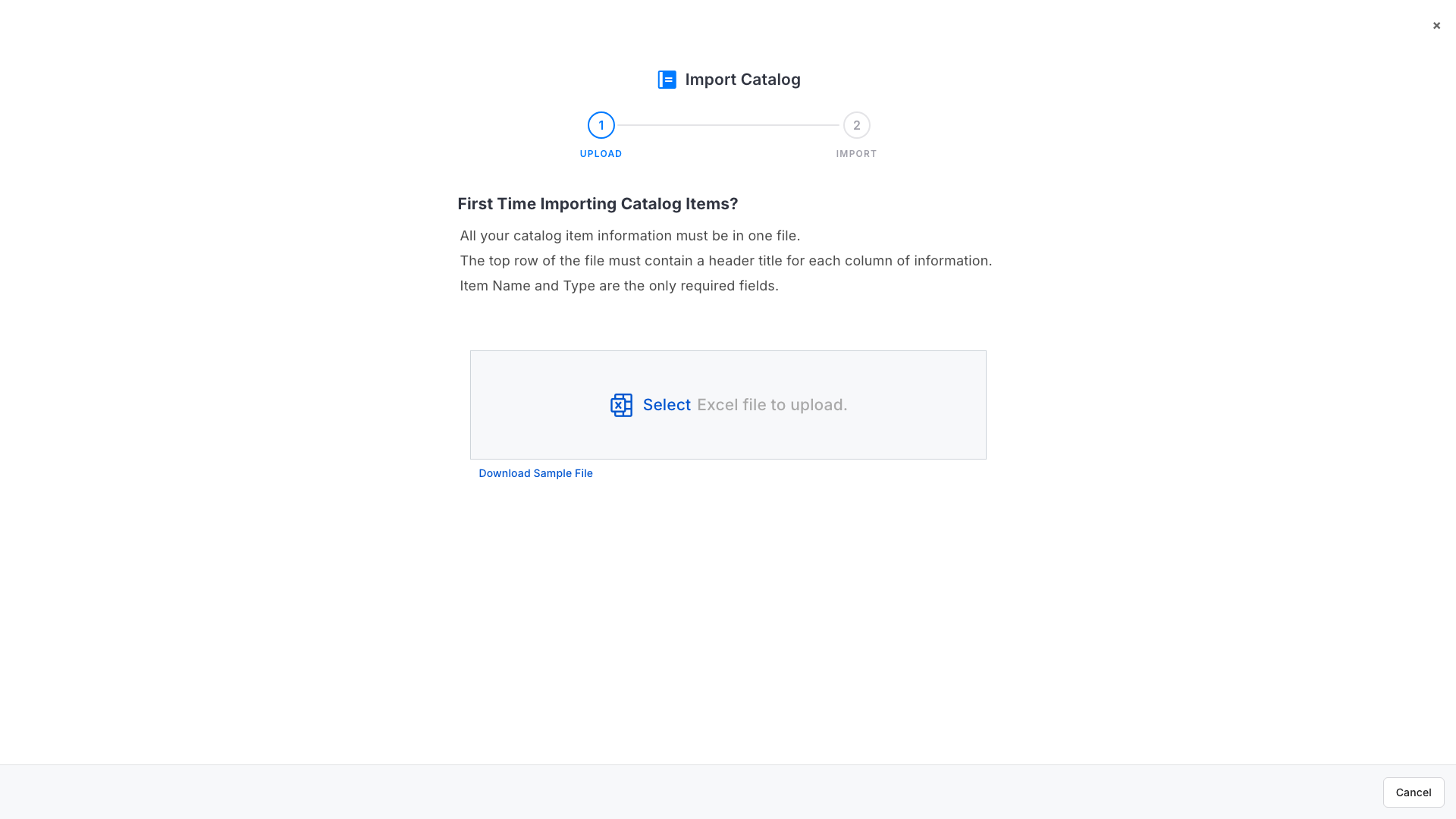
- Vendors and catalog items work the same way: Vendors > the menu next to Add Vendor > Import from Excel, and Catalog > the menu next to Add Item > Import from Excel. Vendors need a Vendor Name; catalog items need an Item Name and a Type.
Before you upload
- Start from the sample file. The top row must hold a heading for every column, and the sample file already has them. Add your rows underneath.
- One workbook per list. All your customers go in one file, all your vendors in another, all your catalog items in a third.
- Required columns. Customers need a Customer Name, vendors a Vendor Name, and catalog items an Item Name and a Type. Everything else is optional.
- File type and size. Werx accepts .xls and .xlsx files up to 50 MB. CSV files are not supported.
Import from Excel FAQ
Will the import create duplicates?
Werx lists every row it finds before anything is created, so untick rows you already have. Importing the same file twice does create the rows again.
Can I import a CSV file?
No. Save it as .xlsx first.
I have QuickBooks Online. Should I still use Excel?
Import from QuickBooks instead, so customers, vendors and items keep their QuickBooks link. Use Excel for records that are not in QuickBooks.
Can I import projects or invoices this way?
No. Excel import is for customers, vendors and catalog items only.