

Help Center
Payment terms
Create reusable terms like Net 30 so they're one click on every invoice.
Updated June 21, 2026
Manage payment terms
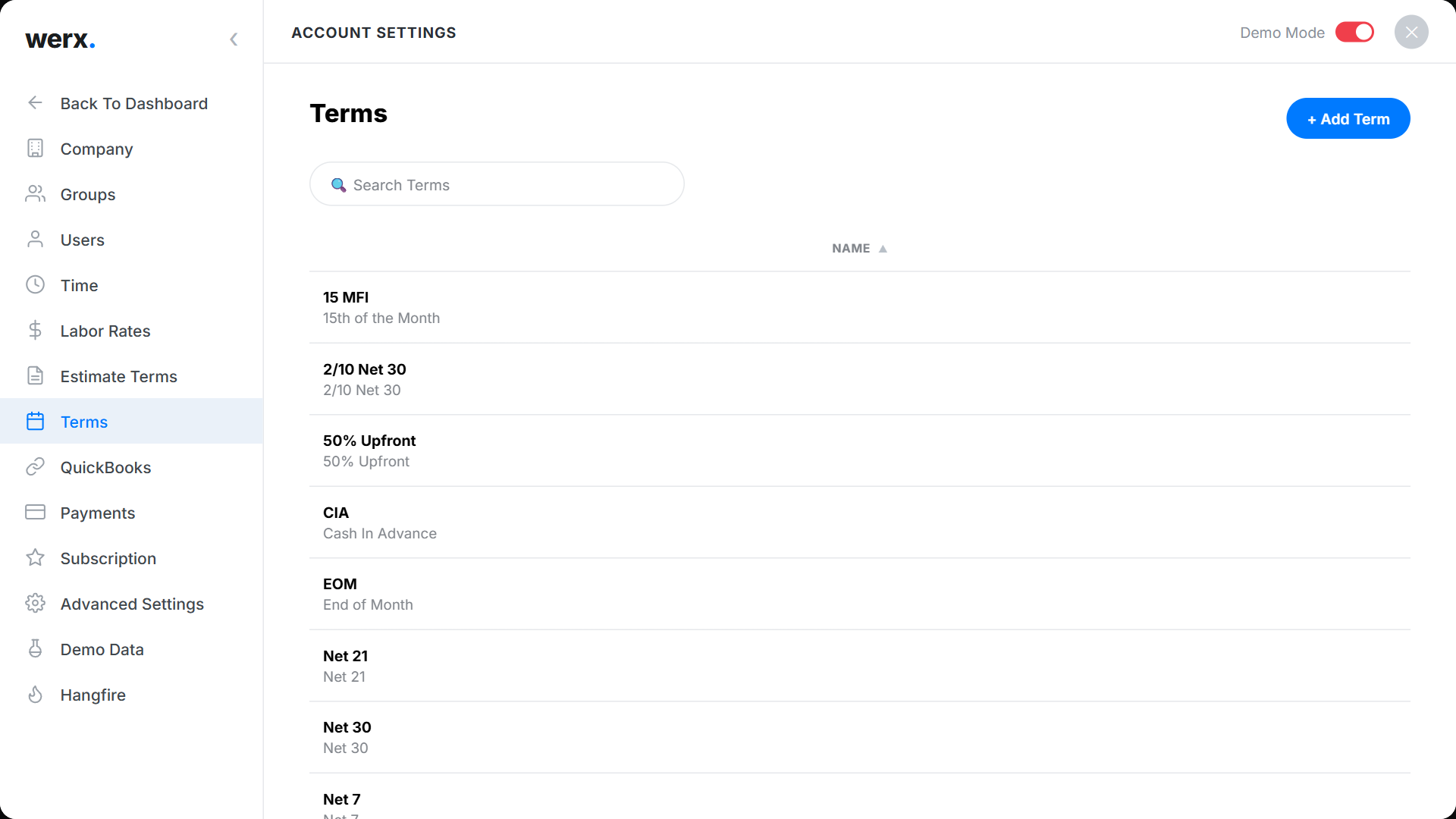
Go to Account Settings → Terms. Werx ships with common presets — Net 7 / 21 / 30, 2/10 Net 30, 50% Upfront, CIA, EOM, PIA, and Upon Receipt. Add your own or edit an existing term.
Due-date rules
Each term sets how the due date is calculated — due in n days from the invoice date, or on a specific day of the month, with an option to skip to next month if the invoice falls within n days of the due date.
Payment terms FAQ
Where are terms applied?
On customers and invoices — the customer's default term pre-fills new invoices, and you can change it per invoice.
Can I set a default?
Set a default payment term on each customer so their invoices use it automatically.