

Help Center
Vendor credits
Record a credit from a vendor against what you owe them.
Updated June 21, 2026
A vendor credit is money a vendor owes you back — a return, an overcharge, or an adjustment. Recording it keeps your payables and job costs accurate and offsets the vendor's balance.
Create a vendor credit
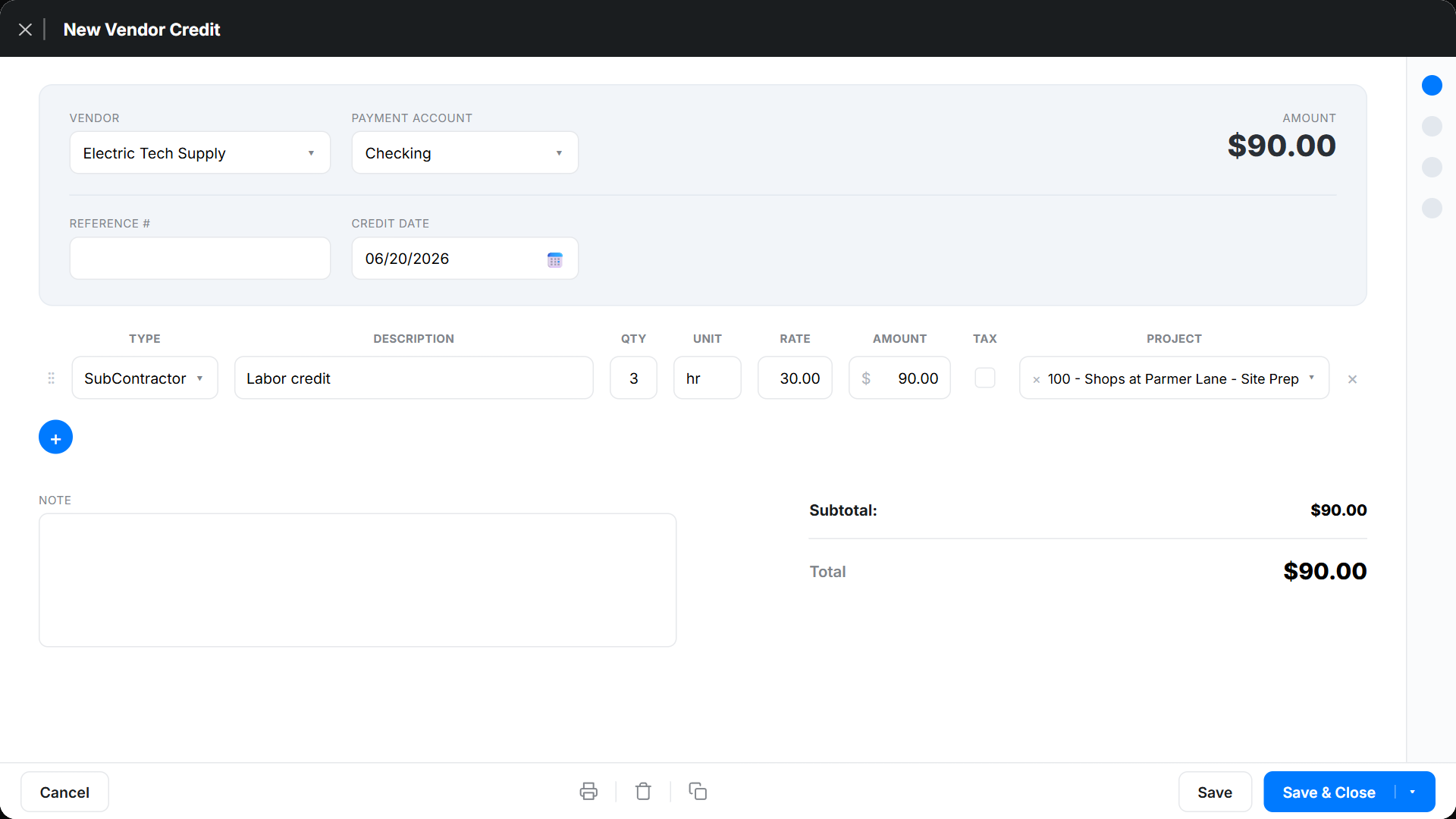
- Go to Expenses → Expenses and click + New Transaction → Vendor Credit.
- Select the vendor.
- Add line items, each coded to the Project → budget item so the credit lands on the right job.
- Click Save.
Vendor credit FAQ
How does a credit affect the vendor balance?
It reduces what you owe the vendor; see the running balance on the vendor account.
Does it adjust job costs?
Yes — coding the credit to a project and budget item reverses that cost on the job.