

Werx Academy
How to Create Maintenance Plans & Recurring Revenue
A signed plan keeps cash coming in during your slow season. Here is how to build one.
Maintenance plans turn one-off jobs into recurring revenue. Customers pay a fixed fee for scheduled inspections, tune-ups, and priority service. You get steady cash and a fuller calendar.
Keep the scope clear, the tiers simple, and the billing automatic. That mix smooths your slow season and keeps crews busy. It also lifts customer retention and referrals.
Why do maintenance plans matter?

Recurring agreements create steady cash flow and stronger customer ties. They fit HVAC, plumbing, electrical, solar, and roofing well. Each plan is money you can count on.
- Smooth seasonality with predictable monthly or annual revenue
- Higher lifetime value and more referrals
- Fewer emergency failures thanks to preventative visits
- A reliable backlog for crew scheduling
How should you design the plan?
Keep plans simple, valuable, and easy to deliver at scale. Define the scope, the tiers, and the terms up front. Clear limits protect your margin.
- Scope: inspections, tune-ups, filter or part swaps, and discounts
- Tiers: Basic inspection, Standard inspection plus tune-up, Premium priority service
- Frequency: one or two seasonal visits, or quarterly for critical sites
- Terms: response times, exclusions, cancellation, and renewal rules
How do you price a maintenance plan?
Price from your cost, not your competitor. Add travel, labor, materials, and overhead first. Then apply your target margin to each tier.
- Estimate visit time and parts per tier in Werx Estimates
- Use Price = Cost ÷ (1 − Target Margin) on every tier, as in markup vs. margin pricing
- Offer monthly and annual options, with a small annual discount
- Publish add-on rates for work the plan does not cover
How do you schedule and fulfill visits?
Plan the work so crews deliver without overtime spikes. Pre-book visits by season. A rolling lookahead keeps the calendar honest.
- Pre-book seasonal visits and keep a rolling 3-week lookahead
- Bundle nearby customers to cut drive time
- Stock common parts like filters, seals, and batteries by crew
- Capture photos and notes on each visit for the record
How should you bill maintenance plans?
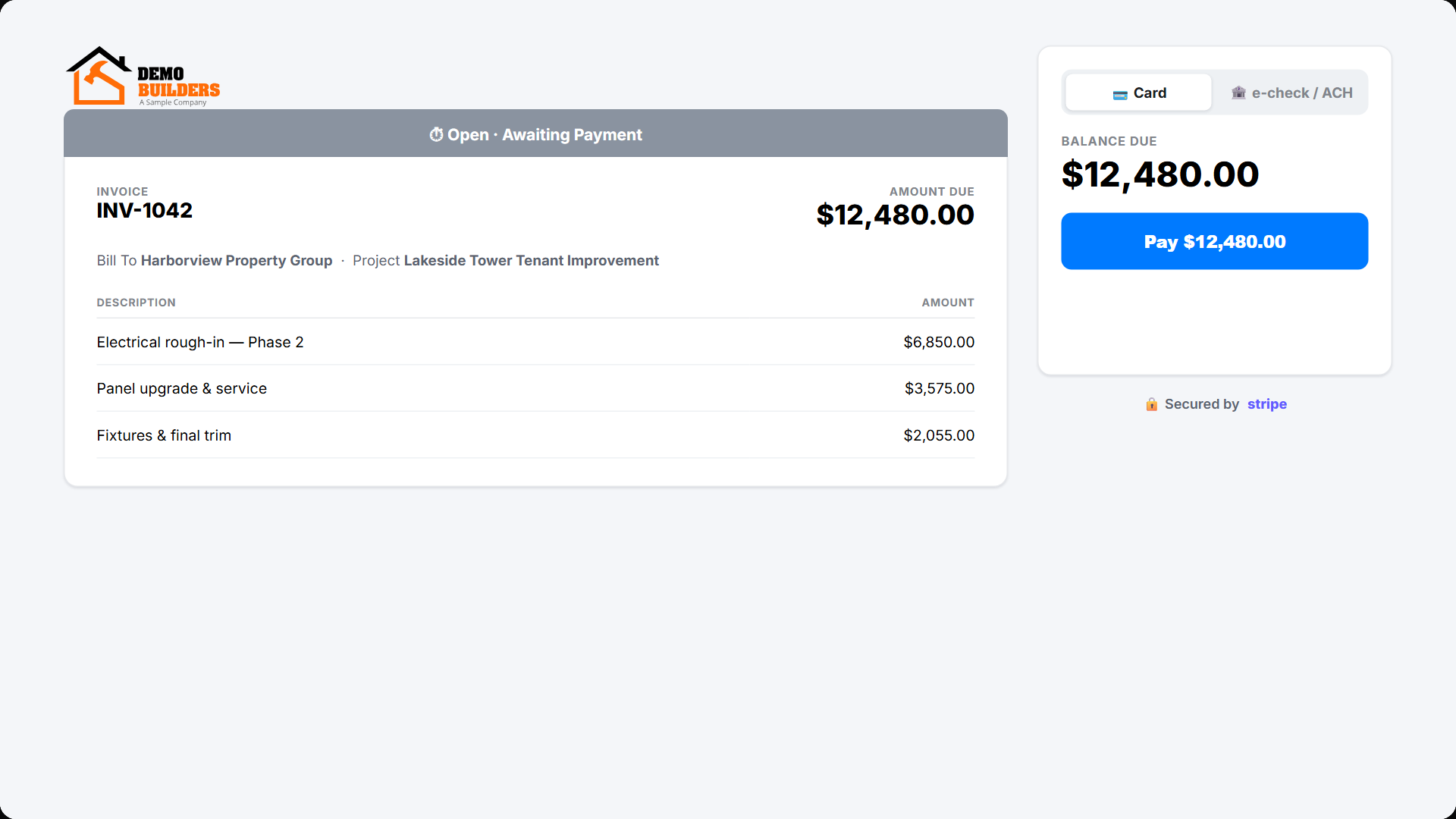
Remove friction with automatic, clear billing. Autopay cuts late payments and chasing. Renewals keep the revenue rolling.
- Set up autopay with online payments by card or ACH
- Invoice monthly or annually and send renewal reminders 30 days out
- Sync to QuickBooks Online for clean revenue records
- Bill out-of-scope work as time and materials with signed backup
How do you sell the plan without pressure?
Offer the plan at natural moments and keep the pitch simple. A one-page sheet does most of the work. Let the value speak.
- Use a one-page sell sheet that compares tiers
- Offer sign-up at estimate acceptance or invoice payment
- Send seasonal reminders by email or text
- Bundle new installs with a first-year plan included
Which plan metrics should you track?
Measure adoption and profit to tune pricing and workload. A few numbers tell you if the program works. Watch them with your other contractor KPIs.
- Attachment rate: plans sold divided by eligible jobs
- Churn: canceled plans divided by active plans
- Average revenue per plan each month
- Service margin: plan revenue minus delivery cost
When should you offer a maintenance plan?
Offer a plan whenever the equipment needs regular upkeep. HVAC, water heaters, and roofs all reward preventative visits. The customer saves on big failures.
Skip a formal plan for one-time cosmetic work with no upkeep. A simple follow-up call fits better there. Match the plan to the asset, not every job.
- Offer plans for systems that need regular service
- Pitch at install, when the value is clear
- Skip plans for one-time work with no upkeep
How does Werx support maintenance plans?
Contractor software like Werx ties estimating, billing, and field work together. Plans get easier to sell and fulfill. Nothing falls through the cracks.
- Build tiered plan templates in Werx Estimates and send e-approvals
- Schedule visits and capture proof, then bill extra work when found
- Collect recurring payments through online payments
- Log time and notes in the Werx Field App and sync to QuickBooks
Key takeaways
- Maintenance plans turn one-off jobs into recurring revenue
- Define clear scope and tiers, then schedule visits ahead
- Price from cost with a target margin and publish add-on rates
- Contractor software like Werx streamlines estimates, autopay, and QuickBooks sync
Frequently Asked Questions
How should I price plan tiers?
Estimate the delivery cost per tier with labor, parts, and travel, then apply a target margin. Offer annual prepay and monthly autopay.
What if a visit reveals extra work?
Document it with photos, issue an extra work authorization, and bill it as T&M or a fixed add-on, separate from the plan fee.
Does monthly or annual billing convert better?
Annual prepay improves cash flow and cuts churn. Monthly lifts sign-ups. Offer both and test a small annual discount.
Ready to grow your business?
Start your 14-day free trial today. No credit card required.
No credit card required · Free migration assistance · Cancel anytime