

Werx Academy
How to Choose the Best Construction Accounting Software
Start with your billing methods, not the feature list. The right tool matches how your crews actually work.
Construction accounting software should mirror how contractors actually work. That means job costing by phase, AIA and progress billing, T&M, retainage, change orders, and real-time labor. It should also sync cleanly to your general ledger. The right pick cuts double entry, speeds billing, and keeps margins accurate.
What should contractors look for?
Start with your billing methods and reporting needs. Then confirm the tool fits your field-to-office workflow. Avoid anything that forces spreadsheets.
- Job costing by project, phase, and cost code
- AIA, progress, and T&M billing with retainage
- Real-time field time capture and materials tracking
- Clean sync to your GL, such as QuickBooks Online
What is the must-have feature checklist?
These features protect cash flow, accuracy, and customer trust. Treat them as the baseline, not a wish list.
- AIA and progress billing with SOV and retainage
- T&M billing with billable items and markups
- Mobile time tracking tied to jobs and phases
- Online payment processing to collect faster
- Change orders, stored materials, and document attachments
- Role-based permissions and audit trails
How should integration and data flow work?
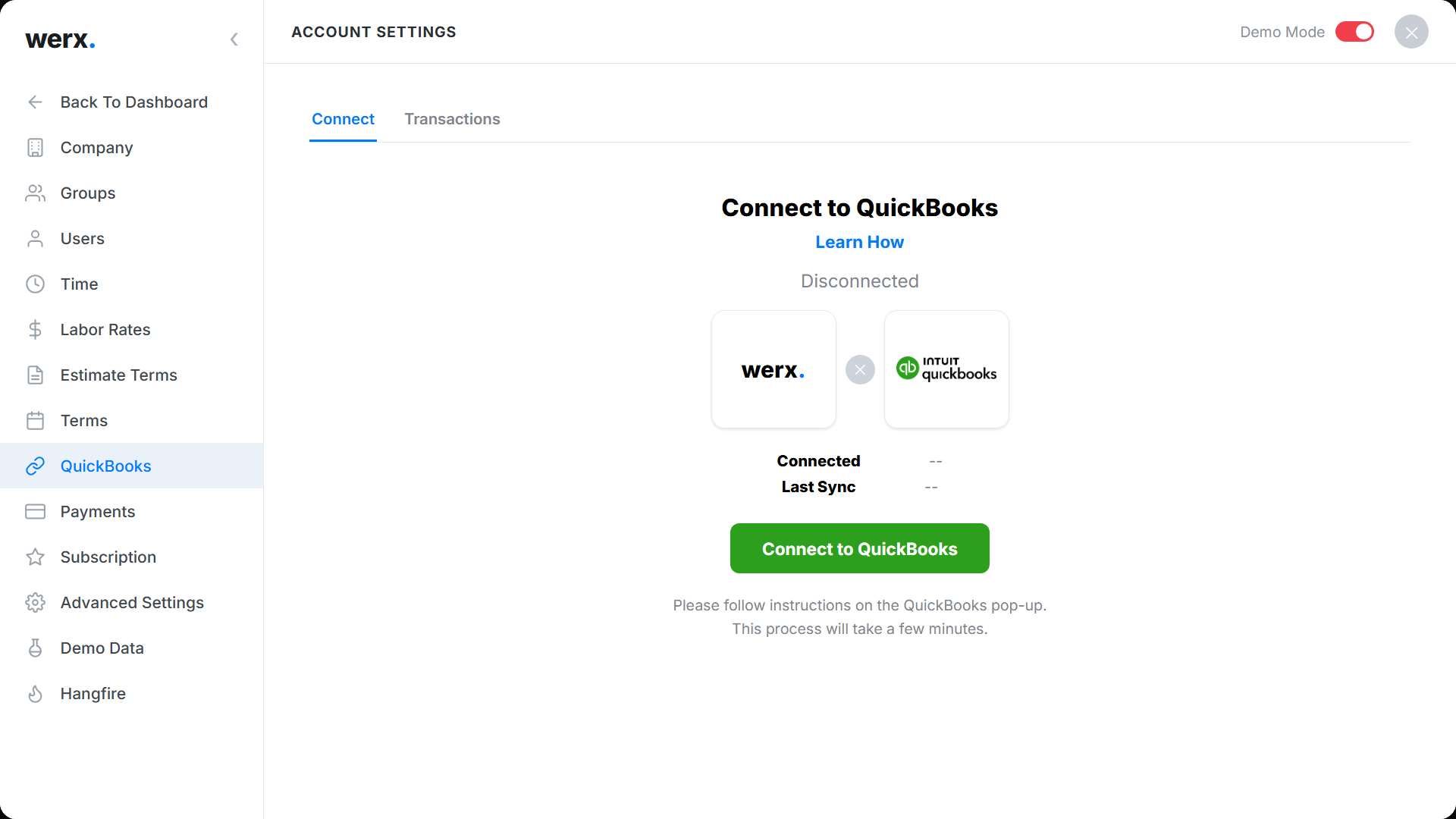
Keep project truth in your operations tool. Keep official books in QuickBooks. The two should connect without rekeying.
- QuickBooks integration for customers, invoices, and payments
- Item and account mapping that protects your chart of accounts
- AR aging that reflects retainage and open pay apps
- Configurable detail level, summary or full job-cost sync
What about implementation, training, and support?
Smooth onboarding matters as much as features. Set standards once, then scale them across jobs.
- Cost-code and SOV templates, provided or imported
- Data migration for customers, items, and open invoices
- Field training for time capture and change order approvals
- Responsive support that knows construction
How should you weigh pricing and total cost?
Compare more than the monthly price. Factor in time saved and faster collections.
- Per-user or per-company pricing, plus any payment fees
- Time saved versus spreadsheets and double entry
- Effect on days sales outstanding with online payments
- Included integrations versus paid add-ons; see Werx pricing
What red flags should you avoid?
Spot these early. They lead to errors, rework, or slow billing.
- No native SOV, retainage, or AIA-style billing
- Limited T&M workflows or no mobile time tracking
- Weak QuickBooks sync that needs manual exports
- Heavy reliance on spreadsheets for core work
When should you switch software?
Switch when spreadsheets run your billing. Switch when month-end close drags for days. Switch when you cannot see profit by job.
If small cash jobs are your whole book, basic tools may hold. Once you bid, schedule, and bill by progress, move up. Unsure where QuickBooks fits? Read why contractors struggle with QuickBooks.
- Spreadsheets bridge your field and office
- You rekey invoices and payments by hand
- Retainage and pay apps eat your week
- You want QuickBooks integration that just works
Why does Werx fit contractor workflows?
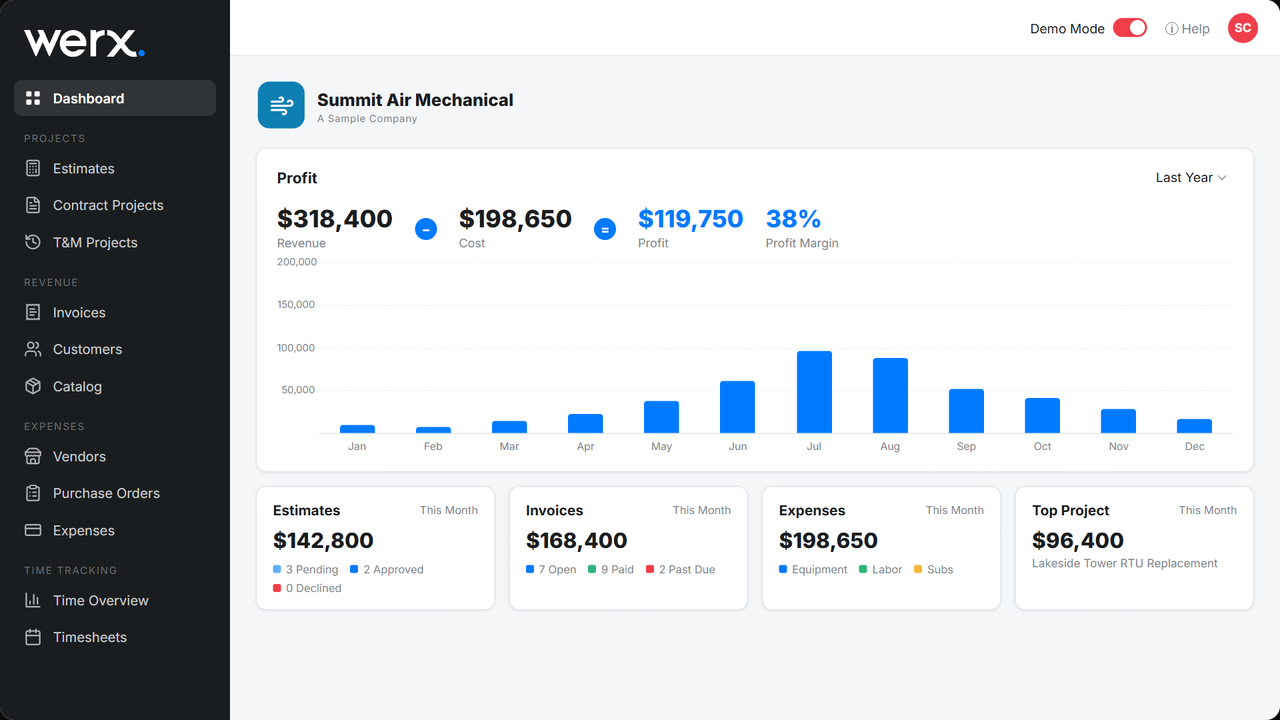
Werx was built for small-to-midsized contractors. It runs project billing, time, and payments in one place. Then it syncs to QuickBooks for clean financials.
- Build SOVs, manage retainage, and generate AIA and progress invoices
- Bill service and remodel work with flexible T&M
- Capture labor in the field with Werx time tracking
- Collect faster with built-in online payments
Key takeaways
- Pick software that matches contractor workflows: SOV, retainage, AIA, progress, T&M, job costing
- Require strong QuickBooks integration to end double entry
- Weigh total cost against time saved and faster collections
- Werx unifies billing, time, and payments, then syncs to QuickBooks
Frequently Asked Questions
Do I need a full ERP or QuickBooks plus specialized software?
Most small-to-midsized contractors do well with project software like Werx plus QuickBooks. You get construction workflows without ERP cost or complexity.
How do I compare vendors quickly?
Run the same mini-scenario with each. Create an SOV, issue an AIA invoice with retainage, log field time, and sync to QuickBooks. Then time the steps.
How long does implementation take?
With templates and guided onboarding, many teams go live in days. The biggest time-saver is standardizing cost codes and SOV first.
Ready to grow your business?
Start your 14-day free trial today. No credit card required.
No credit card required · Free migration assistance · Cancel anytime