

Werx Academy
Why Do Contractors Struggle with QuickBooks?
QuickBooks was built for a general ledger, not for jobs. So contractors patch the gap with spreadsheets and double entry.
QuickBooks is strong for general accounting, but it was not built for project work. Contractors need job costing by phase, AIA and progress billing, T&M, retainage, and field time. So QuickBooks alone breeds spreadsheets, double entry, and profit surprises. Pairing it with Werx closes the gap.
Where does QuickBooks fall short for contractors?

Construction jobs run for weeks or months and bill over time. Generic accounting tools do not model that work natively. So teams build manual workarounds that break.
- No built-in schedule of values tied to billing
- Limited retainage handling across projects
- Manual AIA billing and progress billing
- Fragmented T&M billing steps
- Change orders and stored materials tracked outside the system
What symptoms show up in the books?
Operational gaps turn into accounting headaches. They surface right when you need clean numbers for billing or cash flow.
- Spreadsheets and rekeying to bridge field and office
- Mismatched SOV and cost codes against the GL
- AR aging that hides retainage balances
- "Profit fade" from missed entries and late change orders
Why does construction need project-based workflows?
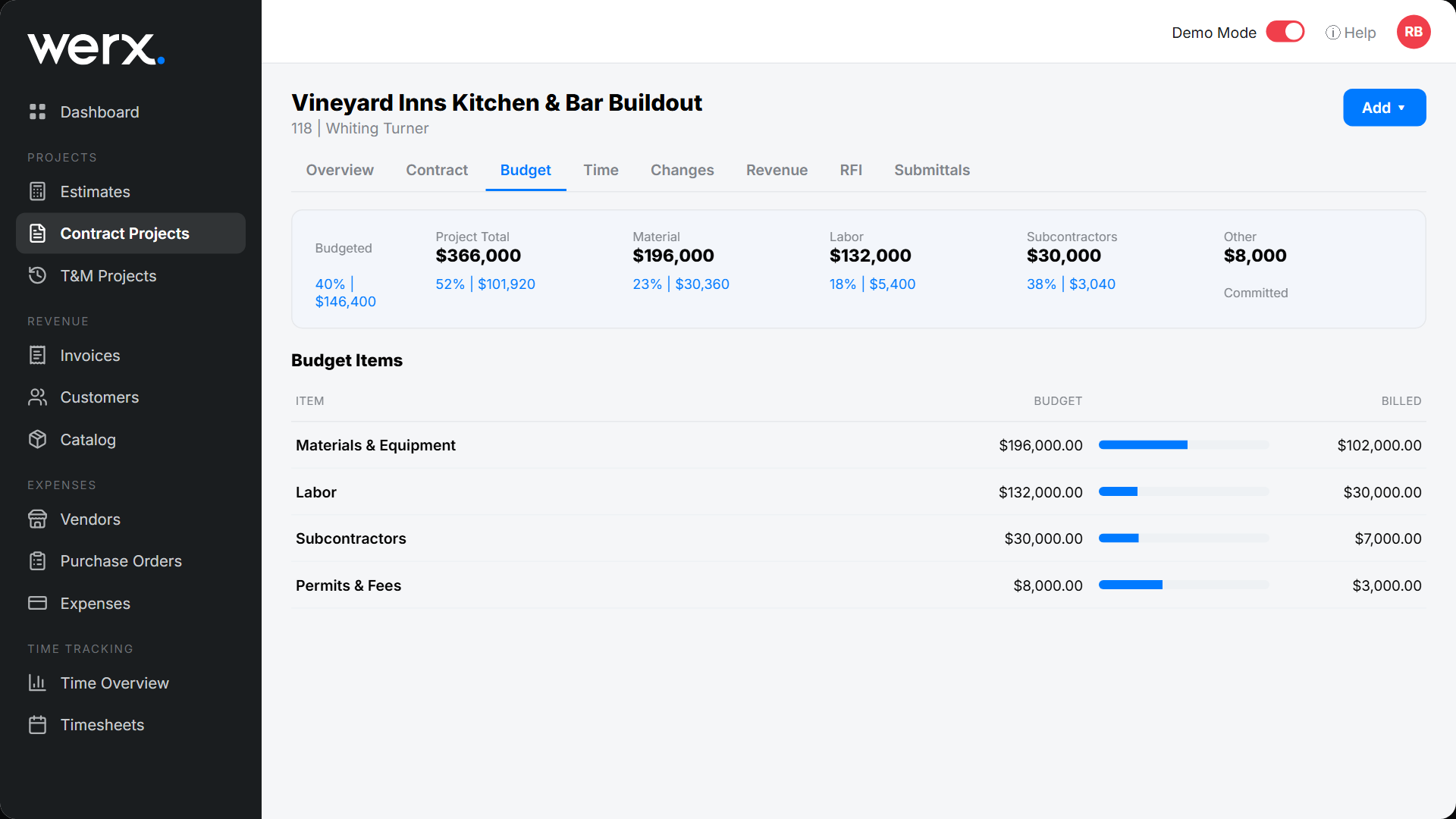
Your books must mirror how work happens in the field. They must also match how owners and lenders approve pay apps. That is the only way to keep margins.
- Capture field hours with time tracking
- Tie materials and subs to jobs, phases, and cost codes
- Control change orders and align them to SOV lines
- Keep documentation for lenders: photos, receipts, approvals
How does the Werx and QuickBooks integration fix it?
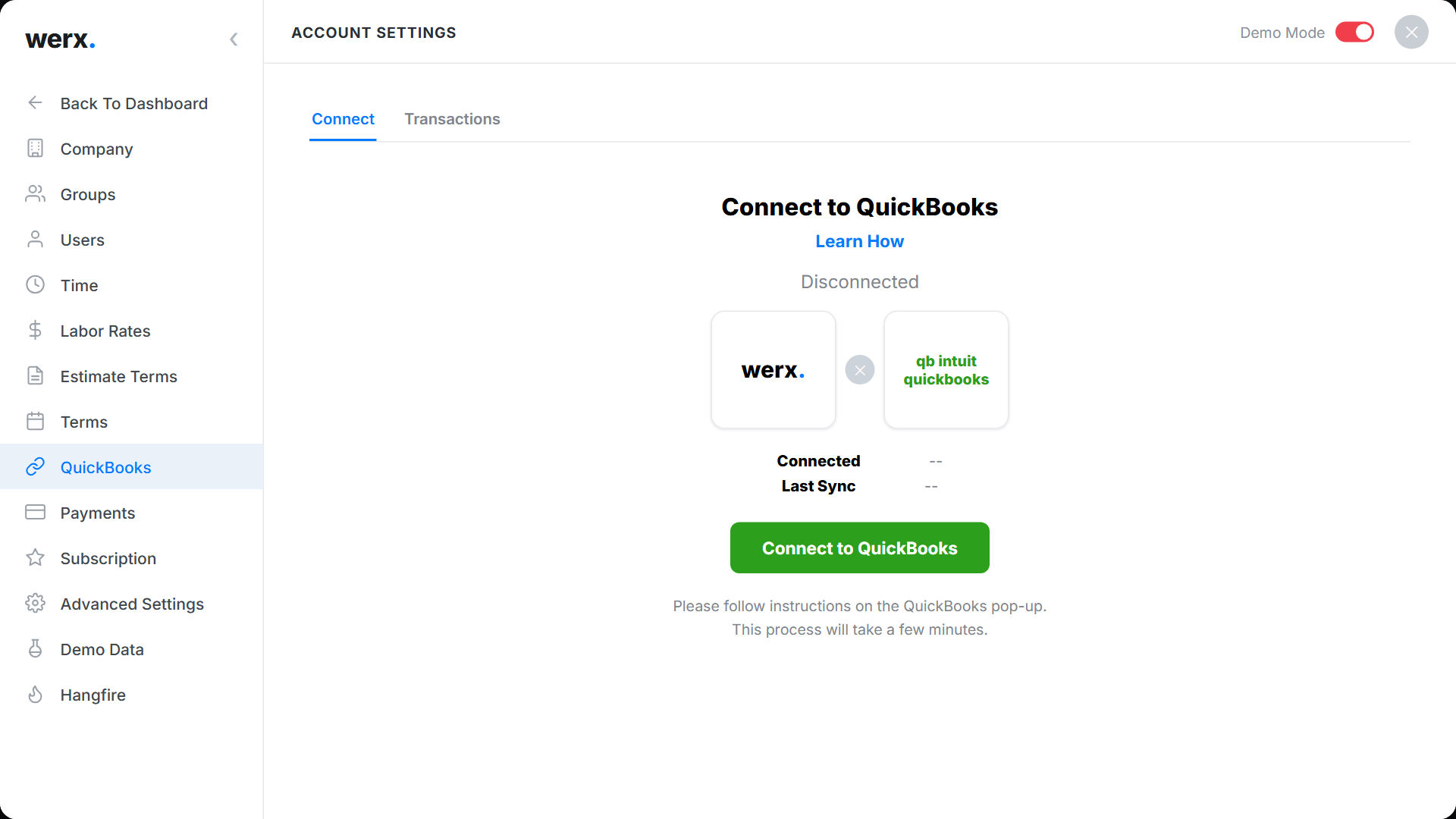
Werx runs the construction workflow. QuickBooks stays your general ledger. Syncing the two removes rekeying and keeps reports accurate.
- Build SOVs and generate AIA billing and progress invoices
- Bill service and remodel work with T&M billing
- Capture labor with Werx time tracking for real-time job costing
- Collect faster with online payment processing
- End double entry with QuickBooks integration
When should you add software to QuickBooks?
Add it once spreadsheets run your billing. Add it when retainage and pay apps eat your week. Add it when you cannot see profit by job.
If you only do small cash jobs, plain QuickBooks may be enough. Once you bill by progress or T&M, pair it with a project system. For a side-by-side view, read how QuickBooks integration simplifies contractor accounting.
- You bill by AIA, progress, or T&M
- You track retainage on most jobs
- You rekey invoices and payments by hand
- You cannot trust profit by job
What are the best practices for clean job costing?
Standardize how work is estimated, run, and billed. Then let the integration carry it to the GL.
- Use one cost-code list and map it to SOV lines
- Post pay apps monthly and reconcile over and under-billing
- Require daily field time and materials capture, no paper
- Route change orders for approval before work starts
- Track retainage in dedicated items and report it separately
Key takeaways
- QuickBooks is a strong GL, but construction needs project workflows
- Common gaps: SOV alignment, retainage, AIA, progress, T&M, change orders
- The Werx and QuickBooks integration removes double entry and errors
- Standardize cost codes, capture field data daily, reconcile monthly
Frequently Asked Questions
Can QuickBooks alone handle construction accounting?
It handles your general ledger and taxes. But AIA and progress billing, T&M, retainage, and SOV run faster in Werx, then sync to QuickBooks.
How does data sync between Werx and QuickBooks?
Werx syncs core records like customers, invoices, payments, and job-cost detail as configured. That removes double entry and keeps your books aligned with the work.
Will I have to change my CPA or chart of accounts?
No. QuickBooks stays your system of record. Werx structures project billing and job costing so your CPA sees clean, consistent data.
Ready to grow your business?
Start your 14-day free trial today. No credit card required.
No credit card required · Free migration assistance · Cancel anytime