

Werx Academy
What Is Real-Time Job Costing (and Why It Matters)?
See budget versus actuals while the job runs. Catch overruns early, not weeks later at month-end.
Real-time job costing tracks labor, materials, subs, and equipment to each job as work happens. You code costs by job, phase, and cost code the same day. That gives live budget versus actuals, so you fix overruns early.
How does real-time job costing work?
Costs flow from the field and purchasing into each job daily. Crews post hours to the job and phase the same day. Materials and subs get coded at receipt, so reports stay current.
- Field hours posted to jobs and phases the same day
- Materials and subs coded to cost codes at receipt
- Change orders priced and approved before billing
- Dashboards show live budget versus actuals
Why does real-time job costing matter?

Seeing a problem early beats finding it at month-end. Live data turns a mid-job surprise into a small fix. You protect margin while you still have time to act.
Most overruns hide in late timesheets and uncoded receipts. Catch them in week two, not week eight.
- Catch labor or material overruns before they grow
- Forecast cost-to-complete and final margin for your WIP report
- Aim crews and purchasing at live needs
- Bill faster with accurate, current numbers
What cost components should you track?
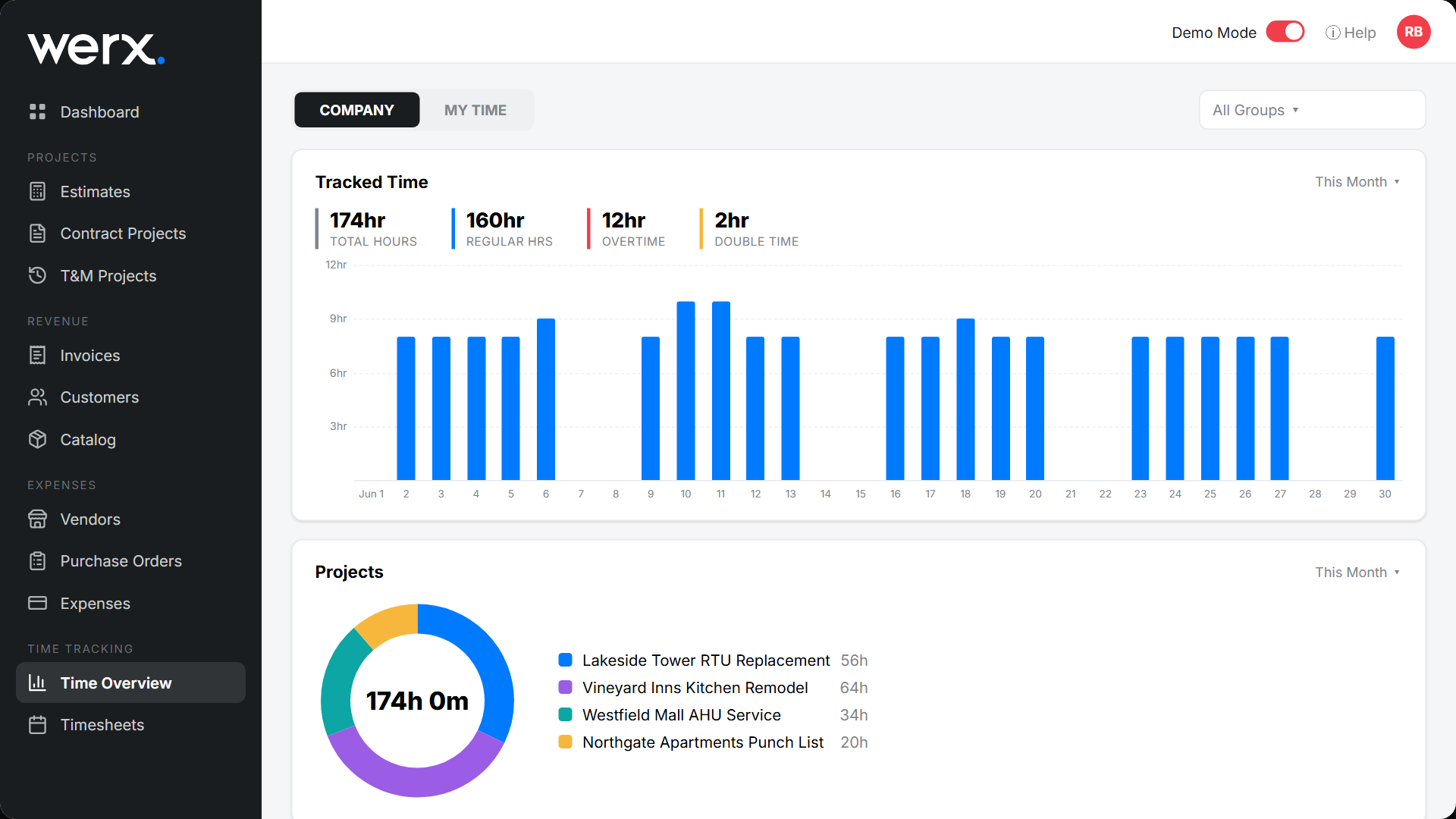
Track the same parts on every job. Align them to your estimate and schedule of values. Consistency beats complexity.
- Labor: regular and OT hours with burden (taxes, comp, benefits)
- Materials and equipment: POs, receipts, and rentals
- Subcontractors: committed amounts versus actual invoices
- Change orders: scope, price, approval, and status
What goes wrong without real-time data?
Manual or late entry hides the truth and the profit. Paper timesheets miss hours. Uncoded receipts understate real costs.
Month-end then becomes a guessing game. You learn about the loss after the job is done.
- Paper timesheets and late coding of hours
- Unposted POs and receipts that understate cost
- Change work done before it is priced
- Month-end adjustments that mask mid-job issues
How does software enable real-time job costing?
Job costing software like Werx connects the field, office, and books. Costs land on the right job and phase automatically. Then they sync to the general ledger in QuickBooks.
- Capture hours with Werx time tracking by job, phase, and cost code
- Track T&M items as billable costs
- Build SOVs and bill with AIA and progress billing
- Post clean records with QuickBooks integration
When should you use real-time job costing?
Use it on any job that runs more than a few weeks. Use it when labor is a big share of cost. Use it when one bad week can erase your margin.
Small, same-day jobs need less. A quick invoice may be enough there. For the full money picture, pair this with construction accounting basics.
- The job runs longer than a couple of weeks
- Labor and materials move daily across phases
- You bill by progress or T&M
- You want to fix overruns before closeout
What are the best practices?
Build a steady cadence so crews know when to report. Managers then know when to review. A simple rhythm keeps the data clean.
- Require daily time entry; approve weekly
- Code POs and receipts at purchase or delivery
- Route change orders for approval before work starts
- Review job dashboards twice a week
Key takeaways
- Real-time job costing tracks labor, materials, and subs by job and phase
- It prevents overruns, sharpens forecasts, and speeds billing
- Standardize capture and approvals to keep data you can trust
- Werx and QuickBooks deliver accurate costs without double entry
Frequently Asked Questions
How often should I update job costs?
Post labor and major materials daily. Update subs and equipment at least weekly. The goal is current budget versus actuals for live decisions.
Is job costing only for large contractors?
No. Small and midsized teams gain even more. Real-time visibility protects tight margins and speeds accurate billing.
What's the difference between job costing and WIP?
Job costing tracks costs at the job and phase level. WIP rolls those jobs into a portfolio view. It shows over and under-billing and earned revenue.
Ready to grow your business?
Start your 14-day free trial today. No credit card required.
No credit card required · Free migration assistance · Cancel anytime