

Werx Academy
Best Practices for Managing Subcontractors
Set clear scope, prequalify subs, and verify progress before you pay. Fewer disputes, tighter budgets.
Subcontractor management comes down to clarity and discipline. Prequalify vendors, define scope and terms, and align schedules. Document every change and verify progress before you approve a pay application. With steady processes and the right tools, you cut disputes and keep jobs on budget.
How do you nail scope and contract terms up front?
Most conflicts trace back to unclear expectations. Lock in a tight scope and the rules of engagement before work starts.
- Scope, inclusions, and exclusions tied to drawings and specs
- Schedule and milestones that match the master plan
- Payment terms like progress or AIA, retainage, and required docs
- Change-order language: written approval before extra work
What goes on a prequalification and compliance checklist?
Onboard every sub with the same packet. That way compliance does not slip through the cracks.
- W-9, licenses, certificate of insurance, and workers' comp
- References and relevant project experience
- A signed subcontract and lien waiver templates
- A contact tree for field and office escalation
How do you keep scheduling and coordination on track?

Short, regular touchpoints beat long, rare meetings. Keep the cadence steady.
- A two to three week lookahead with material lead times
- Daily huddles for access, inspections, and dependencies
- Clear RFI and submittal routing with turnaround expectations
- Documented site limits like laydown, parking, and delivery windows
Why does field documentation matter so much?
If it is not documented, it did not happen. That is doubly true for changes.
- Daily reports and photos tied to area and trade
- Extra Work Authorizations with on-the-spot e-signatures
- Written change orders before any extra scope
- Tickets and invoices attached for stored materials or T&M
How do you keep change-order discipline?
Scope creep kills margins. Keep change orders visible and tied to billing.
- Price and approve before work starts, using field EWAs for urgent items
- Reference change order numbers on the G703 continuation sheet
- Apply retainage consistently on CO lines
- Update the SOV and schedule right after approval
How should you verify progress before approving pay apps?
| 1 | Original contract sum | $266,350.00 |
| 2 | Net change by change orders | $4,046.00 |
| 3 | Contract sum to date | $270,396.00 |
| 4 | Total completed & stored to date | $62,789.85 |
| 5 | Retainage (10%) | $6,278.99 |
| 6 | Total earned less retainage | $56,510.86 |
| 7 | Less previous certificates for payment | $31,240.50 |
Trust, but verify. Align each sub's pay application to your SOV and your documentation standards.
- Confirm percent complete by SOV line with photos and quantity logs
- Require proof for stored materials: photos, invoices, and location
- Track retainage and lien waivers by billing period
- Reconcile COs and prior billing to prevent overpayment
When should you bring on a subcontractor (vs. self-perform)?
Bring on a sub when the work needs a license, a trade skill, or crews you do not have. Specialty scopes like electrical, mechanical, and roofing often fit. Self-perform when the work is your core trade and you have the crew.
Weigh schedule, risk, and margin on each scope. A good sub can protect your timeline. A poor fit can stall the whole job, so prequalify first.
- The scope needs a licensed or specialty trade
- Your crews are booked on other jobs
- The risk or warranty is better held by a specialist
- The numbers beat self-performing the work
How does software help manage subs?
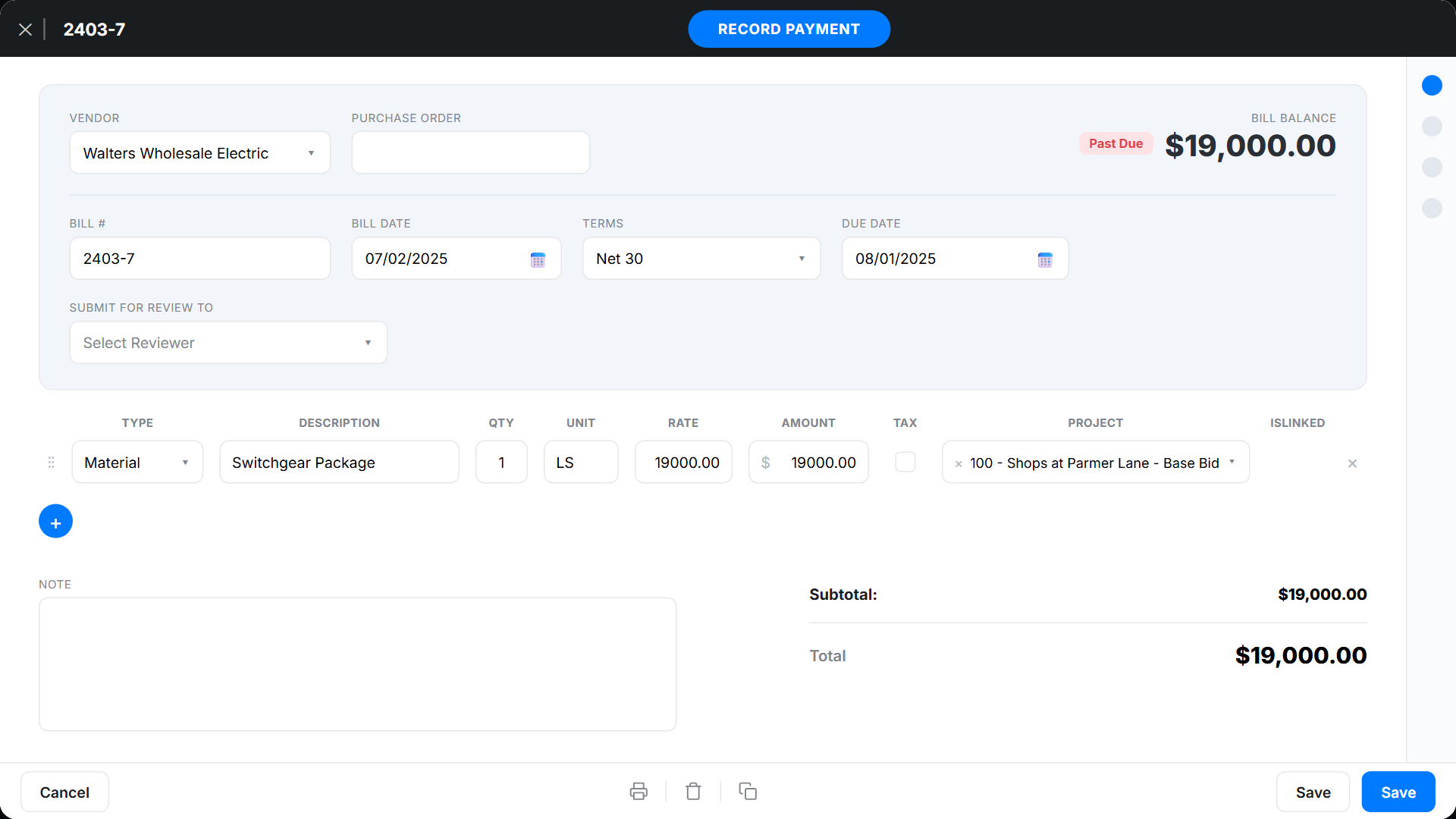
Contractor software like Werx centralizes scope, changes, progress, and billing. Teams stay aligned and audits get simple.
- Build a schedule of values and align subs to the same lines
- Generate and track AIA and progress billing packages with attachments
- Capture field approvals and EWAs in the Werx Field App
- Sync approved invoices to the GL with QuickBooks integration
Key takeaways
- Standardize prequalification, scope, and change-order rules
- Use lookaheads, daily huddles, and photo-backed progress checks
- Approve pay apps only with documentation and lien waivers
- Werx centralizes SOVs, EWAs, COs, and billing with QuickBooks sync
Frequently Asked Questions
What documents should I collect before a subcontractor starts?
W-9, COI and workers' comp, licenses, a signed subcontract, a safety program, and lien waiver templates. Add field and office contacts.
How should I handle subcontractor change orders?
Use a field EWA for urgent requests, then convert to a written CO with price, scope, and schedule impact. Reference the CO on billing.
What's the best way to review a sub's pay application?
Verify percent complete by SOV line with photos, check stored-materials proof, confirm retainage math, and reconcile prior totals and COs.
Ready to grow your business?
Start your 14-day free trial today. No credit card required.
No credit card required · Free migration assistance · Cancel anytime