

Help Center
Company settings
Set your company profile so it appears correctly on every document.
Updated June 21, 2026
Edit your company profile
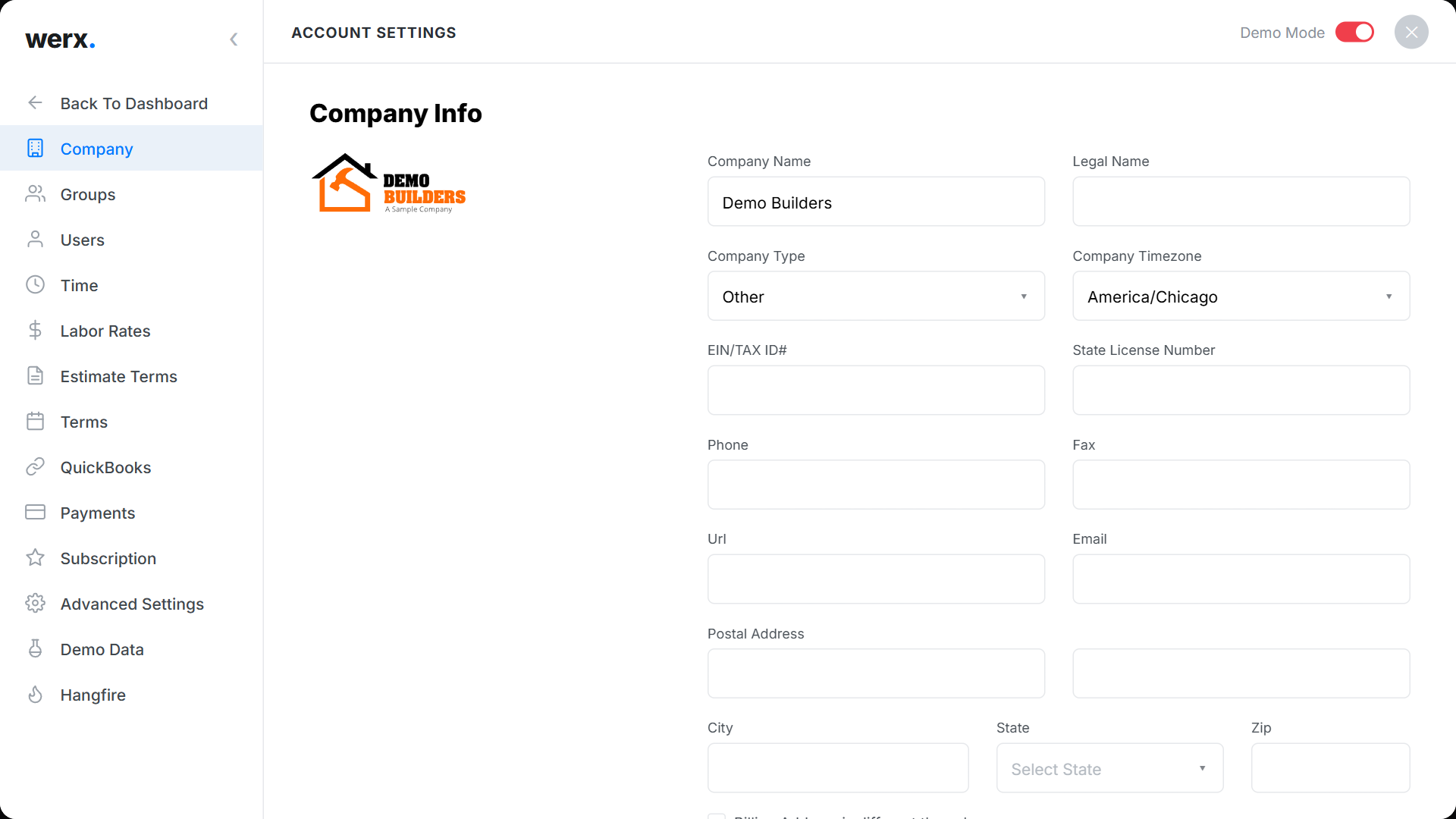
- Go to Account Settings → Company.
- Add your logo and set the Company / Legal name and Company Type.
- Set your Timezone, EIN / Tax ID, and State License #.
- Fill in contact details and addresses (you can set a separate billing address).
Company settings FAQ
Where do these details appear?
Your logo and company information appear on estimates, invoices, and other customer-facing documents.
Can I bill to a different address?
Yes — enable the separate billing address option in Company settings.