

Help Center
Track time in the field
Log hours on your phone in seconds, coded to the right job.
Updated June 21, 2026
Log a time entry
- Open Time Sheets in the bottom navigation.
- Tap the (+) Add button and choose Manual Entry.
- Choose In/Out or Duration.
- Tap Select Project, then pick the project and budget/phase item.
- Enter the time and a note, then tap Save.
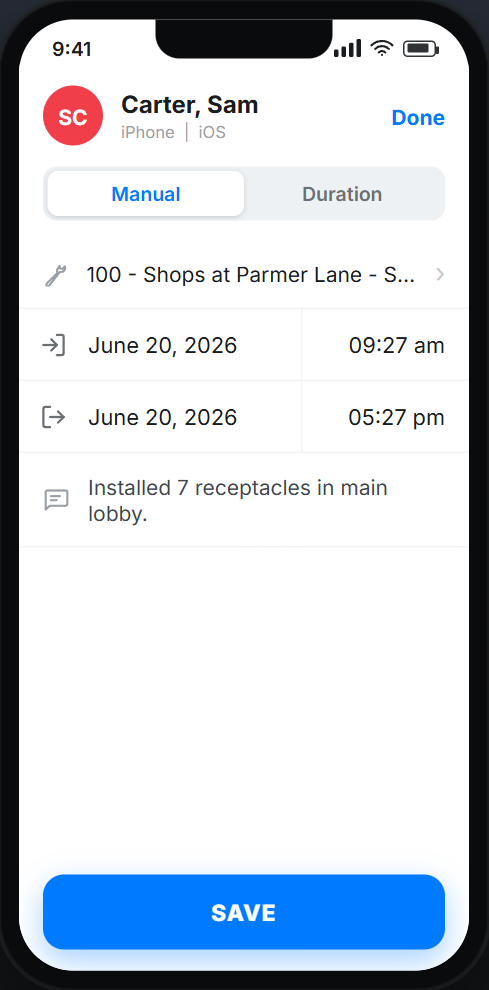
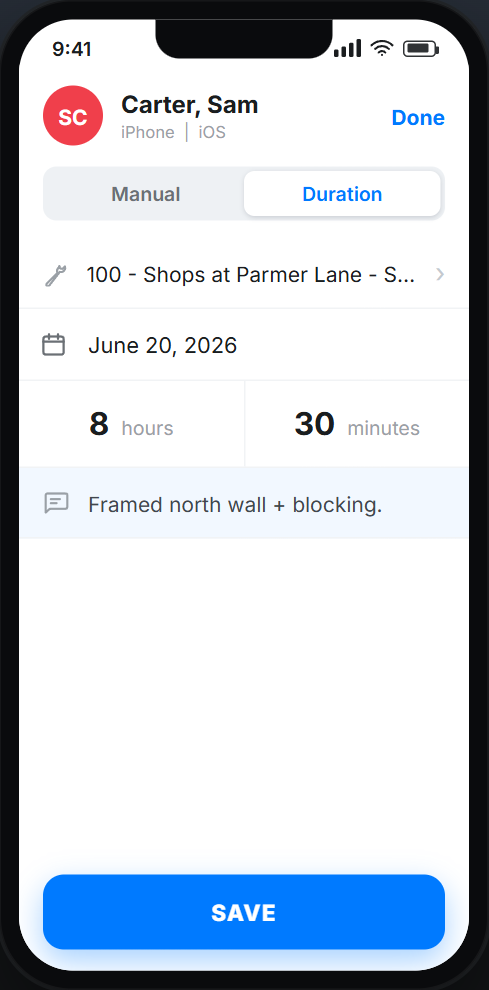
In/Out vs Duration
In/Out records a clock-in and clock-out time. Duration records a total amount of time worked. Pick whichever is easier for the job.
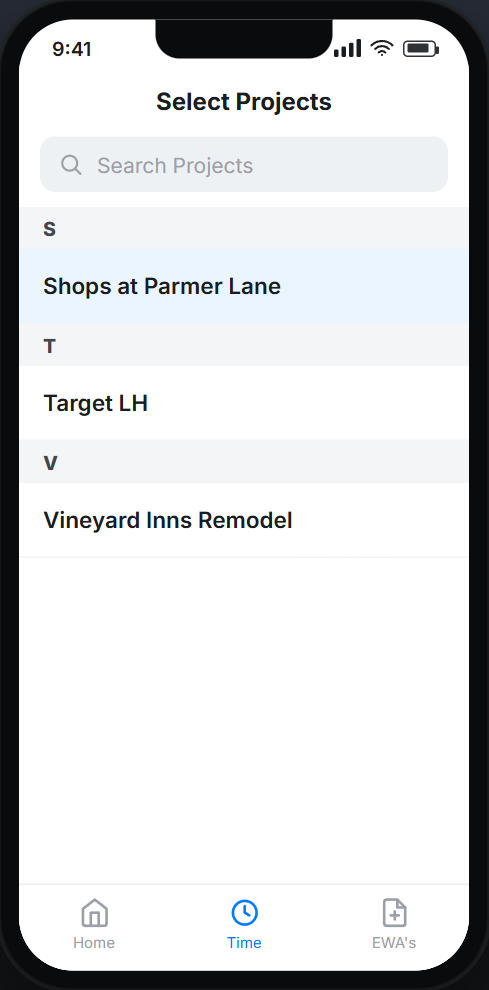
Pick the right project
Tap Select Project to choose the job, then the budget or phase item, so the hours land on the correct cost code for job costing.
Field time FAQ
Where do these hours go?
They flow into time overview and the project's labor cost, and appear on timesheets for approval.
Can I log time on the web too?
Yes — see Time Tracking for the web steps.