

Help Center
Timesheets & approvals
Review and approve the whole crew before payroll.
Updated June 21, 2026
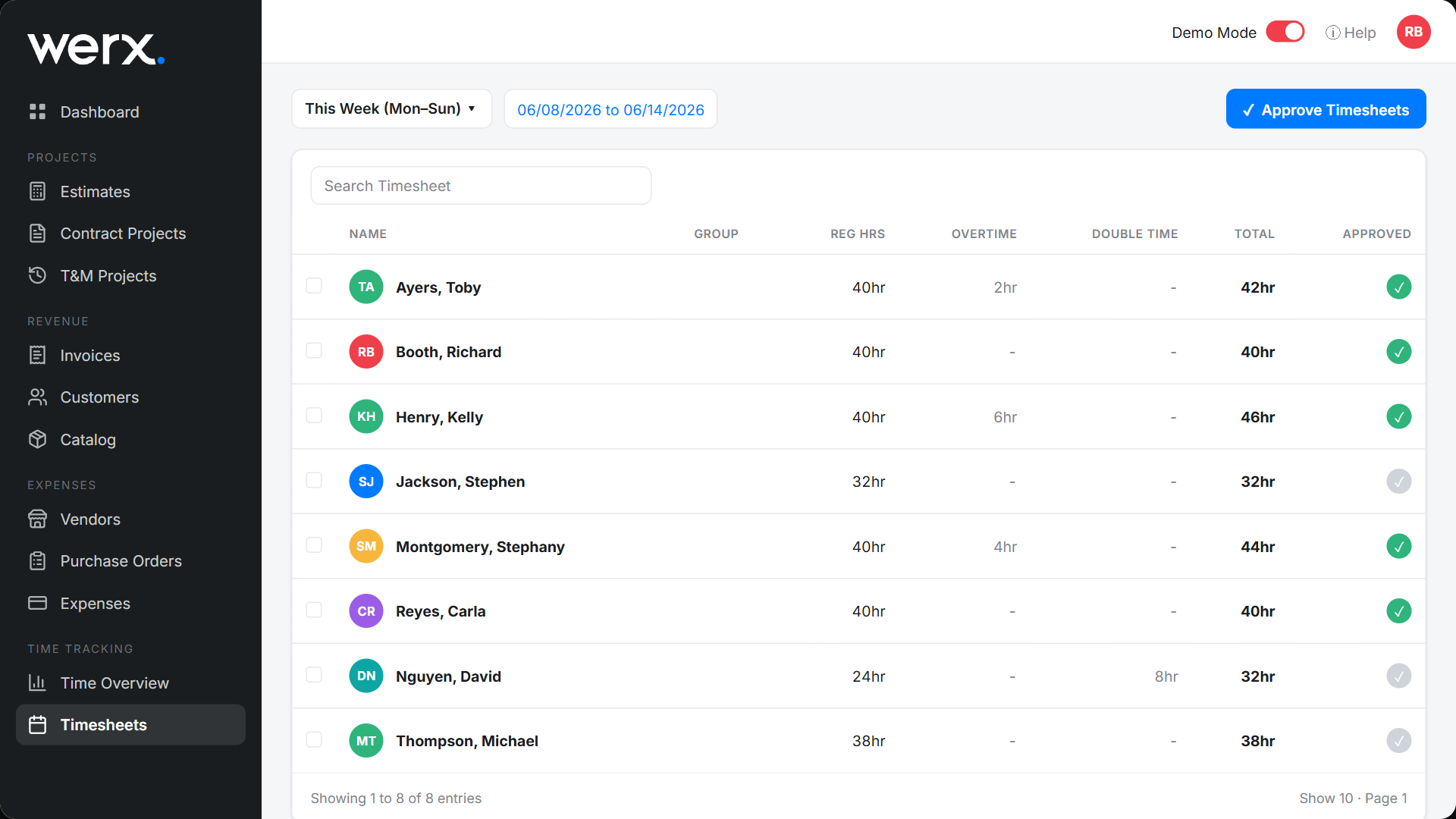
The Timesheets screen rolls up the week for your whole crew so you can review hours and approve them in one place — a clean handoff to payroll and billing.
Approve the week
- Go to Time Tracking → Timesheets.
- Pick the week you want to review.
- Check each person's Regular / Overtime / Double and Total hours.
- Click Approve Timesheets to approve the crew in one step (or approve individuals).
Timesheets FAQ
Can I approve everyone at once?
Yes. Use Approve Timesheets for the whole crew, or approve people individually.
Where do I see one person's detail?
Open their employee timecard for the daily breakdown.