

Help Center
Get paid online with Stripe
Connect Stripe so your customers can pay invoices by card — and you get paid faster.
Updated June 21, 2026
When you connect Stripe, customers can pay their invoices online by credit card. Stripe handles the secure card processing; Werx records the payment against the invoice automatically. (Stripe charges a processing fee on these payments.)
Connect to Stripe
- Go to Account Settings → Payments.
- Click Connect to Stripe.
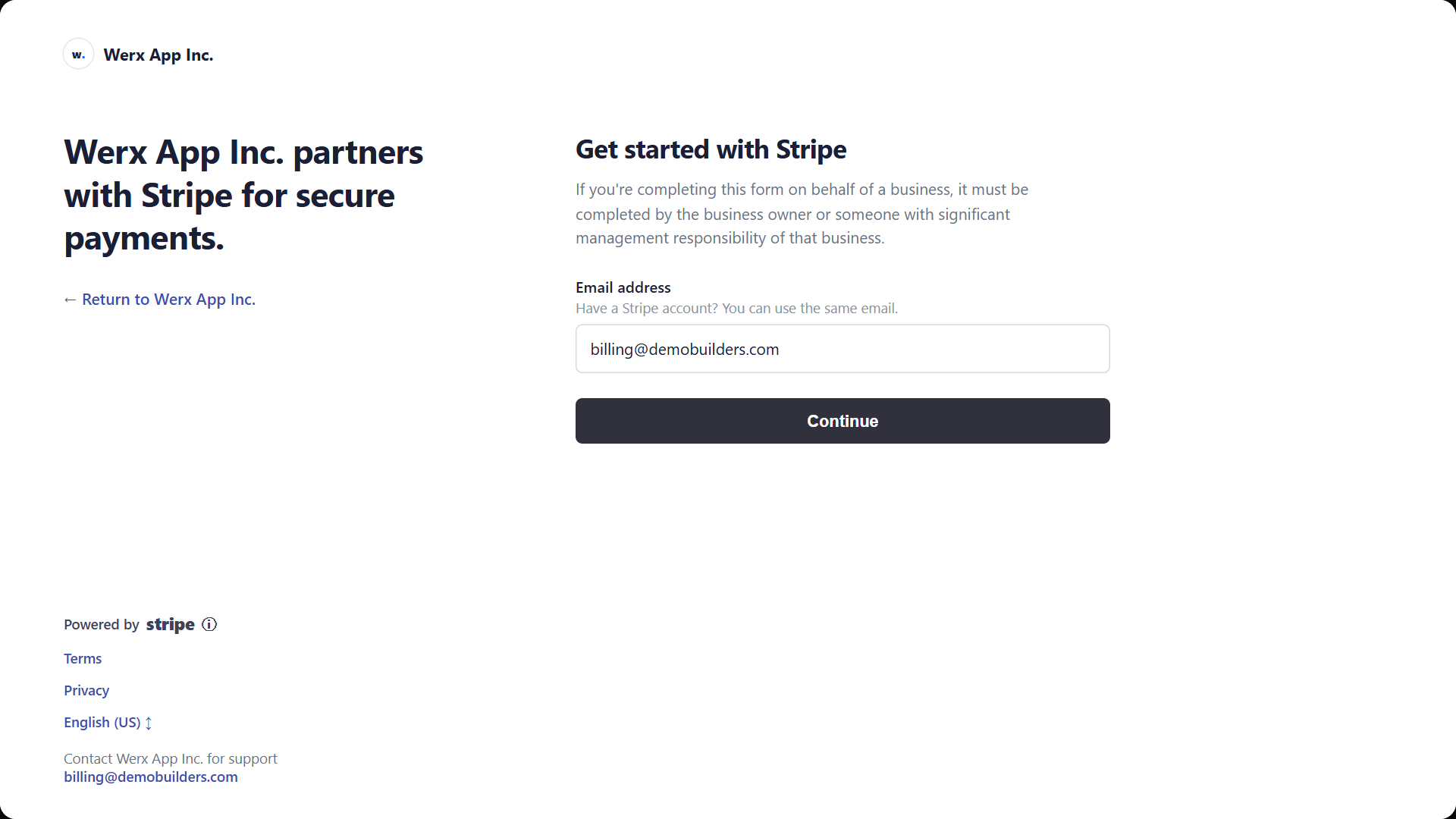
- Complete Stripe's hosted onboarding in the pop-up — enter your email, then your business details.
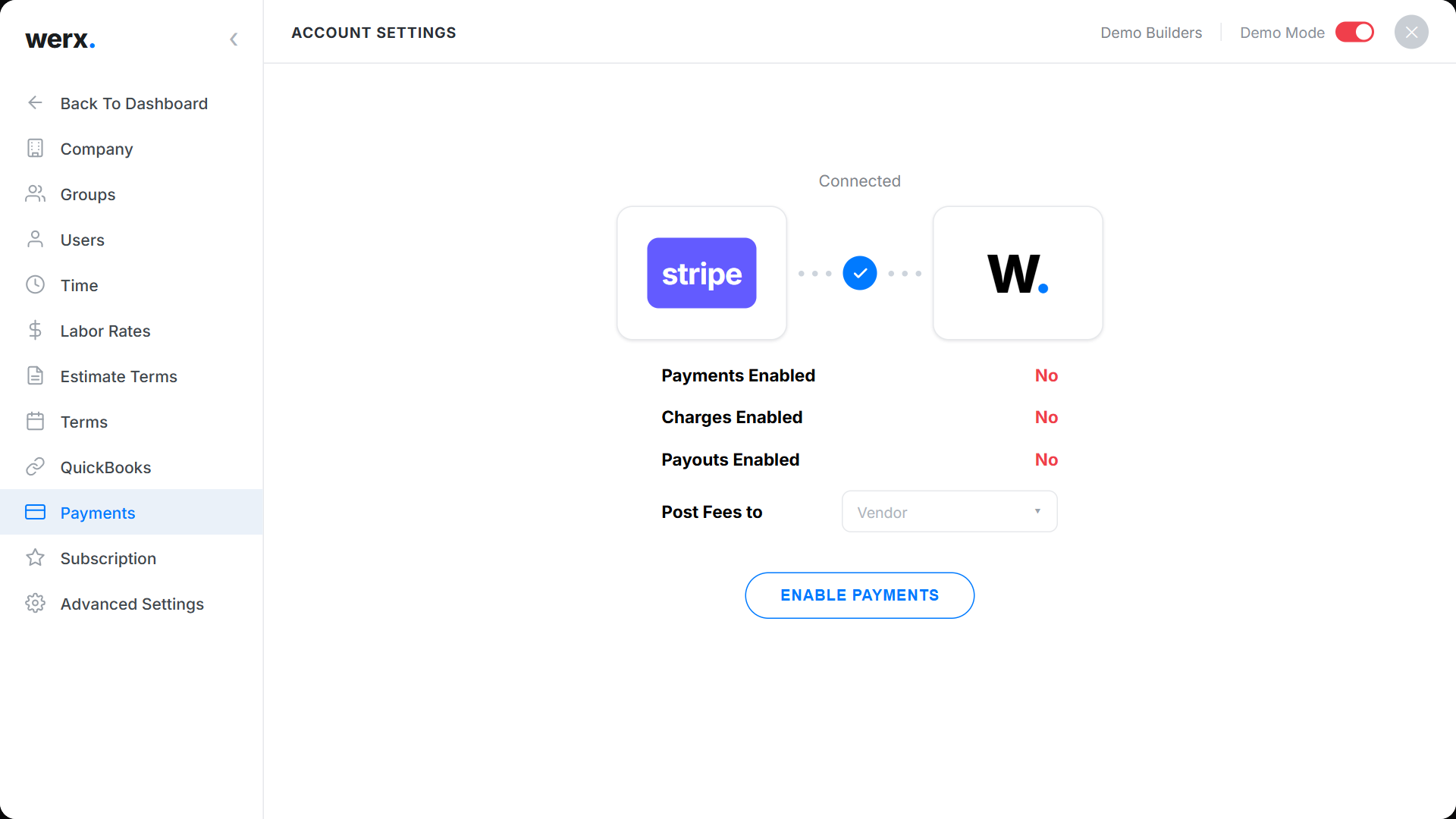
- When you return to Werx, the Payments screen shows Connected.
Enable payments
Once connected, the Payments screen shows whether Payments, Charges, and Payouts are enabled. Choose where to Post Fees (for example, to a vendor), then click Enable Payments. When all three show enabled, you are ready to accept card payments.
Add a payment link to an invoice
When creating an invoice, tick Include Payment Link. Your customer sees a Pay button on their invoice and can pay by card; the payment is recorded against the invoice in Werx.
Online payments FAQ
Is there a fee?
Yes — Stripe charges a processing fee on card payments. You choose how fees are posted during setup.
Do payments show up automatically?
Yes. When a customer pays online, Werx records the payment against the invoice for you.