

Help Center
QuickBooks Accounts
Choose which expense accounts sync with Werx.
Updated June 21, 2026
QuickBooks Integration: Accounts
QuickBooks Online integration defaults ensure that every data block (such as customers, vendors, invoices, bills, and catalog) contains the required data for proper syncing. Without proper configuration, syncing errors with QuickBooks Online can occur.
The Accounts tab allows you to select which expense accounts you want to sync between Werx and QuickBooks Online. For instance, you might choose to pull "Supplies and Material Expenses" from QuickBooks while excluding items assigned to "Bank Charges Expenses."
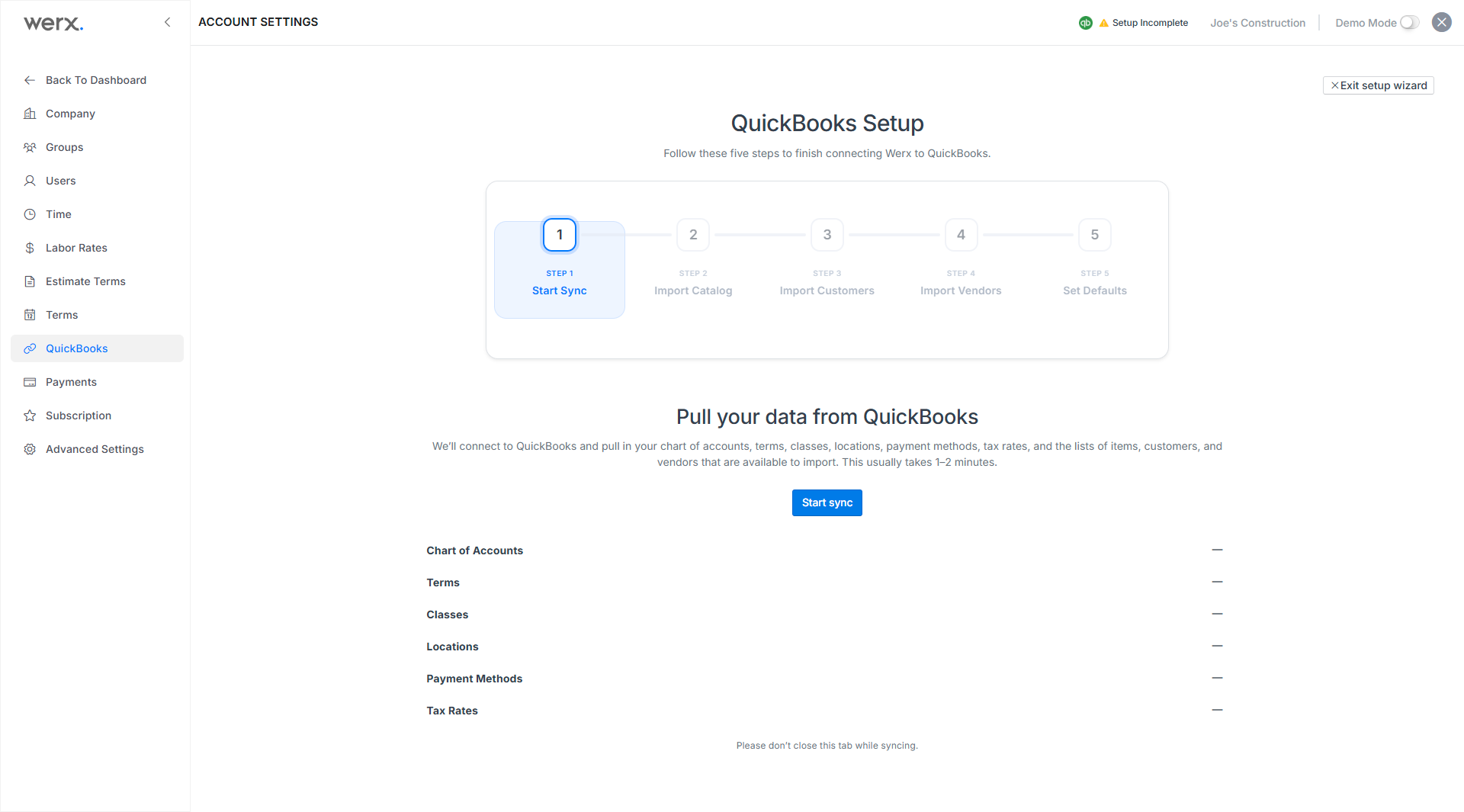
Select Expense Accounts
To configure account settings:
- Select QuickBooks in the left navigation within the accounts settings section.
- Click Accounts in the top tabs of the QuickBooks screen.
- Select the accounts you want to sync with Werx and deselect any accounts you don't want to sync.