

Help Center
Submittals
Manage material and equipment approvals the way commercial jobs require.
Updated June 21, 2026
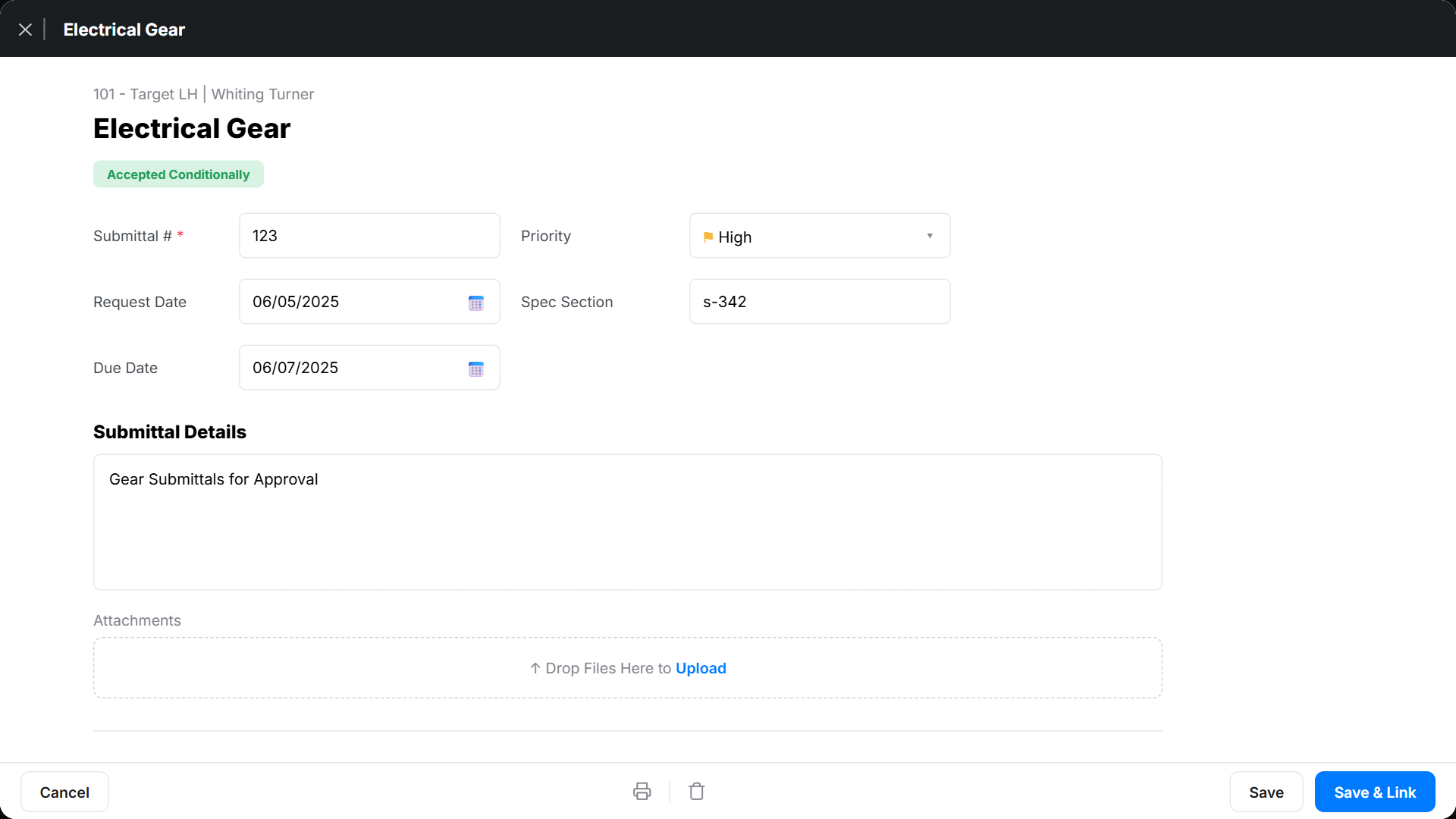
A submittal routes a product, material, or piece of equipment for review and approval against the project specs. Werx tracks each submittal's status, spec section, attachments, and the reviewer's disposition.
Create a submittal
- Open the contract project and select the Submittals tab.
- Click + Create Submittal.
- Enter a title, priority, and the spec section.
- Attach the product data, shop drawings, or samples.
Review and set a disposition
The submittal log shows number, title, status, priority, and dates. On review, set the disposition — for example Accepted or Accepted Conditionally — and Werx records the responder and timestamp.