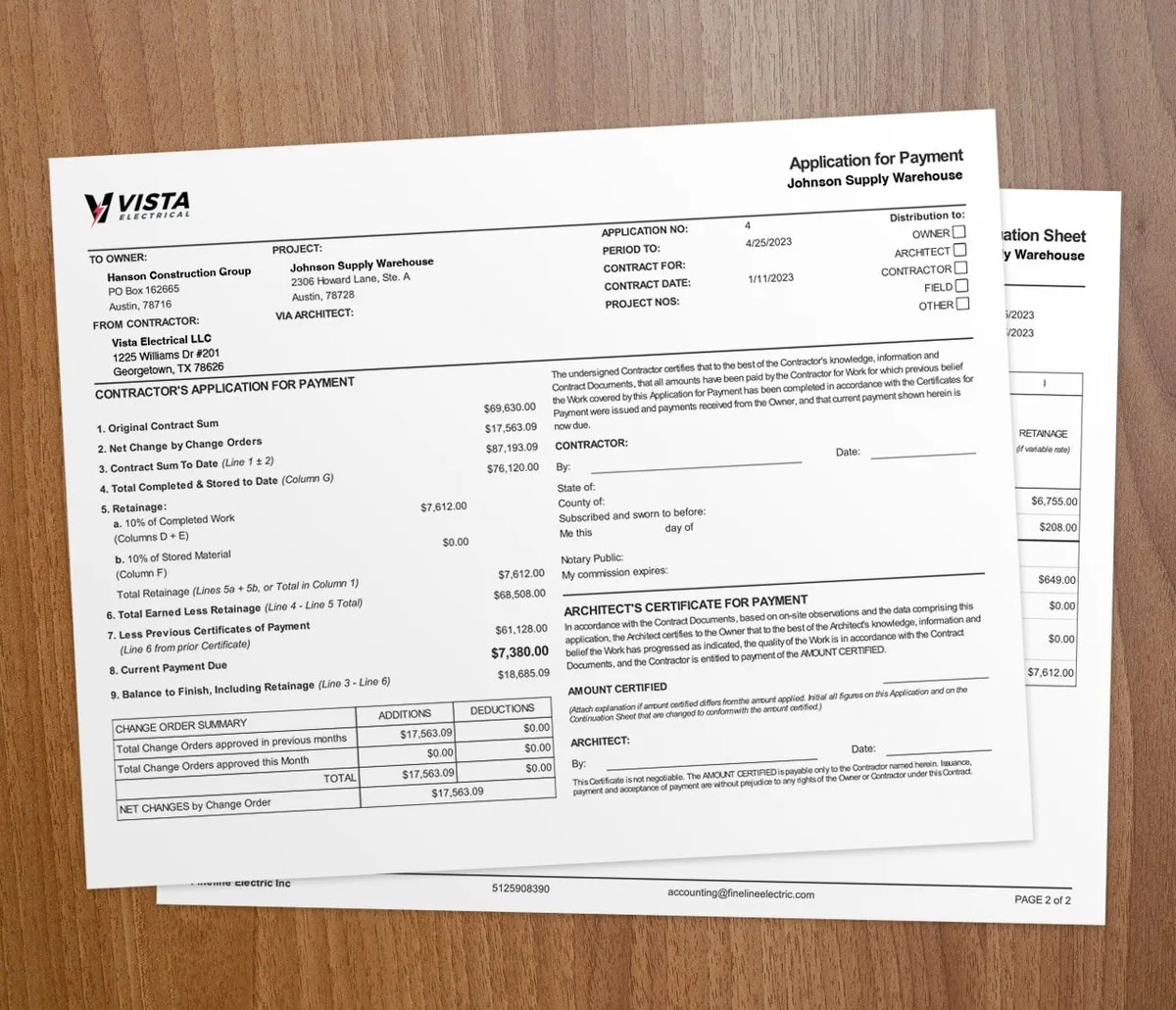

Cashless payments let your clients pay an invoice by card, ACH transfer, or digital wallet instead of mailing a check. You get paid in minutes rather than weeks. That faster cash covers payroll and materials while the job is still moving.
Why go cashless?
For years, contractors collected payment by check, cash, and paper invoices. Each method has a catch. Checks can bounce, cash is hard to track and easy to lose, and mailed invoices sit for weeks before anyone pays.
Cashless options fix those gaps. When a client can pay by credit card, debit card, ACH transfer, or digital wallet straight from the invoice, the wait between finishing work and getting paid shrinks fast.
Do digital payments really get you paid faster?
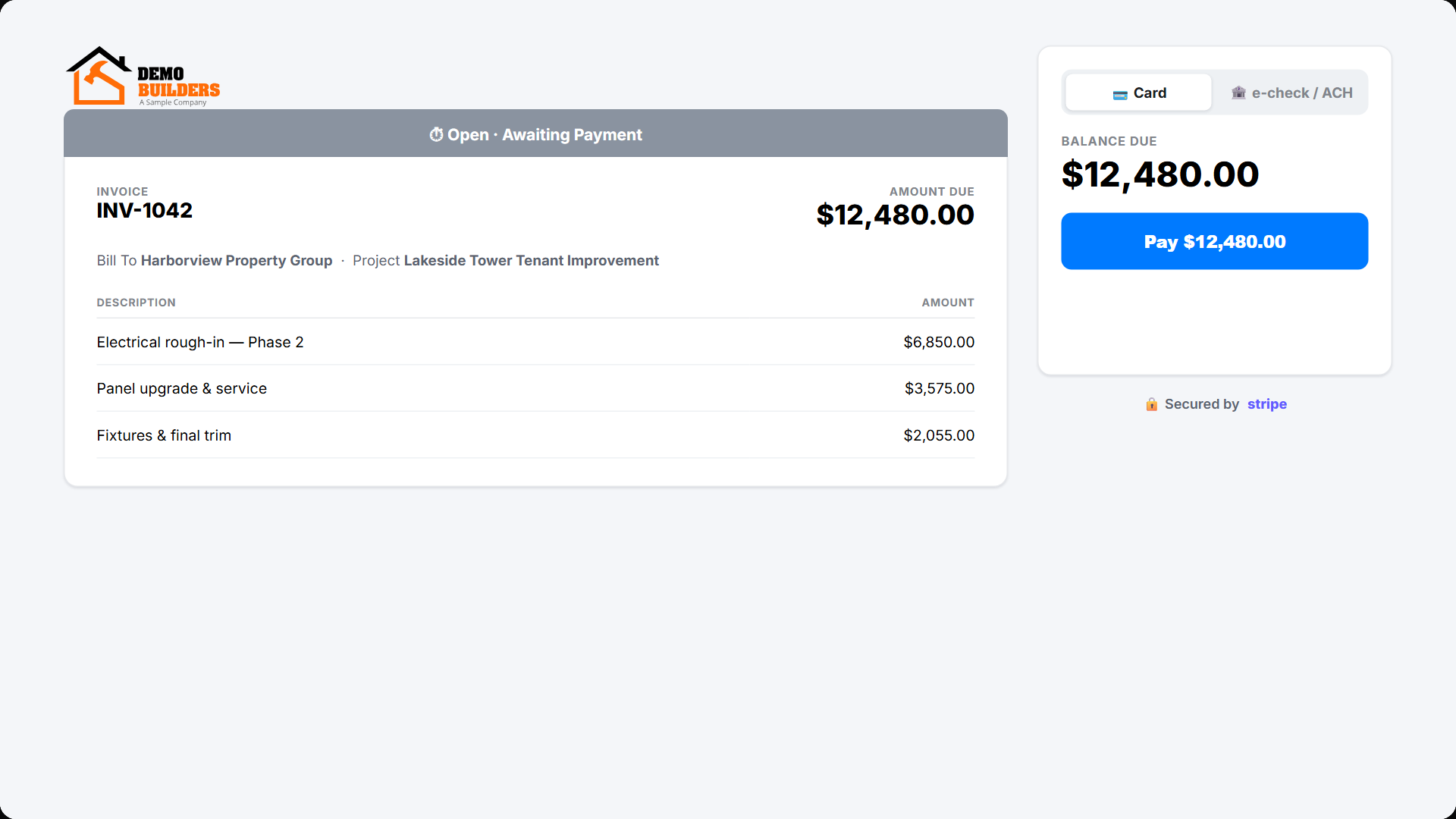
Yes. A client who gets an invoice with a "Pay Now" button can settle it on a phone in a minute. No check to write, no envelope, no trip to the mailbox. That speed means you can cover material costs and make payroll without waiting for checks to clear. To cut the wait even more, pair online payments with the habits in our guide to reducing payment delays in construction.
Does a digital invoice look more professional?
A clean invoice with a built-in payment link tells clients you run an organized shop. That impression builds trust and makes people more willing to pay on time.
What are the main cashless payment options?
Credit and debit cards
Cards are the simplest cashless option to offer. With payment processing built on the Werx Stripe integration, you drop a payment link right into the invoice. The client clicks, enters the card, and the money moves securely.
ACH bank transfers
On big invoices, card fees add up. ACH transfers move money bank to bank and usually cost less per transaction than cards. They fit large progress payments and repeat commercial clients on net-30 or net-60 terms.
Mobile wallets
Some clients want to pay with Apple Pay or Google Pay. Most processors support these wallets automatically, so you do not set up anything extra.
How do you set up cashless payments?
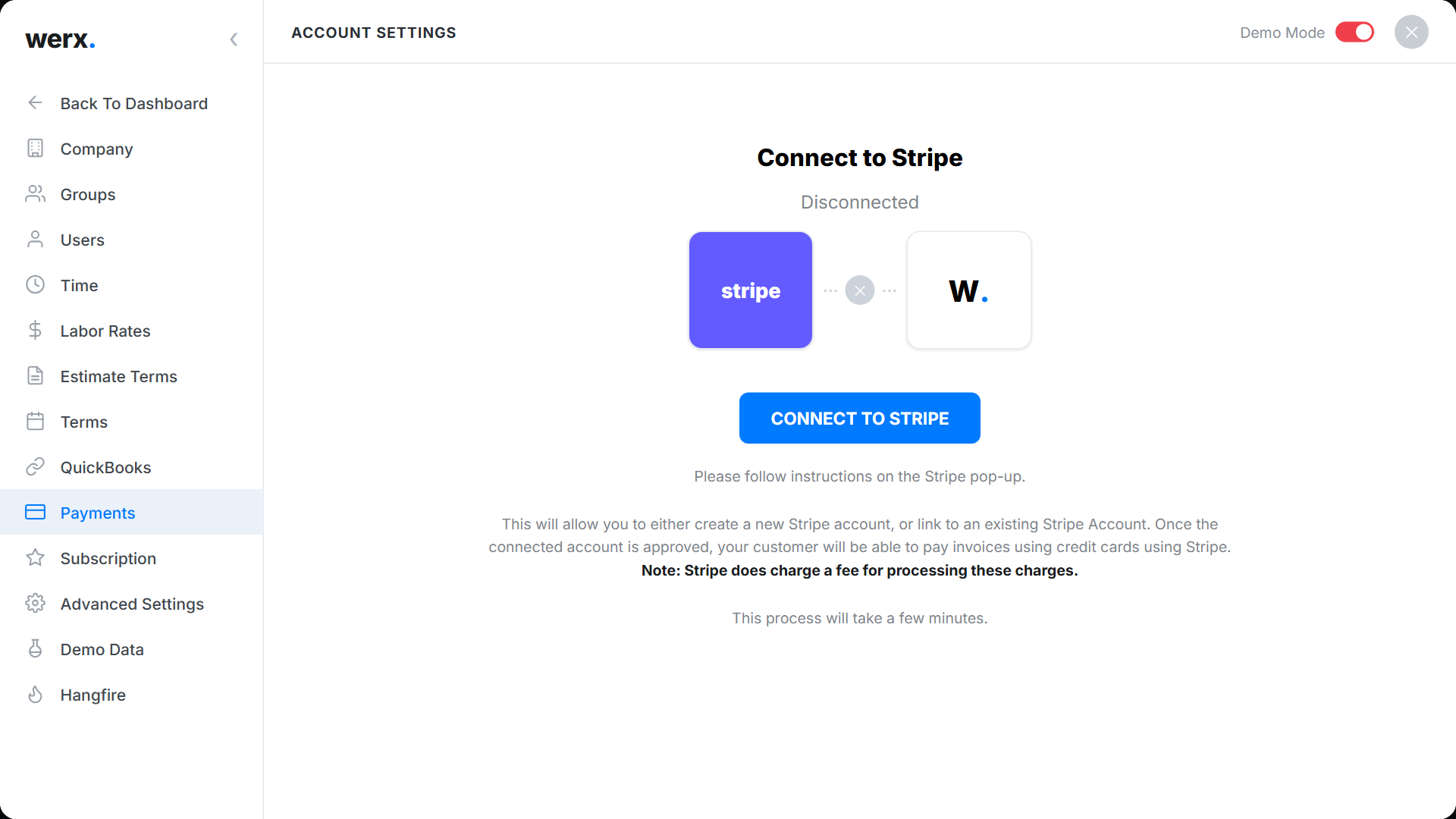
Getting started takes four steps:
1. Pick a payment processor. Choose one that connects to your invoicing software. Werx partners with Stripe for card and ACH payment processing. 2. Open your account. Add your business and banking details, then finish the verification check. 3. Connect it to invoicing. Link the processor to your invoicing system so a payment link lands on every invoice automatically. 4. Tell your clients. Let current clients know you take digital payments now. Most will be glad for the option.
What do cashless payments cost?
Card processing fees usually run about 2.5% to 3.5% per transaction. ACH fees are typically lower. Weigh the fee against what you get back:
- Faster collections that improve cash flow and cut your need for short-term financing.
- Less admin time spent chasing payments, handling checks, and making bank runs.
- Fewer bad debts from bounced checks or disputed payments.
Many contractors find the gain outweighs the fee. Some pass part of the fee to clients as a convenience charge where the rules allow it. To compare card and ACH math in more detail, see our guide to setting up credit card invoicing.
When should you go cashless?
Go cashless if you bill clients often, run net-30 or net-60 terms, or wait too long on checks. Homeowners and commercial clients both expect a way to pay online now, so the option helps you close and collect faster.
You may still take a check now and then for a client who insists. That is fine. Just make digital the default on every invoice so most payments come in fast. For the bigger cash flow picture, read how online payments improve cash flow.
How do cashless payments fit your workflow?
Cashless payments pay off most when they connect to the rest of your back office. When payment data flows into your QuickBooks integration, you skip manual reconciliation. When payments tie to a job through time and materials tracking, you can see which projects actually make money.
Tie digital payments to clear estimates and the client gets one smooth path from first quote to final payment.
Key takeaways
- Cashless payments let clients pay by card, ACH, or digital wallet straight from the invoice.
- Online payment links get invoices paid in minutes instead of weeks, which steadies cash flow.
- Card fees run about 2.5% to 3.5% per transaction, while ACH usually costs less.
- Connect payments to invoicing, QuickBooks, and job tracking to cut admin work.
- Contractor software like Werx adds card and ACH payment links to every invoice.