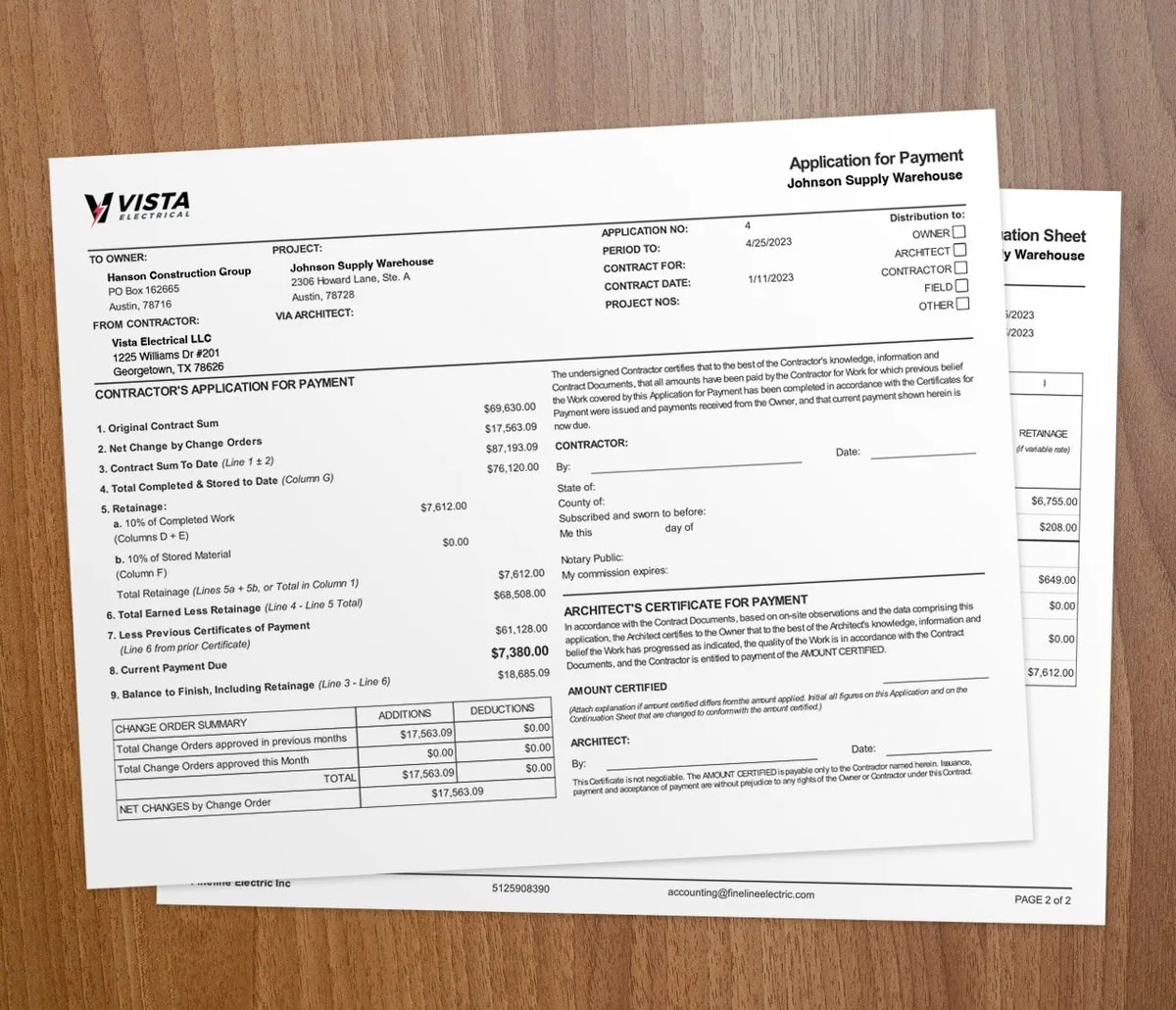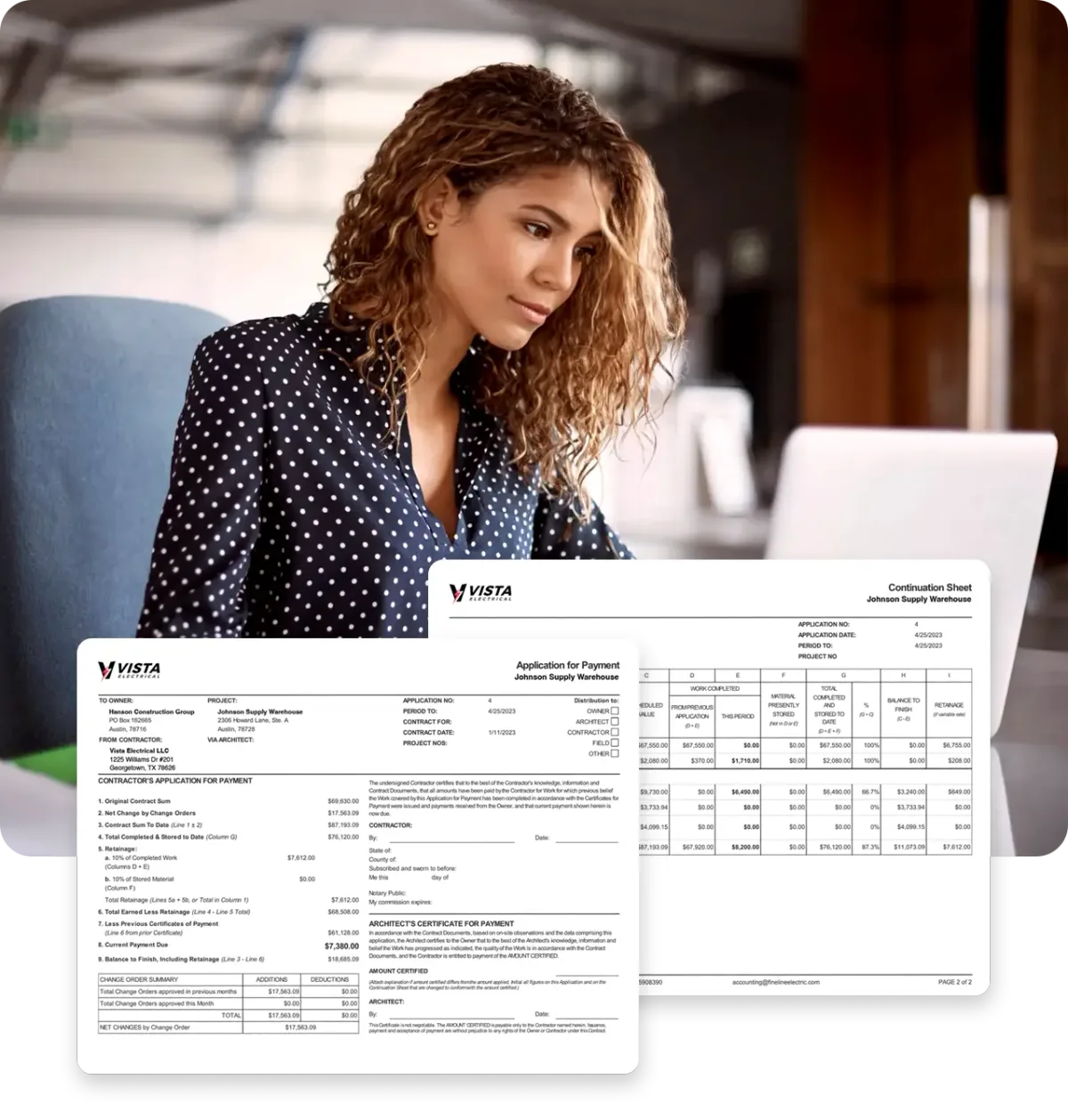

QuickBooks Desktop is not being shut off. Intuit has not announced an end date for Desktop 2024. If someone told you that you have to move by a certain date, they were guessing.
The ground under Desktop has still shifted. And if you bill progress draws, moving to QuickBooks Online costs you more than a data transfer.
Is QuickBooks Desktop going away?
No. Not on any published schedule.
Intuit's discontinuation policy page lists 2023 versions and stops there. It calls 2024 the current supported version. The stop-sell announcement says existing subscribers "can continue to renew their subscriptions" and keep getting security and product updates.
So there is no mandate and no countdown clock. That is where most articles on this stop.
It is also where the useful part starts. Intuit is not switching Desktop off. It is letting it fade, and contractors are reading that direction and leaving on their own terms.
The catch shows up after the move. QuickBooks Online does not handle progress billing the way Premier Contractor Edition did. Most contractors find that out once their data is already across.
What actually changed
Three dates matter. Treat the rest as noise.
September 30, 2024. Intuit stopped selling Desktop Pro Plus, Premier Plus, and Mac Plus to new US subscribers. Premier Plus is where Contractor Edition lives. You can still renew, but you cannot buy it new, and no new partner or entity can join you on it. Enterprise was left alone and is still sold.
May 31, 2026. Desktop 2023 hit full discontinuation. It lost live support, Desktop Payroll, Desktop Payments, and bank feeds, and it stopped getting security updates. The software still opens. It just runs on its own now.
October 1, 2026. Renewal prices rise again on Desktop Plus, Desktop Accountant, and most Desktop Payroll. Legacy Enhanced Payroll follows on December 1.
One more fact carries no date. 2024 is the last version year for Pro and Premier. There is no 2025 or 2026 to upgrade into, and the only Desktop path with a future is Enterprise, which is a big price step.
That is the real squeeze. No deadline, but no road ahead either. So the question stops being when you have to move, and becomes what the move costs you.
What happens to your progress billing in QuickBooks Online?
Here is the part nobody warns contractors about.
Premier Contractor Edition was the version built for your work. It handled progress invoicing off an estimate, job costing, estimates versus actuals, and change orders tied back to the estimate.
QuickBooks Online does not carry all of that across.
| Premier Contractor Edition | Where it lands in QuickBooks Online | The gap |
|---|---|---|
| Progress invoicing from an estimate | Progress invoicing, on every plan | Splits an accepted estimate by percent or amount. No schedule of values behind it. |
| Job costing | Projects, on Plus and above | Tracks income and cost per project. No cost codes. |
| Job estimates vs actuals | Project profitability | Totals, not budget to actual by line. |
| Change orders on the estimate | Nothing native | Rebuild them as new estimate lines or separate invoices. |
| Retainage held per pay app | Nothing native | Manual workaround with a retainage receivable account. |
| G702 and G703 pay application | Nothing native | Built by hand in Excel, or in dedicated software. |
| Stored materials | Nothing native | No line for material delivered but not installed. |
| WIP reporting | Nothing native | Built outside QuickBooks. |
QuickBooks Online does have progress invoicing. It splits an accepted estimate into several invoices, and it will not let you bill past 100 percent. That is useful. It is not a pay application.
Read Intuit's own help page for that feature. It never says AIA. It never mentions G702, G703, schedule of values, retainage, or stored materials. QuickBooks Online does not model those ideas.
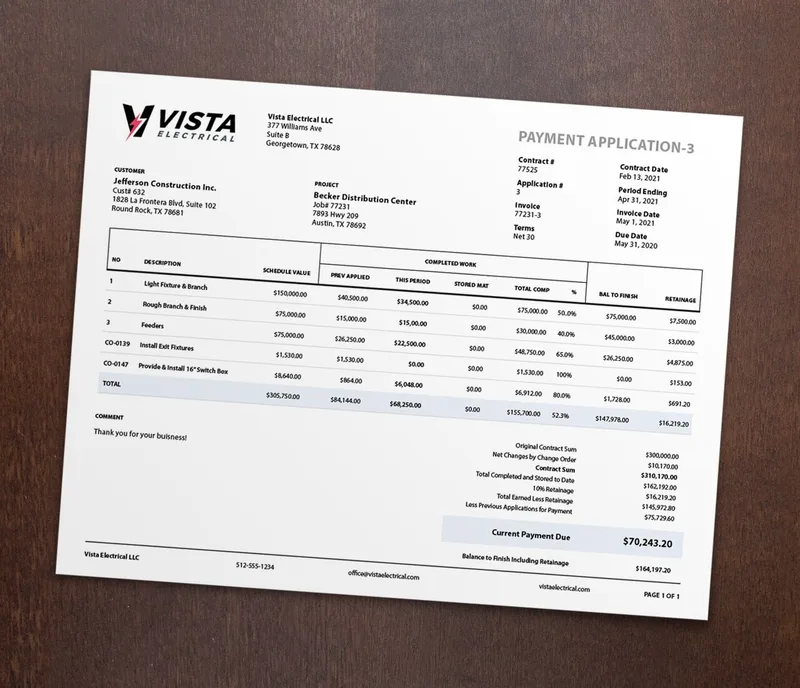
Look at the columns on that pay app. Schedule value, previously applied, this period, stored materials, retainage, balance to finish. Every one of those is a field a reviewer checks. QuickBooks Online has a home for none of them.
Is QuickBooks Online Advanced the answer?
Give Intuit credit here. In August 2026 it built construction tools into QuickBooks Online Advanced at no extra cost.
Advanced now includes job costing, budget versus actuals, change order management, WIP reporting, and profitability reports. It also includes what Intuit calls AIA-style invoicing tied to project phases and milestones.
That is a real answer to a real gap. Two things are worth knowing before you buy it.
First, it is Advanced only. Advanced runs $340 a month. Plus is $140, and Plus is the lowest tier with any job costing at all. Both of those went up in the 2026 QuickBooks price increase.
Second, read Intuit's wording closely. It says AIA-style invoicing tied to phases and milestones. It does not say G702, G703, schedule of values, retainage, or stored materials. Those are the parts a general contractor's reviewer actually checks.
What it costs to keep progress billing working
Run the numbers for a contractor who needs AIA-style pay apps after leaving Desktop.
| Path | Monthly cost | Produces a G702/G703 style pay app |
|---|---|---|
| QuickBooks Online Advanced | $340 | AIA-style invoicing by phase and milestone |
| QuickBooks Online Plus + Werx | $140 + $49 = $189 | Yes, with SOV, retainage, and stored materials |
The gap is $151 a month, or about $1,812 a year.
The cheaper path is also the one that holds retainage per line and bills stored materials. Werx puts every feature on every plan, so AIA billing software is on the $49 tier and not behind an upgrade. It also runs two-way QuickBooks Online sync, so your books stay matched without re-keying.

Werx connects to QuickBooks Online only. If you move off Desktop, that connection is available to you on day one.
Before you plan around a date you read somewhere
Search this topic and you will find confident end dates for Desktop 2024. September 30, 2027 is a popular one. May 31, 2027 shows up too.
Neither comes from Intuit.
Both are built on Intuit's old habit of retiring a version three years after release. That pattern held for years. Intuit has not applied it to 2024, and has not published any date for it.
So ask where a date came from before you build a plan on it. If the answer is not an Intuit page, treat it as a rumor.
Should you move to QuickBooks Online?
Stay on Desktop for now if it works, your version still gets updates, and you are not adding seats. No published deadline is pushing you. Look at it again at each renewal.
Move if you want your books reachable from anywhere, or your bookkeeper wants it, or the renewal increases have worn you down. Those are all good reasons.
Either way, decide what happens to your pay applications before you migrate. The data transfer is the easy part. Rebuilding a schedule of values inside a tool with no concept of one is where the pain shows up. If you want the longer version of that problem, see does QuickBooks do AIA billing.
Key takeaways
- Intuit has not announced an end date for QuickBooks Desktop 2024. Dates circulating online are guesses.
- Desktop 2023 was discontinued on May 31, 2026. Pro, Premier, and Mac have been renewal-only since 2024.
- Desktop renewal prices rise again on October 1, 2026.
- QuickBooks Online progress invoicing splits an estimate. It does not build a pay application.
- Intuit's AIA-style tools sit on Advanced at $340 a month. Keeping a lower QuickBooks plan and adding a billing layer costs less.