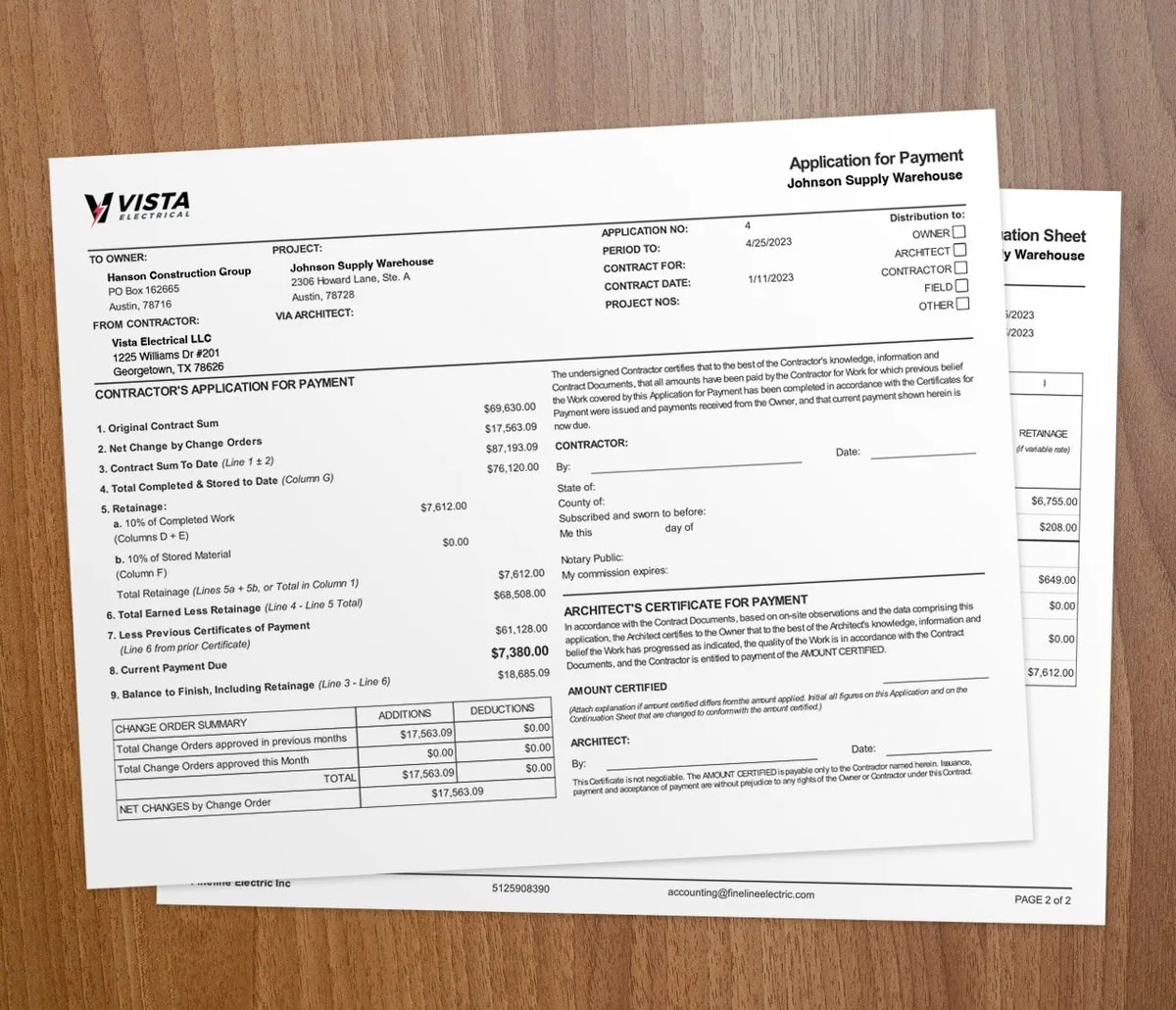

Automating work authorizations cuts the errors, delays, and disputes that come with paper forms. A work authorization is the formal go-ahead for added work that comes up during a job. Capture it on a phone, get a digital signature, and approve it in real time, and the change is documented before crews start.
By hand, these forms are slow and easy to get wrong. A mistake can sit unnoticed until it costs you. Going digital fixes that.
What is a work authorization?
A work authorization is the written okay for tasks or changes beyond the original scope. It is a binding record between the parties that spells out the added work without stalling the job.
Done well, it sets clear expectations on cost and scope. Done by hand, it often lags the work and invites disputes.
What goes wrong with manual authorizations?

Paper and email processes create four common problems:
Human error: Hand-written forms are prone to mistakes. A bad entry may surface only after the job has moved on, which makes it costly to fix.
Time delays: Waiting on paper or email approvals puts parts of the job on hold for no good reason.
Miscommunication: Without one shared system, people work from different versions of a document, which throws off execution.
Admin overhead: A paper system eats time and money. Tracking every change, update, and approval becomes its own job.
Digital tools fix these gaps. They cut errors and clear up communication. For service work, time and materials project tracking keeps labor and costs current as changes come in.
What are the benefits of automation?
Automating work authorizations changes how you run added work:
- Fewer disputes: Accurate records of every authorization remove the gaps that spark disagreements
- Faster approvals: Sign-offs move quickly, so the job keeps momentum
- Clearer communication: One shared system means everyone sees the same data
- Connected records: Authorizations flow into project plans and budgets automatically
- Less paper: A digital process cuts printing and filing
For more on the full workflow, read how to handle extra work authorizations. Pair it with AIA-style billing to fold approved changes into your pay apps.
How does Werx automate work authorizations?
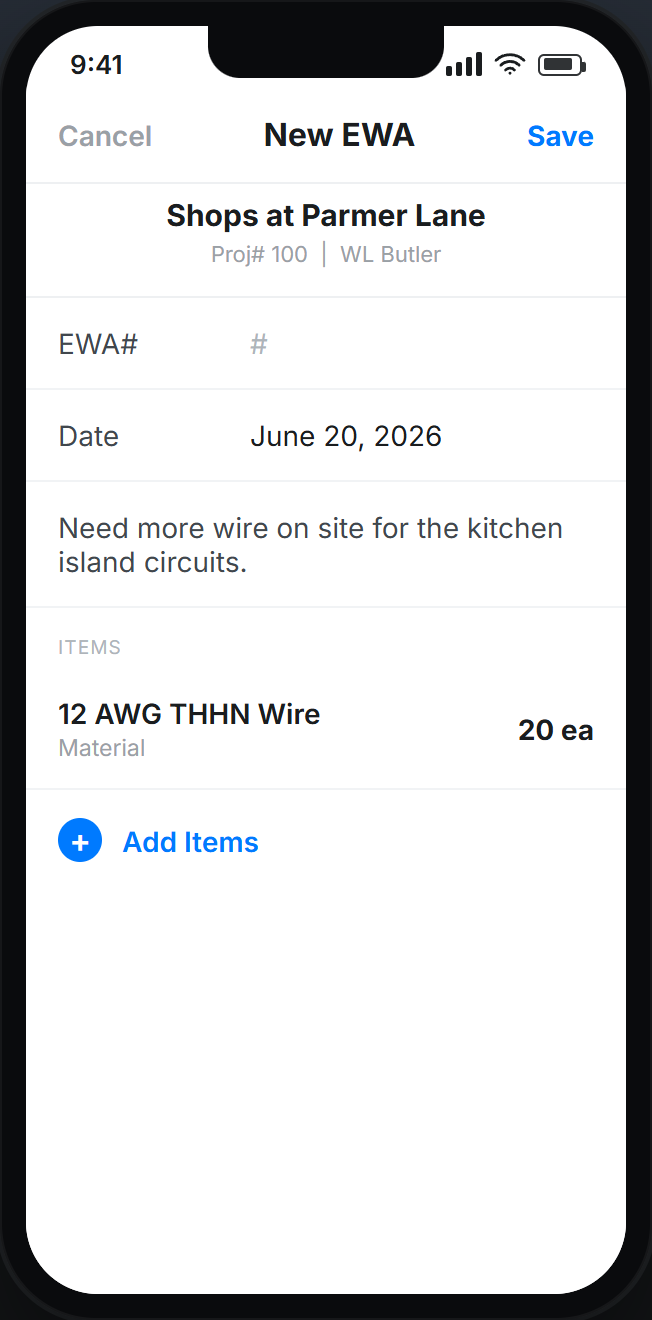
Werx merges automation with a project management setup built for contractors.
At its core, Werx automates work authorizations, which lifts the load of admin tasks. That cuts human error and keeps every authorization documented accurately.
It also ties project management to your financials. Any authorization for added work is tracked and shows up in financial reports right away. That keeps your budget in check and your numbers aligned.
Werx also makes it easy to pull up and review every authorization through its digital system, which helps with audits, compliance checks, and reconciliations. For a clean process from request to approval, see how to automate extra work authorizations.
How do real-time approvals work?
With a mobile app, field teams document and submit work authorization requests right from the job site. No time is lost waiting on approvals.
Digital signatures add legally binding confirmation without the paper. On a job where time is money, that speeds the approval process.
Real-time approvals also keep labor costs accurate. Crews log time in the field, so project managers can check labor against the budget as it happens. Learn more about time tracking in the field.
When should you automate work authorizations?
Automate once you run more than one job, manage offsite crews, or handle frequent change requests. That is when paper forms start costing you hours and clients.
A solo operator on small jobs may get by with simple written notes for now, or our free change order generator for a cleaner record. As soon as the change requests pile up, a digital system pays for itself. For more tips, read these extra work authorization best practices.
Key takeaways
- Manual work authorizations invite errors, delays, and disputes.
- Automation gives you real-time approvals, accurate records, and connected financials.
- Digital signatures and mobile apps let field teams submit and get approvals instantly.
- A digital record supports audits, compliance, and dispute resolution.
- Change order software automates the full work authorization process.