
Cloud accounting software runs your books online, so you can invoice, track time, and check cash flow from any device. For contractors, that means less time on paperwork and more time on the job. Here are six ways it simplifies your week.
1. Cut the paperwork
Tired of receipts piling up on your desk? Go paperless. With cloud accounting, you track expenses, send invoices, and keep your books without printing a thing.
It is also safer than files on one computer. Your data lives on remote servers, so a dead laptop does not wipe out your records. And the cost is modest. Many contractors find the subscription pays for itself in saved paper, ink, and time.
2. Work from the same numbers as your team

Stop emailing spreadsheet after spreadsheet. With cloud accounting, your team works on the same live data at once. Changes show up for everyone, so no one builds a bid off an old file.
You can share records and build reports together, which makes decisions easier. Since the data is always current, you can trust what you see. And you can reach it from anywhere, whether you are at a job site or working from home.
3. Track time on every job
Cloud accounting lets you and your crew log the time spent on each job. That data is gold when you bill clients and check project costs. It also shows where you can tighten things up. The Werx time tracking feature makes this easy for contractors running several job sites at once. To see the cost of doing it by hand, read about the hidden costs of manual timekeeping.
4. Sync with your bank and your books
Keep your records current by syncing bank accounts with your cloud software. You get accurate data without entering transactions by hand. A QuickBooks integration keeps this in sync for contractors so your books match your bank.
5. Invoice faster and track receivables
Cut the hours you spend building invoices each week. Automate them and send invoices out fast. If you are still invoicing by hand, our free contractor invoice template speeds that up in the meantime. You can even see when a client viewed an invoice and when they paid. That keeps you on top of receivables and your cash flow healthy.
With the Werx payment processing feature, you can take secure online payments, so clients pay you sooner.
6. Watch cash flow on a dashboard
Keep tabs on your numbers with a financial dashboard. It gives you a quick read on income and expenses, so you know how the business is doing at a glance.
Why choose Werx for cloud accounting?
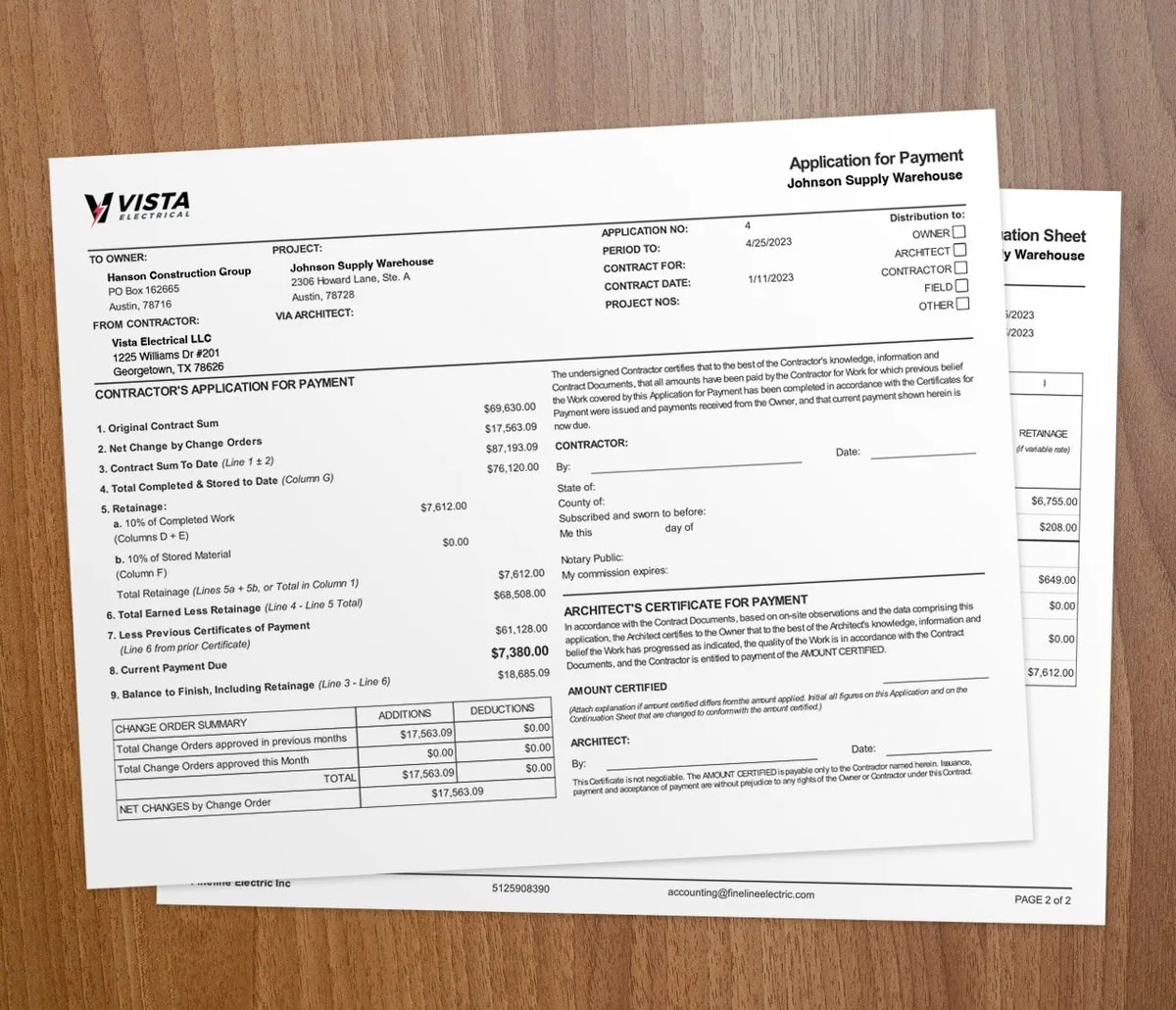
If you want cloud accounting built for contractors, Werx is worth a look. It is affordable, easy to use, and helps you run your money well. With features like AIA-style billing, progress billing, and a QuickBooks integration, Werx is built for construction work. For the basics behind it, see our construction accounting 101 guide.
Is cloud accounting right for your business?
It fits almost any contractor who is tired of paper, double entry, or being stuck at the office to do the books. If you run jobs from the field, cloud access alone is worth the switch.
The bigger your shop and the more jobs you run, the more it returns. A solo operator with a few cash jobs may not need every feature yet, but even they gain from anywhere-access and faster invoicing. To compare tools, read how to choose construction accounting software.
Key takeaways
- Cloud accounting software runs your books online from any device.
- It cuts paperwork, syncs your bank and books, and speeds up invoicing.
- Your team works from the same live data, so decisions use current numbers.
- Time tracking ties hours to jobs for accurate billing and cost checks.
- Contractor software like Werx adds AIA billing, progress billing, and QuickBooks sync.