

QuickBooks integration connects your field and office work to your books. Estimates, time, and invoices made in Werx flow into QuickBooks Online on their own. You stop typing the same numbers twice, and your job costs stay current.
How does QuickBooks integration work for contractors?
It links your daily field work to your books in QuickBooks Online. Make an estimate or invoice in Werx estimating software, and it shows up in QuickBooks without retyping. Field crews log hours, and that data feeds payroll and job costs.
This helps trades like electrical, plumbing, HVAC, solar, and painting. Office staff and field teams see the same numbers. For a small crew, that means less paperwork and fewer mistakes.
QuickBooks is strong at core accounting. It handles income, expenses, vendor bills, and payroll. It was not built for construction work, so pairing it with contractor software fills the gaps. For the full list, see why construction companies struggle with QuickBooks.
What syncs between your field tools and QuickBooks?
The sync moves the records you use most:
- Customers and jobs, kept the same in both systems
- Estimates that convert to invoices with one click
- Invoices and payments, recorded in both places
- Labor hours from the field, ready for payroll
Connect a payment processor too, so online payments post fast and cash shows up sooner. Bank feeds pull in transactions on their own, which cuts manual entry. You can set rules to tag recurring vendor buys as job costs.
Track time, invoice faster, go paperless
QuickBooks integration pairs your books with real-time time tracking. Crews clock in and out from the jobsite on their phones. Those hours build accurate timesheets that make payroll simple.
Invoicing speeds up too. Turn an estimate into an invoice in one click, with no retyping. Email invoices to clients instead of printing and mailing them, and save the postage.
See your numbers anywhere
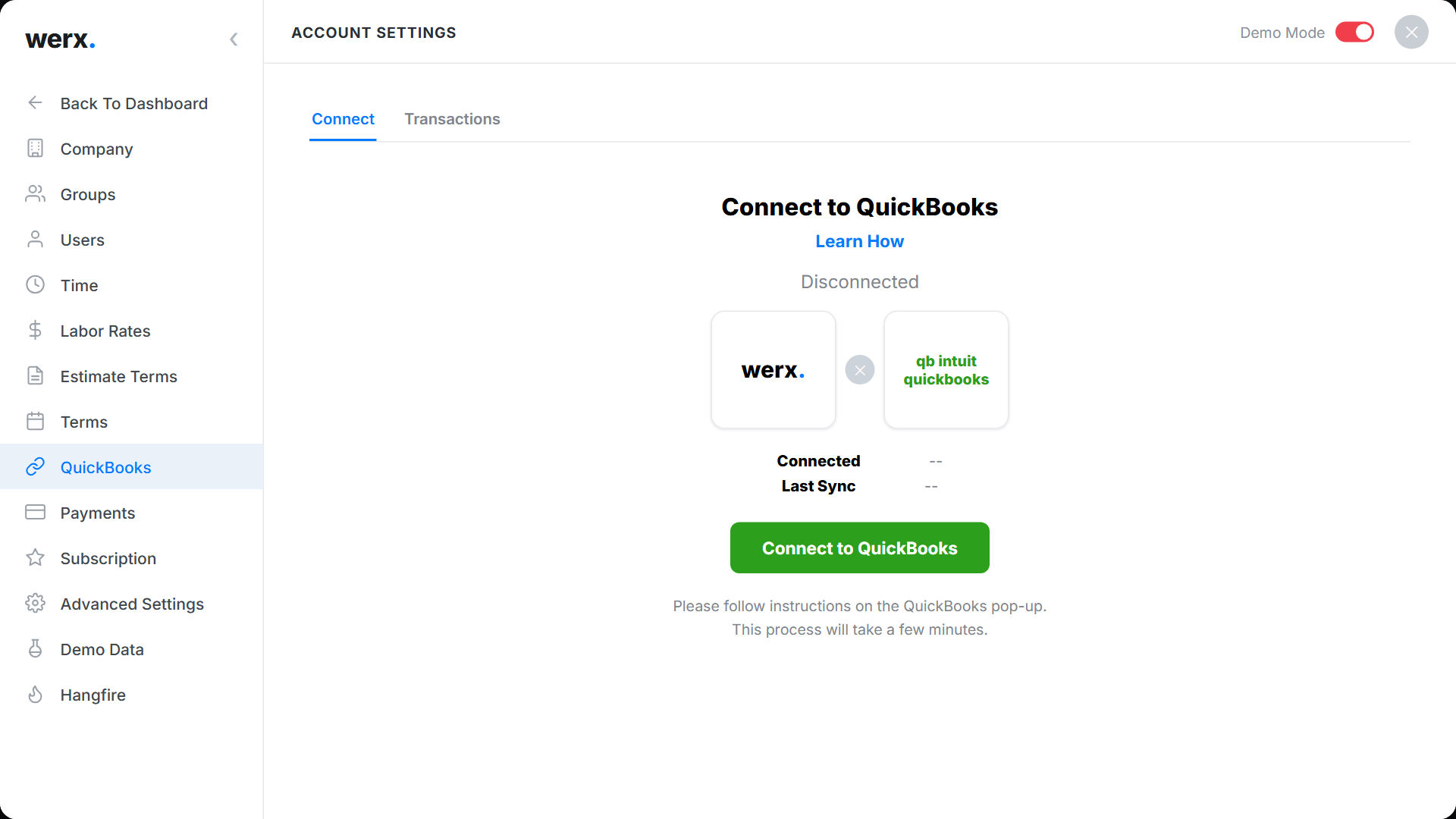
QuickBooks Online is cloud based, so your books open from any device. Project managers and your accountant can sign in and see the same data. You get current reports on cash flow, billing, and budgets when you need them.
The link also works with progress billing and change orders. That gives you one clear view of each job's money. For live cost tracking, see how real-time job costing protects your margins.
When should you integrate QuickBooks with contractor software?
Integrate when your office spends hours retyping data into QuickBooks. If estimates, timesheets, and invoices live in separate tools, a sync pays off fast. It also helps when you run many jobs and need current job costs.
A solo handyman with a few invoices a month may not need it yet. Plain QuickBooks can cover light bookkeeping. Once you add crews and contract jobs, contractor software like Werx plus QuickBooks is the safer setup. Weighing your options? Compare QuickBooks alternatives for contractors.
Key takeaways
- QuickBooks integration syncs estimates, invoices, payments, and labor hours with QuickBooks Online.
- It removes double data entry and keeps your job costs current.
- Field crews log hours on their phones, which feeds payroll and reports.
- Cloud access lets your office and accountant see the same numbers.
- Contractor software like Werx fills the construction gaps QuickBooks leaves open.


