
Retroactive pay is back pay you owe a worker when their wages were too low for work already done. It comes up when a contract changes, a prevailing wage updates, or a time entry was wrong. Catching it fast keeps your crews paid right and keeps you compliant.
What is retroactive pay in construction?
Retroactive pay adjusts wages to fix past underpayments or pay errors. For contractors, it usually shows up after delayed contract talks, prevailing wage updates, or mistakes in time tracking. Getting it right keeps your books clean and keeps you on the right side of labor law.
On a busy job, the money side moves fast. Retroactive pay makes sure electricians, plumbers, and laborers get paid fairly even when the fix lands after the work is done. Skip it and you risk disputes, unhappy crews, and legal trouble.
What causes retroactive pay?

Retroactive pay in construction usually traces back to a few common situations. Knowing them helps you catch underpayments early and stay compliant with federal and state rules.
Contract changes and scope creep
One big cause is a contract that changes after work starts. A revised scope, a material price jump, or a surprise on site can all shift the numbers. When the contract changes but worker pay does not, back pay piles up. Keep terms current with estimating and proposal tools so everyone works from the same figures.
Errors in manual time tracking
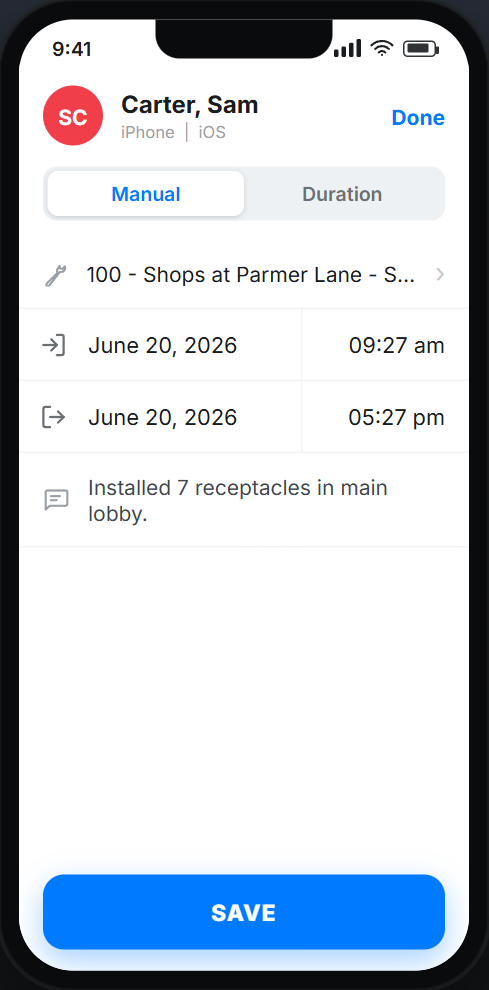
Bad time records are a top cause of pay gaps. If field hours are logged wrong, crews do not get the pay they earned. If your crews still track hours on paper, our free weekly timesheet template keeps those records consistent. A solid time tracking solution helps you avoid this. Crews log hours on a mobile app, so pay matches the hours actually worked. For the billing side of this, see how to capture labor for T&M billing.
Labor agreement and prevailing wage changes
Union deals and annual prevailing wage updates can trigger back pay. Prevailing wage rates change by job classification and locality, so stay current. This is easier when your project data lives in one place. If you bid public work, review the rules on certified payroll and prevailing wage compliance.
Why does accurate labor tracking matter?
Good records are the backbone of a healthy contracting business. They make sure crews get paid fairly and on time, and they keep payroll in line with labor law and your contracts.
Get field hours right the first time
Every job depends on accurate labor records to figure cost and plan resources. When time entries are wrong, you end up making retroactive fixes later. A reliable time and materials tracking system keeps those numbers clean from the start.
Connect tracking to payroll
Tools like Werx improve documentation by capturing data in real time. With a tight QuickBooks integration, you cut manual entry errors and keep finances in order. Time and materials post straight to the right job, which lowers the odds of a retroactive pay mess.
How do you stay compliant?
The legal side matters here. The Fair Labor Standards Act (FLSA) sets federal pay rules, and many states add their own. Missing them can mean fines or lawsuits.
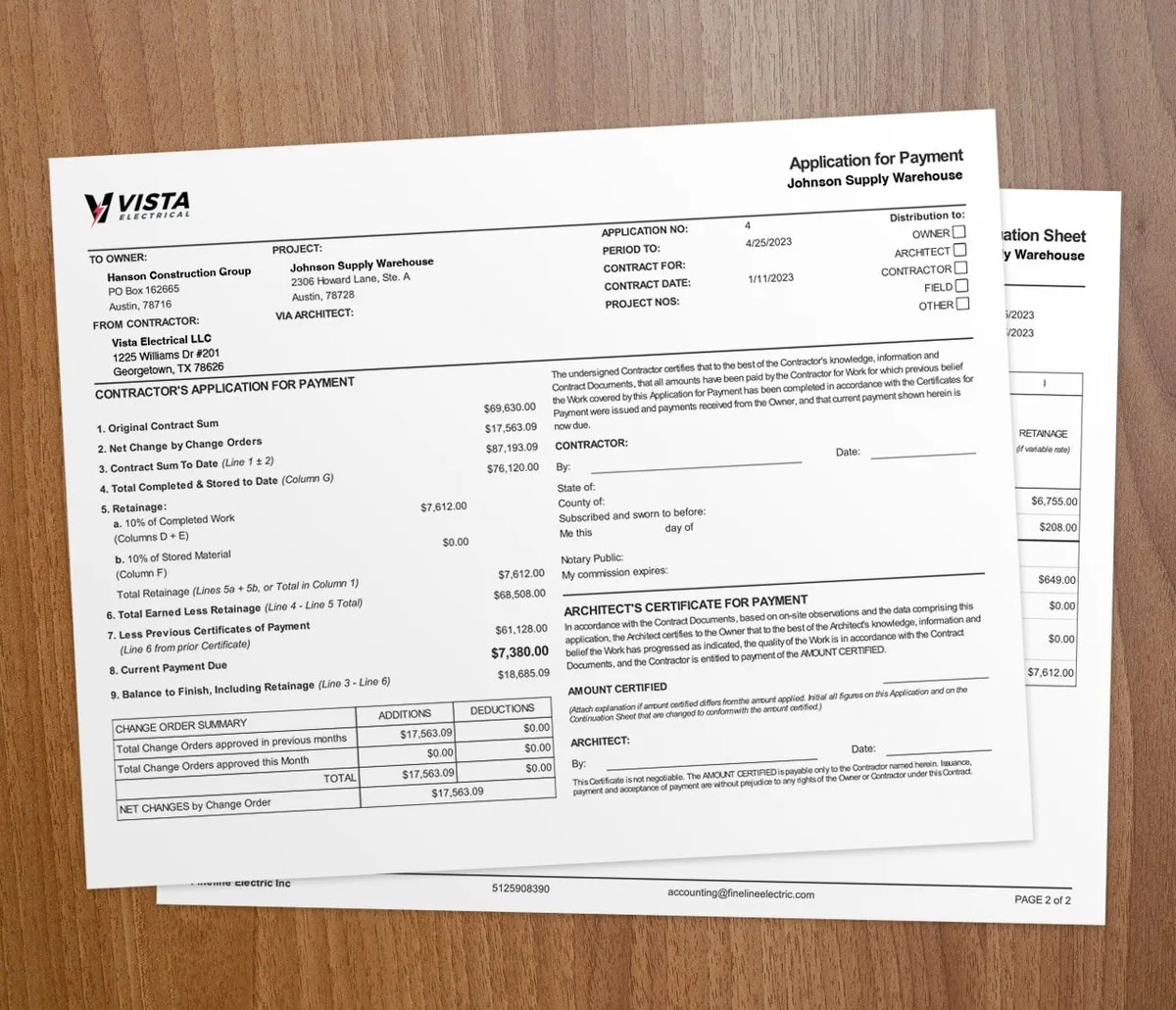
Labor rules change often, so keep up and ask a labor attorney when you are unsure. Integrated tools help by keeping labor and pay records well documented. For commercial and public work, AIA-style billing features help you hold the structured records that audits expect.
How do you handle retroactive pay well?
Talk to your crew. Open conversation about pay and project changes heads off confusion before it starts. Your contracts should also spell out how wage adjustments get handled.
Werx gives you tools that keep this clear. Field teams log time against jobs for real-time labor cost, and they can create Extra Work Authorizations with on-the-spot signatures. Steady progress billing keeps cash flowing while you sort out adjustments.
When does retroactive pay apply?
Retroactive pay applies any time a worker was paid less than they were owed for finished work. Common triggers are a late contract change, a prevailing wage update with a past effective date, or a corrected timesheet.
It does not apply to future raises that start going forward. A standard raise on the next pay period is just a rate change. The difference is whether the new rate reaches back over hours already worked. For the broader payroll picture, read our contractor payroll liabilities guide.
Key takeaways
- Retroactive pay is back pay for work already done at the wrong rate.
- Common causes are contract changes, manual time tracking errors, and prevailing wage updates.
- Accurate time tracking and clear documentation prevent most pay discrepancies.
- The FLSA and state rules govern pay, so keep records audit-ready.
- Contractor software like Werx ties time tracking to QuickBooks for accurate, compliant payroll.