
Easy timekeeping means logging hours without paper, spreadsheets, or guesswork. Contractor software like Werx tracks time by job, then turns those hours into invoices and payroll data.
You swipe between jobs, log time, and get paid faster. The app generates invoices for you, so you can pay your subs on time too. For the bigger picture on why this matters, see why time tracking is important for construction.
How does job-based time tracking work?

The time tracking module ties every entry to a project. You see who is working, what they are working on, and how much got done at each job site.
That adds a layer of accuracy and accountability. Hours land on the right job, tied to the team member who logged them. Data lives in the cloud, so you can pull it from anywhere.
Is the app easy to set up and use?
Yes. Open Werx and you land on a dashboard with all your current projects. Swipe between jobs to see which ones are active and how much time you have logged.
How do you add time?
Tap the "+ Add Time" button. Pick a team member and project, set the clock in and out times or a duration, add a note, and save. The entry posts to the timesheet right away. Once the work is done, the manager approves the time card.
How do you review tracked time?
Tap time tracking and pick a project. You get a breakdown of user hours by name, group, sick hours, PTO, regular hours, overtime, and total hours. Tap a user to see clock in and out times by day, week, or a custom range.
How does reporting and invoicing work?

Werx makes reports simple. Download a report for a single project, team member, or date range. That helps you track progress or back up a client invoice.
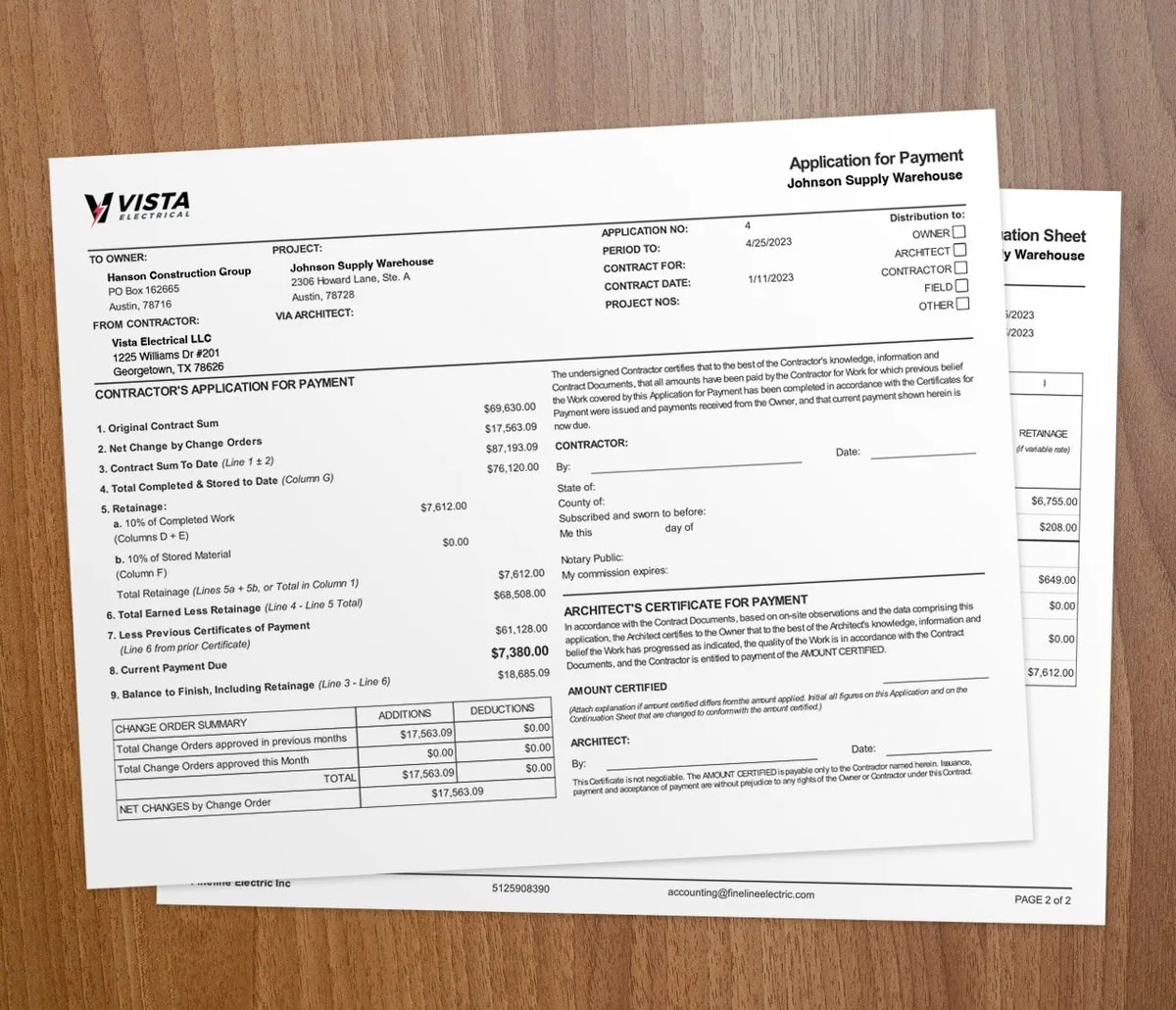
At the end of the day, week, or month, you can generate a client invoice in a few taps. Werx fills the invoice with the hours worked on the project, so you just review and send.
What else does Werx do?
Werx is more than time tracking and invoicing. It is a full set of tools to run a contracting business.
- Estimates: Build estimates and get client approval before you start. Handy for quotes and change orders.
- Simple timesheets: Add, edit, and delete entries as needed. Timesheets save on their own, so you never lose data.
- Compliance: Werx keeps up with current labor laws, so your records stay audit-ready.
- Invoicing: The app fills invoices with logged hours. Make changes, review, and send.
- 24/7 support: Get help during setup or on a tricky issue any time.
- QuickBooks sync: Connect to QuickBooks to move invoices, payments, and transactions between platforms.
- Accurate records: Keep clean records of hours and progress for billing and productivity.
- Work from anywhere: Manage hours and finances from home, the truck, or the job site with an internet connection.
Is Werx right for your timekeeping?
Werx fits contractors who juggle more than one job and bill clients for labor. If you run crews across sites or chase payroll deadlines, the job-based tracking and auto-invoicing save real hours.
A solo operator on one small job may not need every feature yet. At that stage, our free weekly timesheet template keeps the hours organized. But once you split hours across jobs and subs, paper and spreadsheets start to cost you money. See how to keep hours ready for payroll before each pay run.
Key takeaways
- Easy timekeeping ties each entry to the right job, with no paper to chase.
- The dashboard, timesheets, and approval flow keep field and office on the same record.
- Werx turns logged hours into client invoices in a few taps.
- A QuickBooks sync keeps invoices, payments, and books in line.
- Contractor software like Werx fits any contractor running multiple jobs or billing for labor.