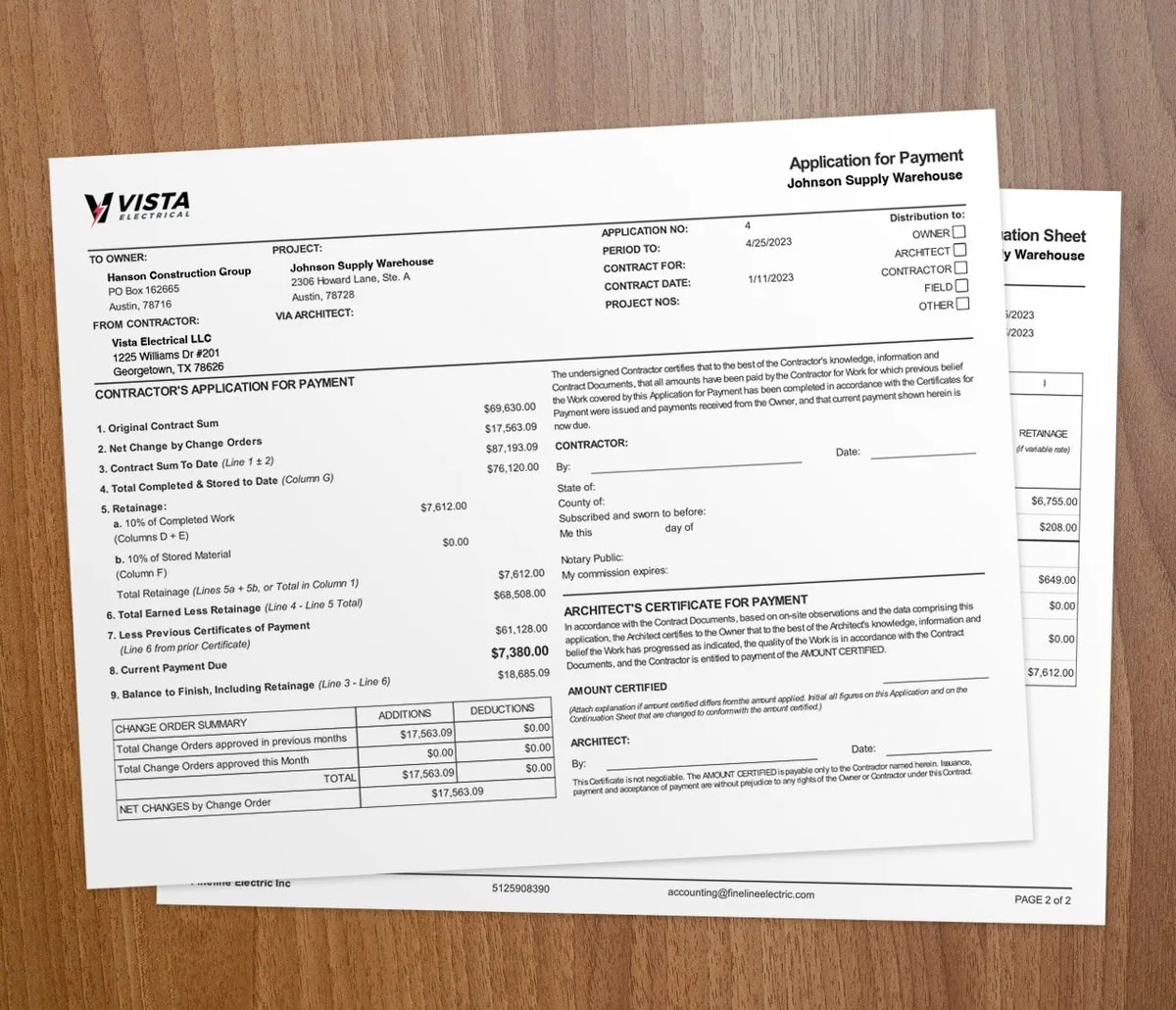

Time tracking keeps construction budgets in control and projects on schedule. It logs the hours your crew works, ties them to each job, and flags delays early.
Labor is usually your largest cost, so the hours are the part of the budget most likely to slip. Tools like real-time labor tracking software give managers a clear view of where the hours and the money are going.
What does time tracking do for a construction project?
A time-tracking system keeps teams productive and aligned with the budget. Here is what you get:
- Accurate hours: Precise logs give crews clarity and give you clean data for payroll and billing.
- Real timelines: Detailed task timelines help you hit deadlines and cut delays from poor scheduling.
- Progress across sites: Live data from every job site shows productivity and where work is slipping.
- Better cost forecasting: Labor and resource data lets you forecast budgets with more confidence.
- Higher productivity: Cleaner workflows and tighter schedules speed up the job.
Pair this with progress billing tools so your billing matches verified work. For the labor-cost angle, read the costly mistakes of manual time tracking.
How do you track time on a construction project?
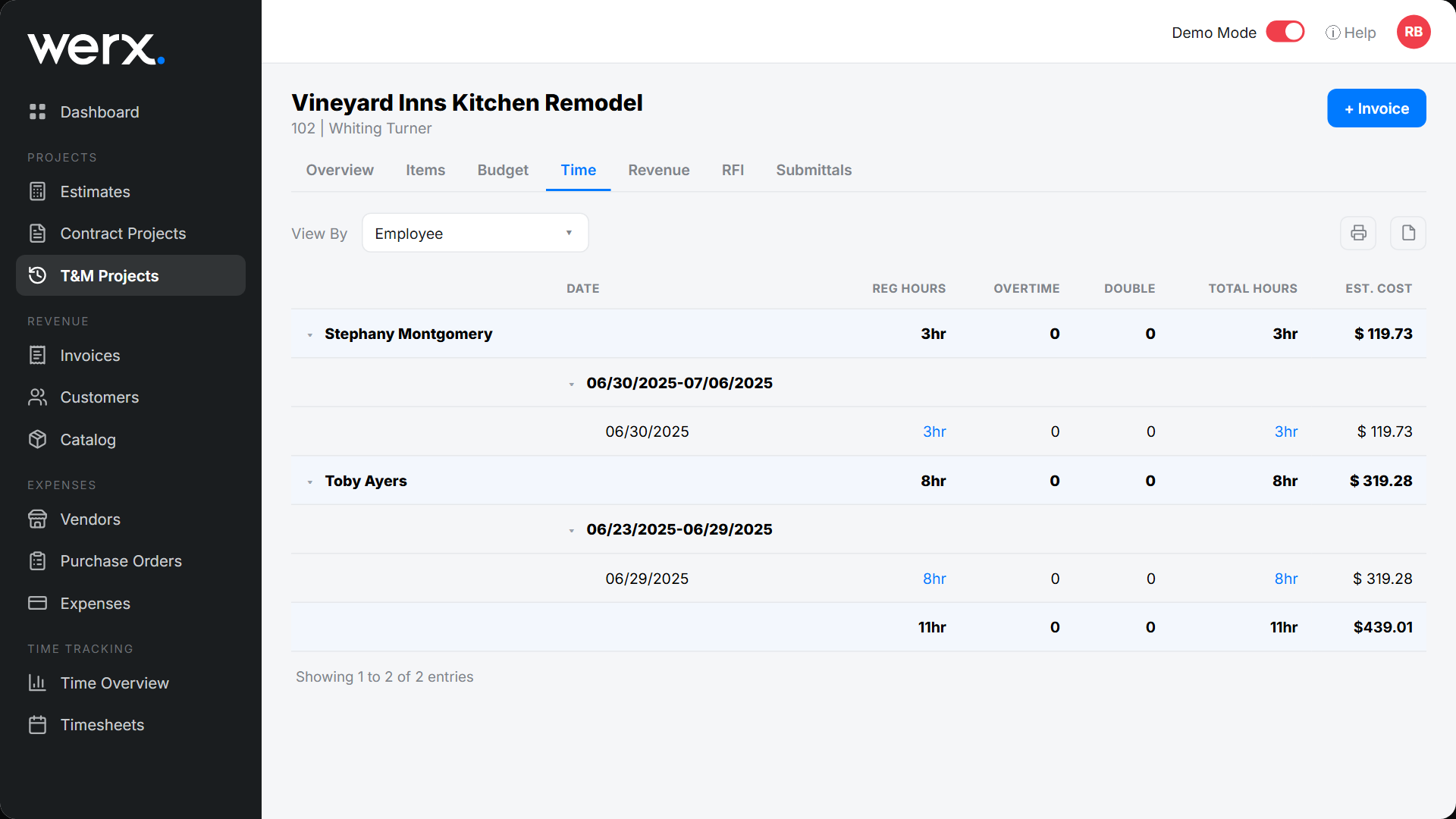
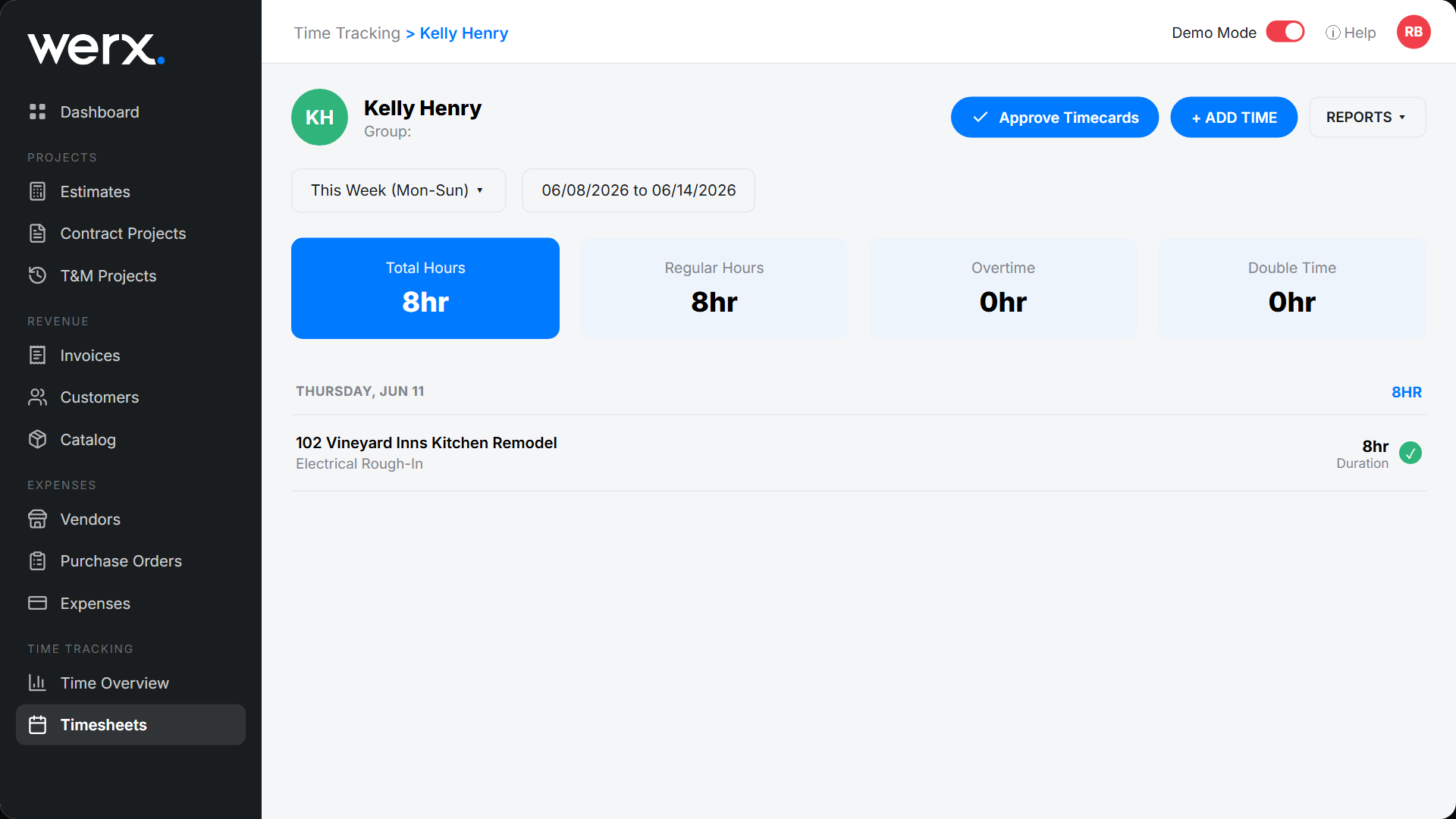
1. Set clear expectations. Define start and finish times for tasks so everyone knows their role and timeline. 2. Use daily check-ins. Short progress updates catch delays early and keep the crew aligned. 3. Adopt reliable software. A tool like Werx time tracking automates the process and gives real-time visibility. 4. Encourage accurate reporting. Train crews to log hours promptly and tie hours to the right job and cost code. 5. Monitor and adjust. Review timesheets often to keep them accurate and spot ways to improve.
What are the best practices for time tracking?
- Track labor hours by employee, sub, and task to see real progress toward deadlines.
- Watch overtime and wage costs closely to keep the budget in line.
- Track material deliveries and supplier performance to avoid delays.
- Use automated tools to cut admin work and improve accuracy.
- Run reports often to check efficiency and make data-driven calls.
For more on tying hours to billing, see how to track time for time and materials work.
What makes time tracking hard in construction?
Time tracking is essential, but it has real hurdles:
- Resistance to change: Crews may push back on a new system at first.
- Remote labor: Managing hours across many locations is hard without one central system.
- Multiple subs: Keeping tracking consistent across subs takes clear rules and shared tools.
- Learning curves: New systems can slow adoption until the crew gets comfortable.
- Data security: Sensitive payroll data needs protection.
How do you overcome these hurdles?
Train the crew on the upside so they buy in. Use simple mobile time tracking tools to cut manual errors. Pick secure, reliable software, monitor progress, and use reports to spot trends and reward accurate tracking. Cutting time theft and timesheet errors is often the fastest win.
When does time tracking matter most?
It matters most once you run more than one crew or one job at a time. The instant hours split across sites and cost codes, paper sheets stop telling you the truth about your budget.
A solo operator on a single job can still use a basic weekly timesheet. But if you bill clients for labor or chase payroll deadlines, real-time tracking pays for itself fast.
Key takeaways
- Time tracking keeps construction budgets in control and projects on schedule.
- Labor is usually your largest cost, so the hours are where budgets slip first.
- Tie hours to each job and cost code for clean payroll, billing, and forecasts.
- Train crews and use simple mobile tools to beat resistance and cut errors.
- It matters most once you run more than one crew or bill clients for labor.