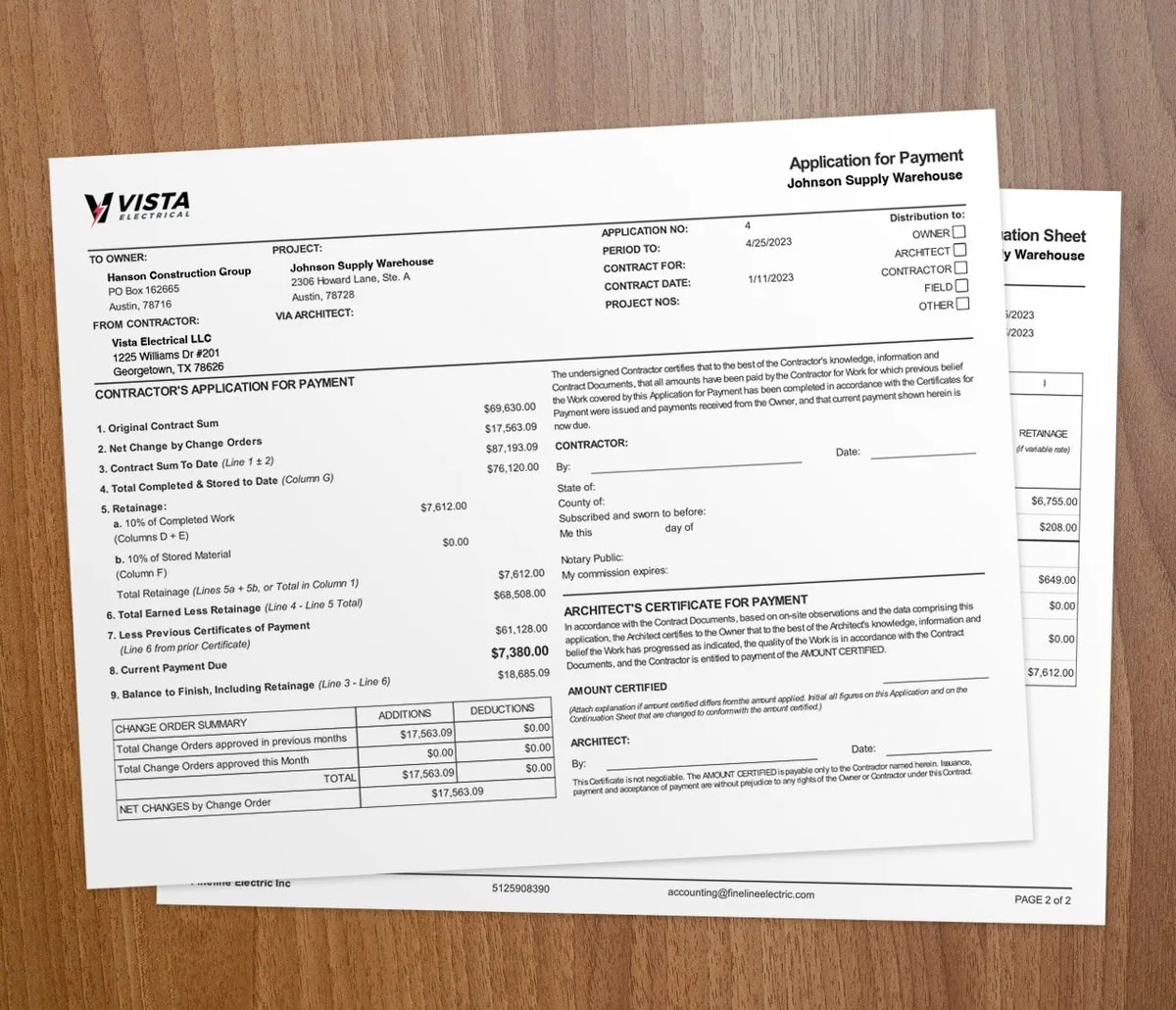

Manual time tracking is one of the most expensive habits a contractor can keep. Paper sheets and end-of-day guesses introduce errors that quietly eat your profit on every job.
Labor is usually your largest cost. So when the hours are wrong, the damage shows up in payroll, billing, and your next bid. Here are the mistakes that cost you the most.
What does manual time tracking really cost?
Rounding and estimation errors
When workers fill out sheets at the end of the day, or the end of the week, they go by memory instead of real records. Hours get rounded up and padded. Across a full crew over a year, that overpaid labor adds up fast.
Buddy punching
Paper sheets and basic punch clocks are easy to game. One worker clocks in for another who has not shown up yet. Digital tracking with per-worker mobile clock-ins and manager approval ends this. Learn how to reduce time theft and timesheet errors.
Wrong project allocation
Even when total hours are right, manual tracking often misses which job the hours belong to. Workers log everything under one project when they split time across several. That makes accurate job costing impossible.
Admin overhead
Someone in the office spends hours each pay period collecting sheets, reading handwriting, chasing missing entries, and keying data into payroll. That work is avoidable with automated tracking.
Payroll errors
Manual data entry brings mistakes. A "6" read as an "8" means overpayment. A missing sheet means an underpaid worker and lost trust. Each error triggers slow corrections and can create compliance issues. For the full picture, see the hidden costs of manual timekeeping.
What is the compliance risk?
Manual tracking also creates compliance exposure. Federal and state labor laws require accurate records of hours worked, including overtime. Sheets that are incomplete, illegible, or inconsistent leave you exposed during a Department of Labor audit.
Accurate digital records give you the audit trail to prove you followed wage and hour rules.
How does it wreck your job costing?
| Cost code | Budget | Actual to date | Variance | |
|---|---|---|---|---|
| Labor | $38,000 | $41,300 | -$3,300 | |
| Materials | $27,500 | $26,100 | +$1,400 | |
| Subcontractors | $18,000 | $18,000 | $0 | |
| Equipment & other | $6,500 | $7,050 | -$550 |
Accurate job costing depends on accurate hours. When labor is not tied to the right job, your job cost reports lie. You might think a job made money when it lost it.
That bad data then corrupts your next estimate. So one round of sloppy hours can poison your pricing for jobs to come.
How does digital time tracking fix it?
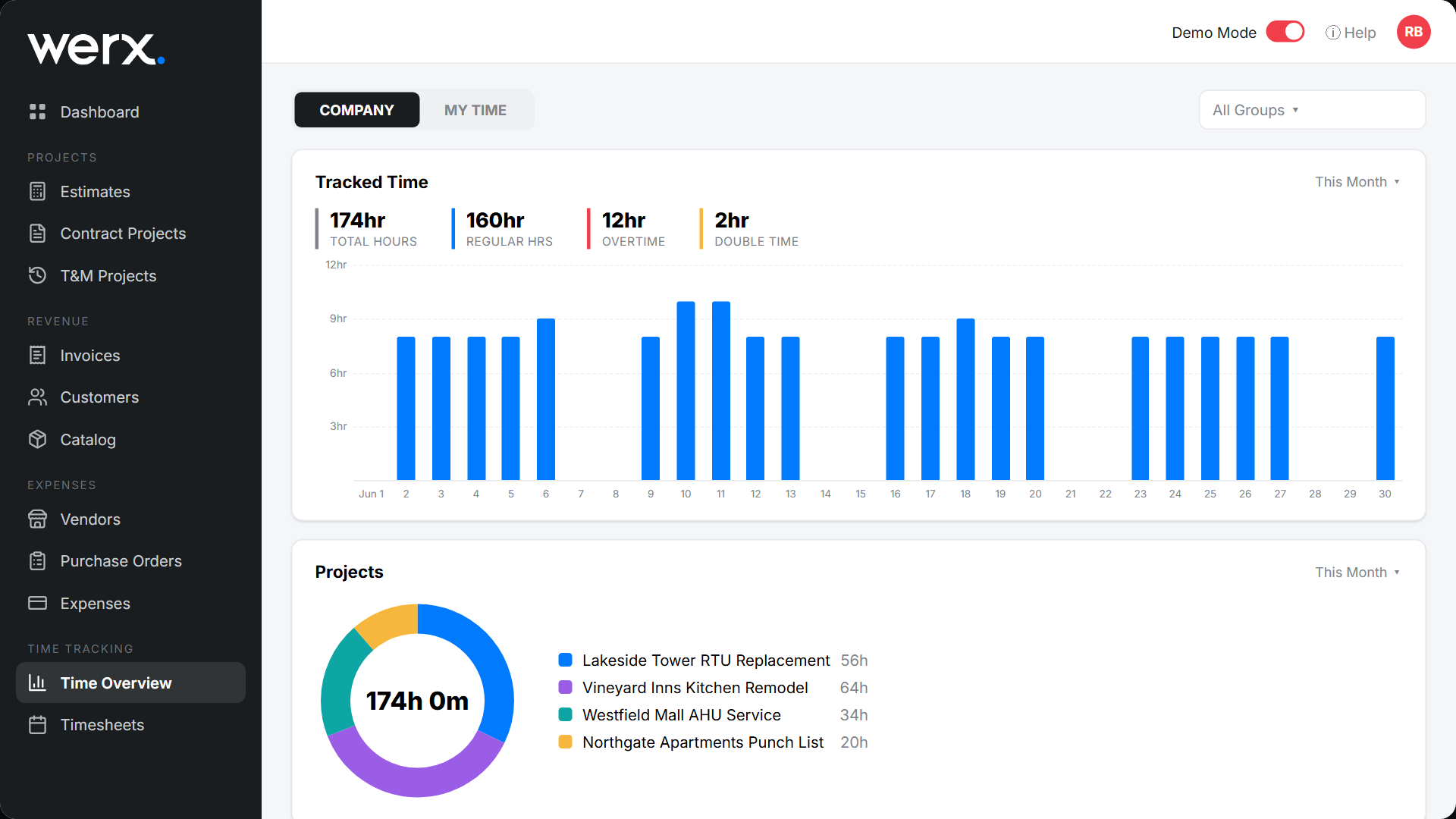
Modern time tracking tools solve every problem manual methods create:
- Real-time capture: Workers clock in and out from a phone as they start and stop, so no memory-based guesses.
- Manager approval: Supervisors review and approve time cards before they post to payroll and job costs.
- Cost code tracking: Hours land on a specific job and task for precise job costing.
- Payroll integration: Time flows to payroll with no manual entry. A QuickBooks sync keeps your books clean.
- Overtime math: The software calculates regular and overtime hours from your pay rules.
For more on the upside, read how mobile time tracking can boost crew productivity.
When does manual tracking start costing you?
The pain starts the moment you run more than one crew or one job. Once hours split across jobs and cost codes, paper cannot keep them straight.
A solo operator on a single job can still get by with a simple timesheet. But if you bill clients for labor, run payroll for a crew, or track time and materials, digital tracking pays for itself quickly.
Making the switch
Moving off manual tracking does not have to disrupt the job:
1. Pick the right tool. Choose one built for contractors that ties to your accounting and supports project-based billing. 2. Sell the benefit. Show the crew that digital tracking protects their pay too. 3. Start with one crew. Pilot with your most tech-comfortable team, then roll out wider. 4. Set the expectation. Make clear that digital tracking is the standard now, not optional.
Key takeaways
- Manual tracking leaks money through rounding, buddy punching, and wrong job allocation.
- Sloppy paper records create compliance exposure during a wage and hour audit.
- Bad hours corrupt job costing, which then corrupts your next bid.
- Digital tools capture real-time hours tied to each job and cost code.
- The pain starts once you run more than one crew or bill clients for labor.