

QuickBooks integration pulls your project money into one place. Costs, invoices, and payments sync with QuickBooks Online as work happens. That gives contractors current job costs, fewer errors, and faster billing.
How does QuickBooks integration help contractors?
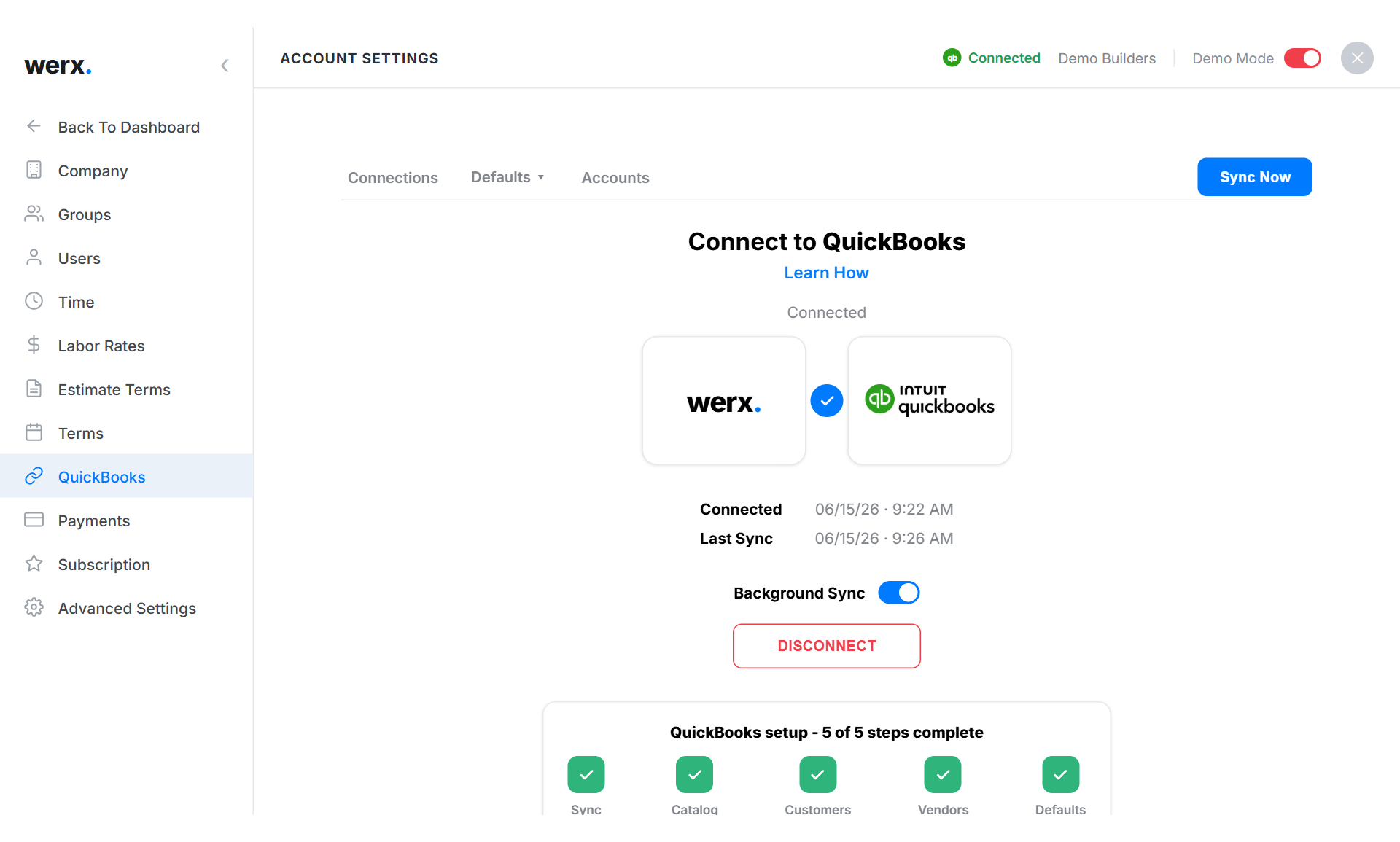
It connects your daily work to your books, so you stop entering data twice. Werx syncs with QuickBooks Online for trades like remodeling, roofing, and plumbing. The result is better project tracking and a clearer bottom line.
Consolidate financial data across projects
Centralizing your money data is a big win when you run several jobs. With QuickBooks integration, you watch cash flow, manage expenses, and pull reports from one place.
Cash flow tracking
You see income and expenses across all jobs right away. That supports better calls and helps you spot problems before they grow.
Expense management
Tag expenses to specific jobs for accurate tracking and easier bill reconciliation. That saves time and keeps your records clean.
Reporting
Pull profit and loss statements, expense breakdowns, and job-specific summaries with ease. These reports show your financial health for planning and budgeting. They also feed real-time job costing so you know each job's margin.
Simplify and automate billing
QuickBooks integration automates how you create and send invoices. Each invoice reflects current job data, which keeps things clear with clients.
AIA-style billing
AIA-style billing supports progress billing, where invoices follow percent complete. That aligns payments with real progress and keeps cash moving. Most commercial jobs use G702 and G703 forms for this.
Fewer errors
Automation keeps invoices accurate and consistent. That cuts disputes and protects your credibility. It also gives you a clean record of payments and open invoices.
Better project tracking, better insight
Real-time tracking lets you watch costs as they happen, not after the fact. Paired with time tracking, managers log labor costs and tie them to each job. That creates a clear picture of how labor hits the budget.
Past job data also sharpens future estimates. Better estimates mean smarter bids and cleaner planning. For more, see our essential job costing tips.
Budgeting and financial planning

QuickBooks integration lets you categorize expenses, track performance, and adjust budgets with current data. That cuts waste and keeps your plans grounded in real numbers.
Clear views of spending, income, and margins help you set short-term and long-term goals. You plan with facts, not guesses.
Payroll and compliance
QuickBooks integration runs payroll math on current data, so workers get paid right and on time. It helps you stay compliant as tax rules change.
It also keeps payroll records organized and easy to pull at audit time. Pair it with the basics in construction accounting 101 for a full money workflow.
When should you integrate QuickBooks?
Integrate when your office retypes the same data into QuickBooks each week. If billing, time, and expenses live in separate tools, a sync pays off fast. It also helps when you juggle many jobs and need current costs.
A tiny shop with a few invoices a month may not need it yet. Once you add crews and contract jobs, contractor software like Werx plus QuickBooks Online is the safer setup.
Key takeaways
- QuickBooks integration centralizes financial data across all jobs for real-time visibility.
- Automated AIA-style billing cuts errors and speeds up payments.
- Real-time tracking prevents budget overruns and sharpens job costing.
- Current data helps you adjust budgets and plan with real numbers.
- Synced payroll keeps you compliant and pays workers correctly.


