
A mobile timekeeping system lets your crew clock in from the job site and gives you live labor costs. It replaces paper cards and spreadsheets that hide where your money goes.
Labor is usually your largest cost, so the contractor who sees those hours in real time has the edge. That edge shows up at payroll, at billing, and on your next bid. Here is how a system like Werx time tracking does it.
How does mobile timekeeping track hours anywhere?
Your crew clocks in and out from a phone right at the job site. Each entry records the hours against the right job, so you cut guesswork and manual errors.
That matters most when you run several job sites. You get a live view of who is on which job and what they are doing. Learn more about mobile time tracking for contractors.
How does it stop buddy punching?
Buddy punching is when one worker clocks in for another. It quietly drains payroll on jobs you cannot watch all day.
A mobile system gives each worker their own login, so only they can log their hours. That builds accountability and keeps things fair. For more, see how to reduce time theft and timesheet errors.
Can managers approve timesheets remotely?
Yes. With a cloud-based system, managers approve or fix timesheets from anywhere. When an entry needs a change or a worker requests an update, you handle it in real time instead of waiting to get back to the office.
How does it save time and money?
Automating time tracking and payroll cuts the admin load, so you spend time on higher-value work. When you bid a new job, you can pull labor cost and productivity reports fast.
Once the job starts, the data helps you adjust the workflow and sharpen future estimates. A QuickBooks sync keeps your payroll and accounting in line without double entry.
What makes mobile timekeeping worth it?
Paper cards are slow and error-prone. A mobile system fixes that and adds features that help a growing business:
- Access anywhere: Pull timesheets and reports from any device.
- Room to grow: Add more workers and jobs as the business scales.
- Data security: Encrypted transmissions and secure storage protect payroll data.
- Easy reports: Build labor reports in a click for invoicing, payment requests, and spotting problems.
Why choose Werx for mobile timekeeping?
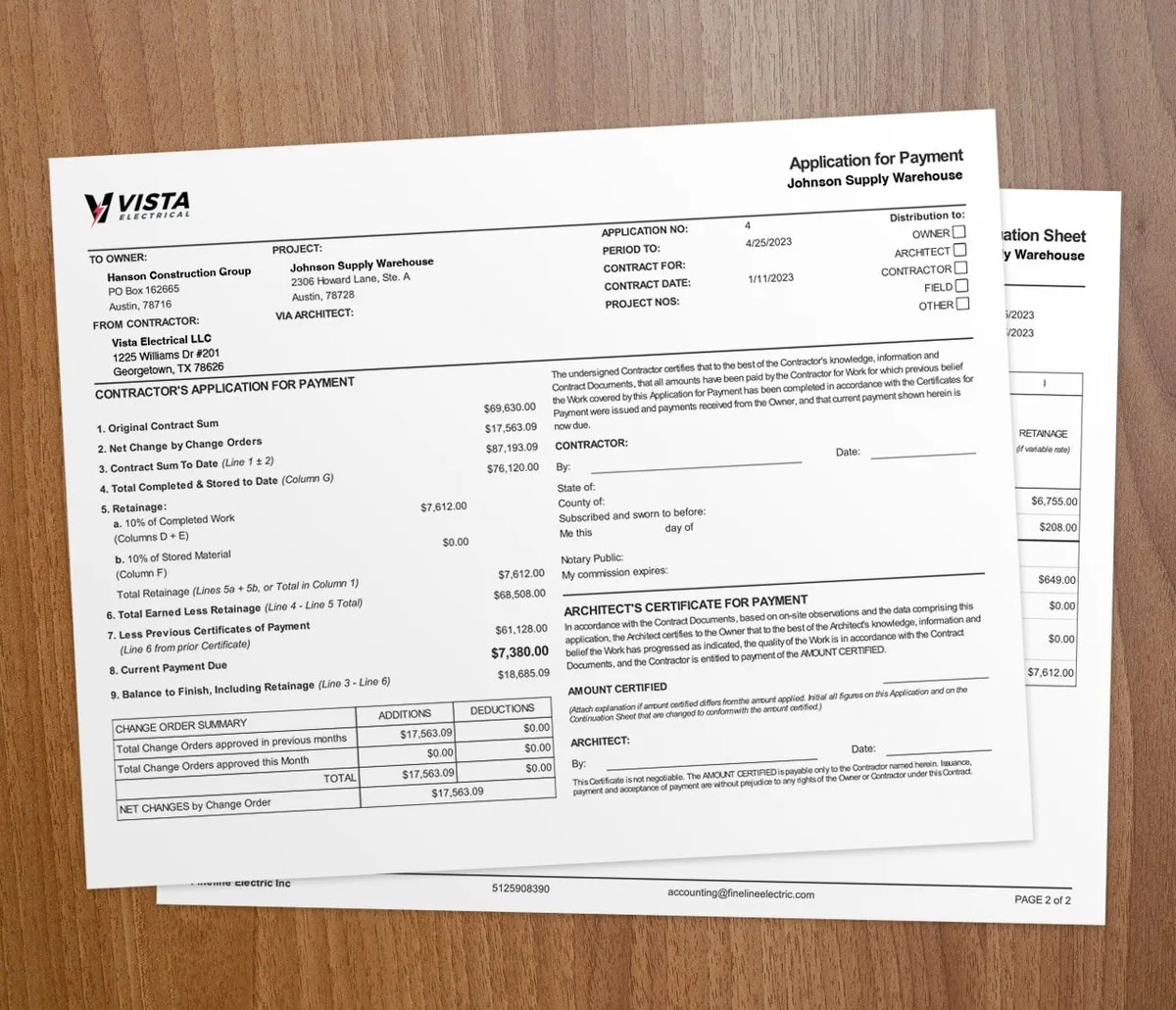
Werx is built for contractors. It ties hours to jobs, syncs with QuickBooks, and connects timekeeping to progress billing and change order management. So your hours feed your billing instead of sitting in a silo.
Want the bigger picture first? Read why time tracking matters in construction.
Is a mobile timekeeping system right for your business?
It is, once you run more than one crew or one job. The moment hours split across sites and cost codes, paper cards and spreadsheets stop keeping up.
A single-person shop on one job can still use a basic sheet, like our free weekly timesheet template. But if you bill clients for labor or run payroll for a crew, a mobile system pays for itself fast.
Key takeaways
- A mobile timekeeping system captures crew hours and location from the job site.
- Unique logins end buddy punching and build accountability.
- Managers approve and fix timesheets remotely, in real time.
- A QuickBooks sync keeps payroll and accounting clean without double entry.
- It pays off once you run more than one crew or bill clients for labor.