

Retroactive Pay in Construction: A Guide for Contractors
Retroactive pay fixes wages for work already done at the wrong rate. Here is what causes it and how to avoid it.
Read article
Werx Insights
Tips on AIA billing, estimates, cash flow, and running a profitable contracting business.

Carpet cleaning has low startup costs and steady demand. Plan your market, buy solid gear, price for profit, and keep clients coming back.
Mobile capture, digital signatures, and real-time approvals cut the errors and delays that turn extra work into disputes.

Complaints are a chance to win loyalty. Listen, respond fast, fix the issue, and learn from it to keep clients for years.

As an independent contractor you pay your own taxes, including 15.3% self-employment tax. Here is how to file, deduct, and plan ahead.

Payroll deductions split into mandatory taxes, court-ordered withholdings, and voluntary benefits. Here is how to set each up right.

A purchase order locks in price and quantity before you buy. That one document keeps spending in line and gives you a paper trail for every job.

Cloud tools give the office and the field the same live job data from any device. That means fewer errors, faster pay, and tighter cost control.

AI handles the busywork. It builds estimates, flags schedule risks, logs hours, and runs payments so you can focus on the job.
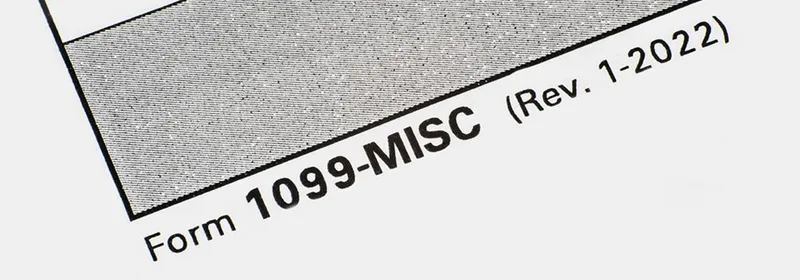
You must send a 1099 to any contractor you pay $600 or more in a year. Here is how to fill them out, file on time, and keep clean records.

Hiring comes down to a clear role, the right places to look, careful screening, and a reason to stay. Here is how.

Werx has been recognized as a Fall 2025 Top Performer by SourceForge, placing in the top 10% of products based on outstanding user reviews.

Plan tight, negotiate hard, cut waste, time your buys, and track every dollar. These five habits protect your margin on materials.

Yes, you can bill for materials you bought but have not installed yet. Track them in Column F of the G703, with invoices and proof of storage.

The five types run from fire-resistive concrete and steel down to wood frame. Each one changes your materials, code rules, and job cost.

Retainage on AIA jobs is usually 5% to 10%, held on Line 8 of the G702 and Column I of the G703. Here is how to bill it right.

Get licensed, insured, and equipped, then build a team and a marketing plan to win your first electrical jobs.

QuickBooks Online does not build AIA pay apps on its own. You can piece it together by hand, or let software do the math.

Subscription plans turn one-time jobs into steady monthly income. Here is how to pick services, price tiers, and automate the billing.

The best app handles contractor work: estimating, progress billing, AIA pay apps, time tracking, and QuickBooks sync. Here is how the top tools compare.

Lawn care has low startup costs and recurring revenue. Build a plan, buy reliable gear, price for profit, and grow a loyal route.
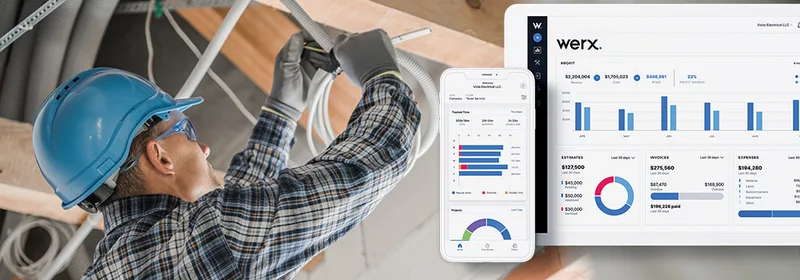
Time and materials software tracks labor and materials, cuts errors, and turns job data into accurate invoices.

Good subcontractor management starts before the contract is signed. Vet hard, write a tight scope, talk often, and pay on time.

Set up one clear change order process. Price the work, get a signature before you start, then bill it on the next pay app.
AIA-style billing software fills your G702 and G703 style forms, tracks retainage, and builds your pay app so you bill in minutes instead of hours.

Grow a painting business with faster estimates, steady marketing, accurate job costing, and tight cash flow as you add crews.

Win the right jobs, bill them fast, and watch costs in real time. Add recurring work to keep revenue steady.
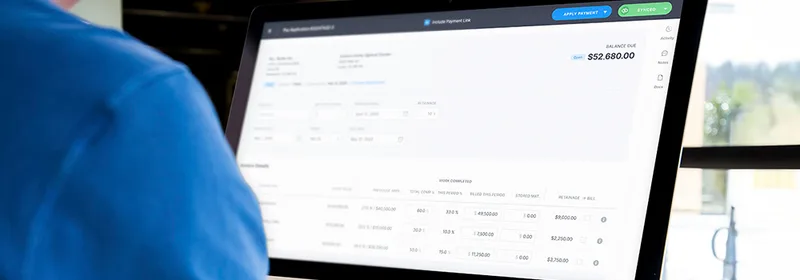
Job costing shows if each job makes money. Track labor, materials, subs, equipment, and overhead to know your real profit.

Payroll liabilities are the taxes and withholdings you owe on every paycheck. Here is what they include and how to stay compliant.

Start a roofing business by writing a plan, getting licensed and insured, equipping your crew, and building steady demand.

Compare work completed against your budget every week. Catch a cost gap early and you can fix it before it turns into a loss.

Connect QuickBooks to your contractor software. Your money data lives in one place, updated as work happens.

Mobile time tracking lets crews clock in from the job site. You get accurate hours, real-time labor costs, and faster payroll.
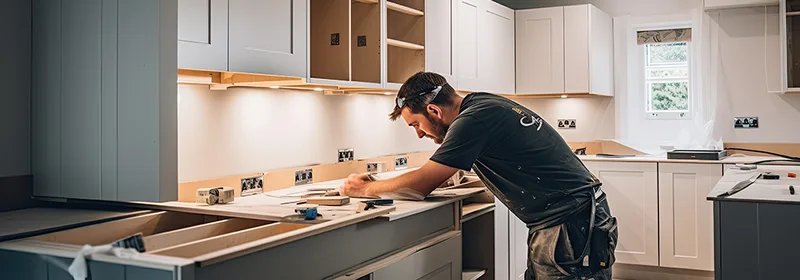
Good renovation pricing starts with a clear scope, the right pricing model, and a buffer for surprises. Here is how to set yours.
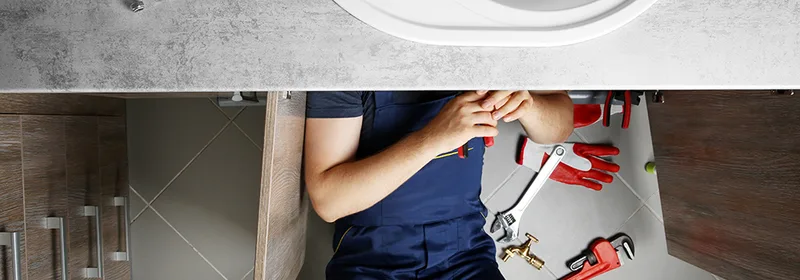
Every plumber needs reliable hand tools, a few key power tools, and digital tools to track time, bill jobs, and get paid.

A steady social presence builds trust before the first call. Pick the right platforms, post your best work, and turn followers into leads.

Let clients pay by card, ACH, or digital wallet straight from the invoice. Get paid in minutes, not weeks.

The right tech wins more bids and tightens cost control. Here are seven tools that pay off fast for small contractors.

Referrals win work because they come with trust. Here is how to earn them, ask for them, and build a steady stream.

Scale your plumbing business by tightening operations, tracking your numbers, pricing for profit, and building steady demand.

Define scope up front, get every change signed before you start, price it right, and bill it fast to protect your margins.
Paper timesheets and end-of-day guesses leak profit on every job. Here is what they cost you and how to fix it.

Time and materials billing charges for real hours and materials. It fits jobs where the scope can change.

Job costing tells electrical contractors which jobs make money. Track every dollar to bid sharper and protect your margin.

When your field tools and QuickBooks share data, you skip double entry. Your job costs stay current.

AIA billing is a standardized form of progress billing. Both bill as work gets done, but AIA uses set G702 and G703 forms and architect sign-off.

Centralize data, connect the field, automate billing, go mobile, and use your numbers. Five tips to get more from cloud tools.

Split each install into milestones and bill as you hit them. Here is how solar billing works.

Real-time job costing shows live costs versus your estimate. Catch overruns while you can still fix them.

Fixed price sets one total. T&M bills actual cost. Here is how to pick the right one for each job.

The right billing software lets you invoice from the field, bill service agreements on repeat, and take payment on the spot. Cash comes in faster.

The features that matter most are time tracking, fast estimates, easy invoicing with online payments, and clean accounting sync.
For painters, labor is the whole game. Mobile time tracking captures every billable hour and protects your margin.
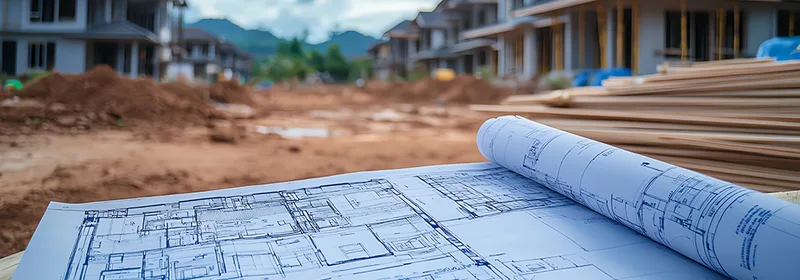
Estimation software turns slow, error-prone bidding into a fast, repeatable process that protects your profit on every job.
Seven practical tips to build roofing estimates that look professional, price the job right, and close more deals.

Retainage is the 5% to 10% an owner holds from each payment until the job is done. Track it well and you collect every dollar.

Purpose-built HVAC software helps you track time, send estimates, bill faster, and grow without losing control of your numbers.

A digital estimate lets you quote a paint job in minutes, look professional, and beat the contractor still working off a notepad.

Construction payroll software ties field hours to job costs and payroll. Real-time tracking cuts errors, stops time theft, and keeps you compliant.

Strong contracts, steady communication, and milestone payments keep subs on track. Here is how to put all three to work on every job.

Electrical contractors juggle many jobs, crews, and materials at once. The right software ties time, billing, and projects together.

Add card payments to your invoices in four steps. Get paid faster and chase fewer checks.

Accurate electrical estimates come down to a careful spec review, a full material takeoff, and the right markup on labor and overhead.

Six practical ways to tighten communication, scheduling, quality control, and decisions on every job you run.

A solid roofing estimate runs in clear steps: inspect, measure, price materials and labor, add overhead and profit, then deliver a clean bid.

RFIs gather information, RFPs ask for proposals, and RFQs ask for prices. Use the right one at the right stage and procurement gets simple.

Local SEO puts your business in front of people searching for your trade nearby. These seven steps help you rank and win more local jobs.

Construction accounting tracks money by project, not just for the whole company. Here are the core ideas every contractor needs to run profitable jobs.

Most jobs use five estimate types: preliminary, detailed, quantity, bid, and control. Each one fits a different stage of the work.
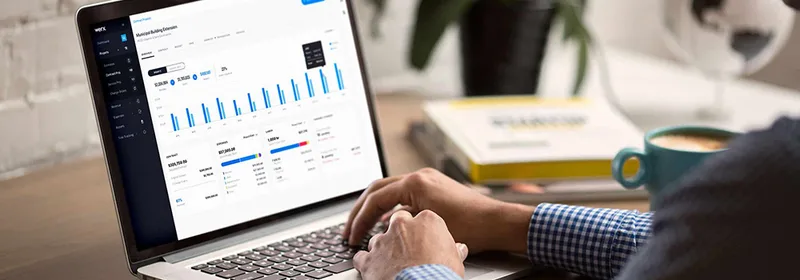
The right software helps small builders win more jobs, bill faster, and keep cash flowing without drowning in paperwork.

Remodeling estimating software builds quotes fast, tracks job costs, and keeps every project in one place so nothing slips.
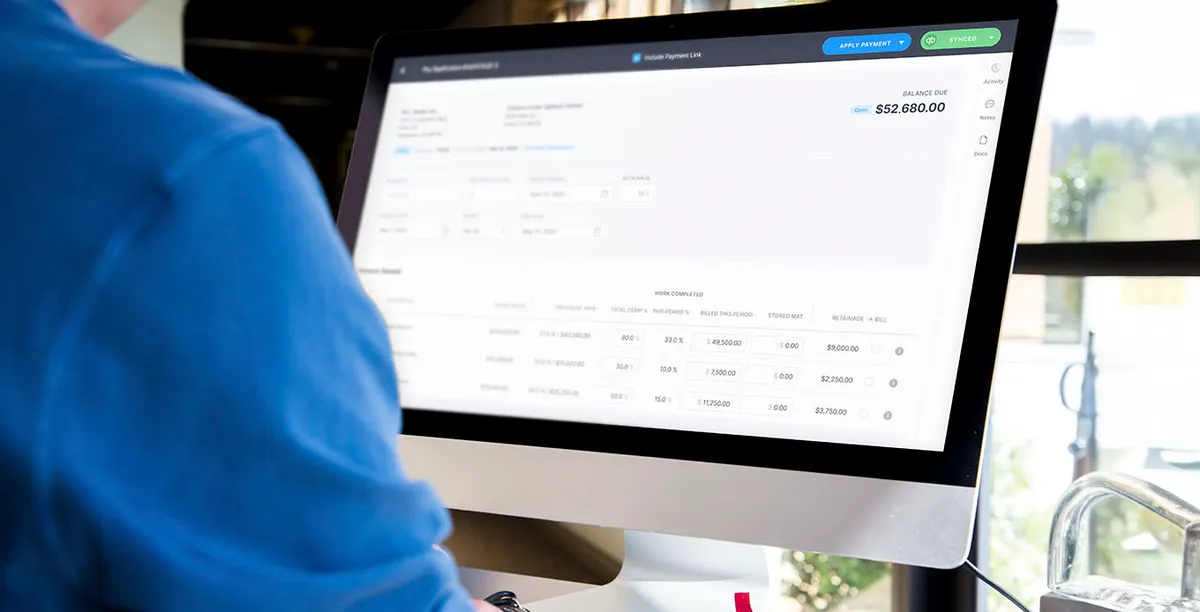
The right financial tools handle billing, cost tracking, and reporting in one place. Here is how they help contractors stay profitable.

Start with your biggest pain point, then check for the features that fix it. Here is how to compare tools and pick the right one.

Extra work moves through three steps: an EWA from the field, a change order request from the office, then a signed change order on the next bill.

Beyond budgets, a purchase order is a legal record, an inventory tool, and an audit trail. Here is what each one does for your jobs.

A construction management app puts scheduling, costs, documents, and billing in one place, so a small crew can run jobs without drowning in paperwork.
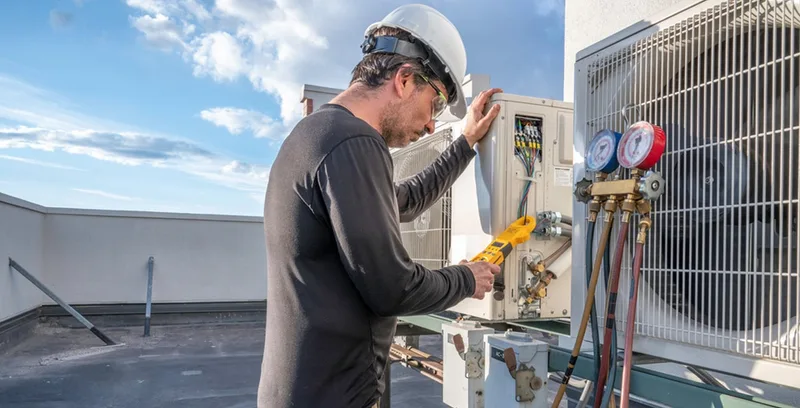
Know the must-have features, integration needs, and the mobile and support questions to ask before you buy HVAC software.

An accurate estimate covers scope, itemized costs, a contingency buffer, and a timeline. Get those right and you win jobs without losing money.

Online payments clear card and bank transfers in minutes. That faster cash keeps payroll and materials covered.

Progress billing pays you as the work gets done. Retainage holds back a small slice until the end. Here is how both work and how to keep cash moving.
Tracking change orders protects your budget, schedule, and client trust. Here are the best practices and a simple workflow to keep every change documented.

Construction accounting software tracks job costs, billing, and payroll built around how contractors actually work. Here is what to look for and who it fits.

Accurate timekeeping protects your margins. It ties every labor hour to the right job, so payroll and billing stay correct.

On a construction job, time is money. Accurate tracking keeps budgets in control and projects on schedule.
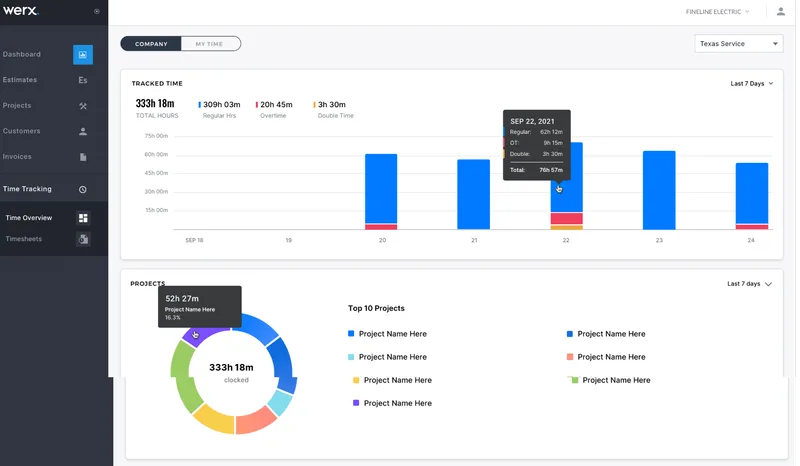
Werx tracks hours from any job site, monitors crews in real time, and ties labor costs to your budget.

Werx handles time keeping in one place. Add crews, track hours, approve timesheets, and run payroll reports in a few clicks.

Set up a project in Werx in a few clear steps. Add details, contract terms, roles, tax rates, and billing.

A mobile timekeeping system tracks crew hours from the job site. You get live labor costs, fewer errors, and faster payroll.

QuickBooks is built for general bookkeeping, not construction. Setup, change orders, and job costing are where it falls short.

You may not need to replace QuickBooks at all. The right tool depends on your size and how your crew works.

Track job costs as work happens, not after. Know where every dollar goes so you bid and bill with confidence.

QuickBooks tracks your books. Pair it with contractor software like Werx to sync estimates, time, and invoices without double entry.

Werx tracks hours by job, builds timesheets and invoices for you, and syncs to QuickBooks. Here is how it works.

Cloud accounting software lets you handle books, invoices, and time from any device. Here are six ways it saves contractors hours every week.

Timekeeping software helps you plan labor, track crews live, and cut costs. Here are six ways it pays off.
Start your 30-day free trial today. No credit card required.
No credit card required · Free migration assistance · Cancel anytime